120
CONNECT NAV+
– Select one of the three multifunc-
tion keys 16-fig. 1 corresponding to
the SYSTEM string to display the
screen for changing certain settings.
– Select “Units” icon key with the
knob 15 fig. 1 and then press it to
confirm.
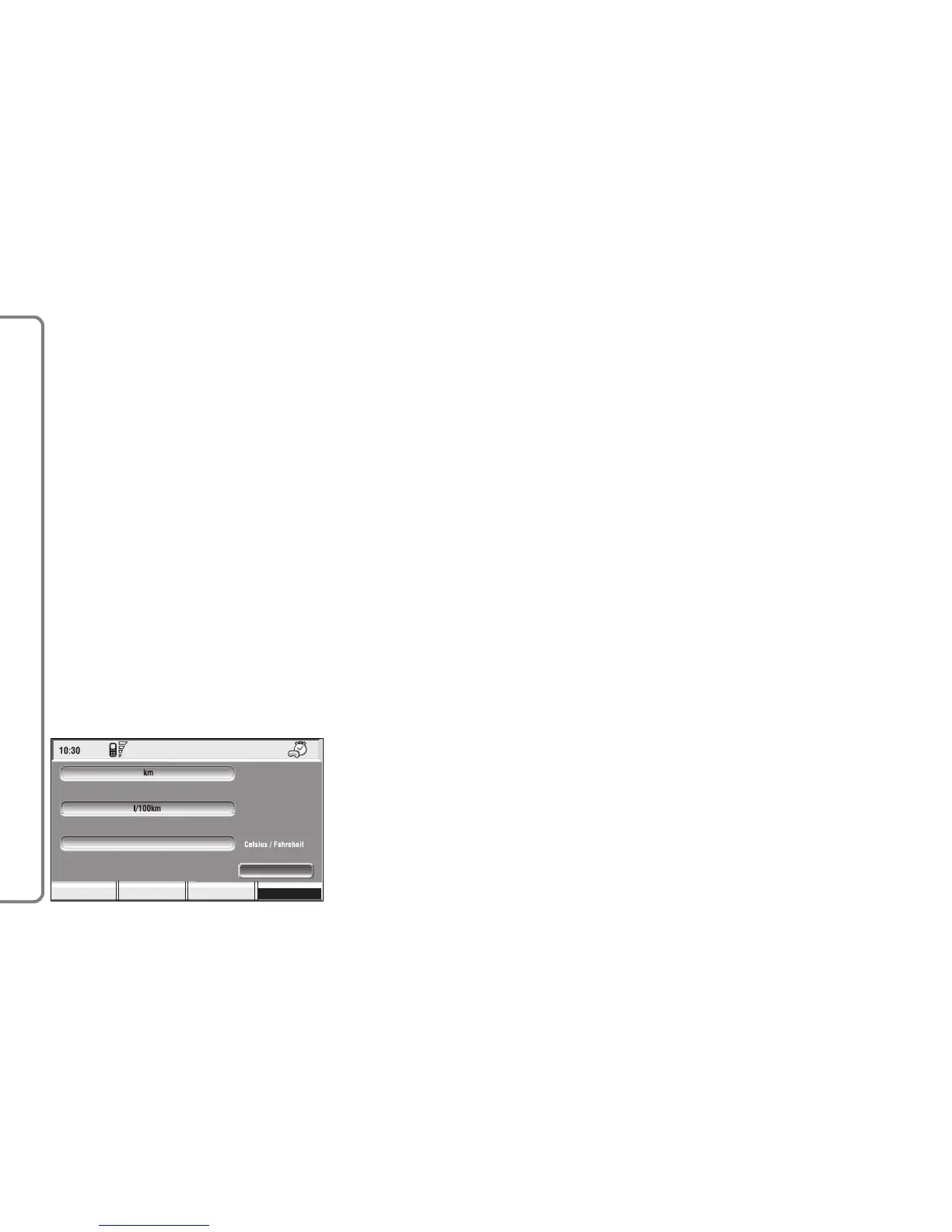
To change any set data, select
“Change” icon; a screen with the fol-
lowing functions is displayed fig. 143:
“Distance units”;
“Consum. units”;
“Celsius/Farhenheit”
“OK”.
IMPORTANT Changes can only be
performed with ignition key to ON
and car stopped. With ignition key at
OFF any attempt to enter changes is
rejected and the display will show
“Setup change failed”.
IMPORTANT It will not be possi-
ble to set measures both in metric sys-
tem and in British system.
If the “Distance units” set is ex-
pressed in km (kilometres), “Consum.
units” (consumption units) shall be ex-
pressed in l/100 km or km/l.
If the “Distance units” set is ex-
pressed in mi (miles), “Consum. units”
shall be compulsorily expressed in mpg
(miles per gallon).
“Distance units”
Select “Distance units” icon with
the knob 15-fig. 1. Press the knob
15-fig. 1 to change unit between km
(kilometres) and mi (miles).
“Consum. units”
Select “Consum. units” icon with
the knob 15-fig. 1 and press it to
confirm. Rotate the knob 15-fig. 1
to change unit between l/100 km,
km/l and mpg (see previous specifi-
cations). Press the knob 15-fig. 1 to
confirm.
“Celsius/Farhenheit”
The Celsius/Farhenheit function
enables to choose the required tem-
perature unit: °C (Celsius) or °F
(Farhenheit). To change setting, se-
lect and confirm “Celsius/ Farhen-
heit” by turning and pressing the
knob 16-fig. 1.
The two units are displayed alter-
nately each time the knob 16-fig. 1 is
pressed.



 To Next Page