113
CONNECT NAV+
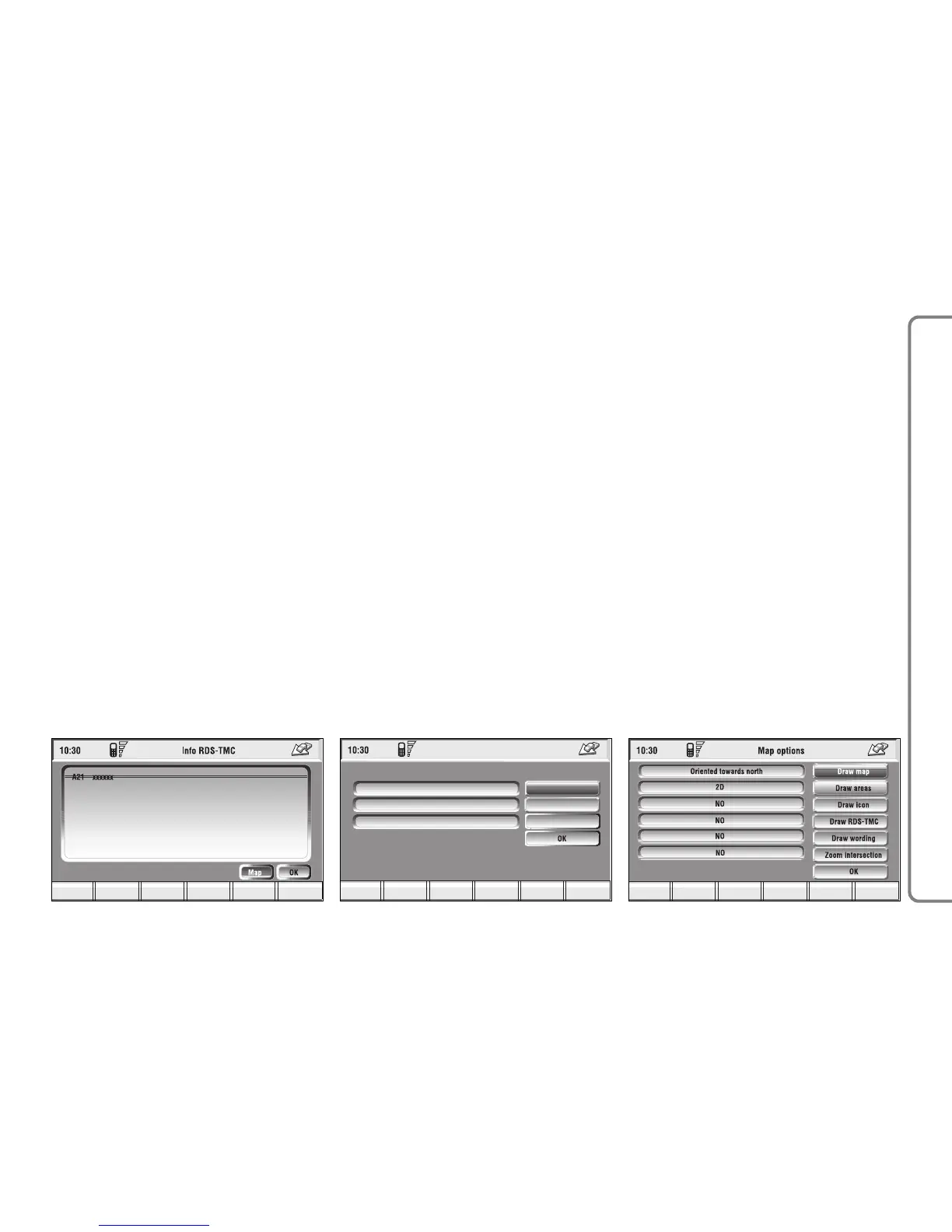
RDS-TMC (available only by selec-
tion from “Atlas”): shows information
about the “RDS-TMC” icon selected
on the map fig. 132.
– Dest 1 and Dest 2: store the se-
lected point in the relevant memories.
If a point has already been previous-
ly stored as “Dest 1” or “Dest 2 ”, a
warning box asks the user for confir-
mation about substitution.
Pressing Dest 1 or Dest 2 16-fig.
1 and then the knob 15-fig. 1 to con-
firm, will start route calculation to the
destination stored in Dest 1 or Dest
2.
SETTINGS
When in the main navigation screen,
select the Settings option by turning
knob 15-fig. 1 and confirm by press-
ing the knob.
The following keys are available:
– Volume
– Map preferences
– Route options
Volume
Used to adjust the volume of voice
information supplied by the system.
To increase/decrease the volume,
turn knob 15-fig. 1 and confirm by
pressing.
Map options
To select “Map options”, rotate the
knob 15-fig. 1 and then press it to
confirm.
This function allows set up of map
displaying with the following options
fig. 134:



 To Next Page