34
CONNECT NAV+
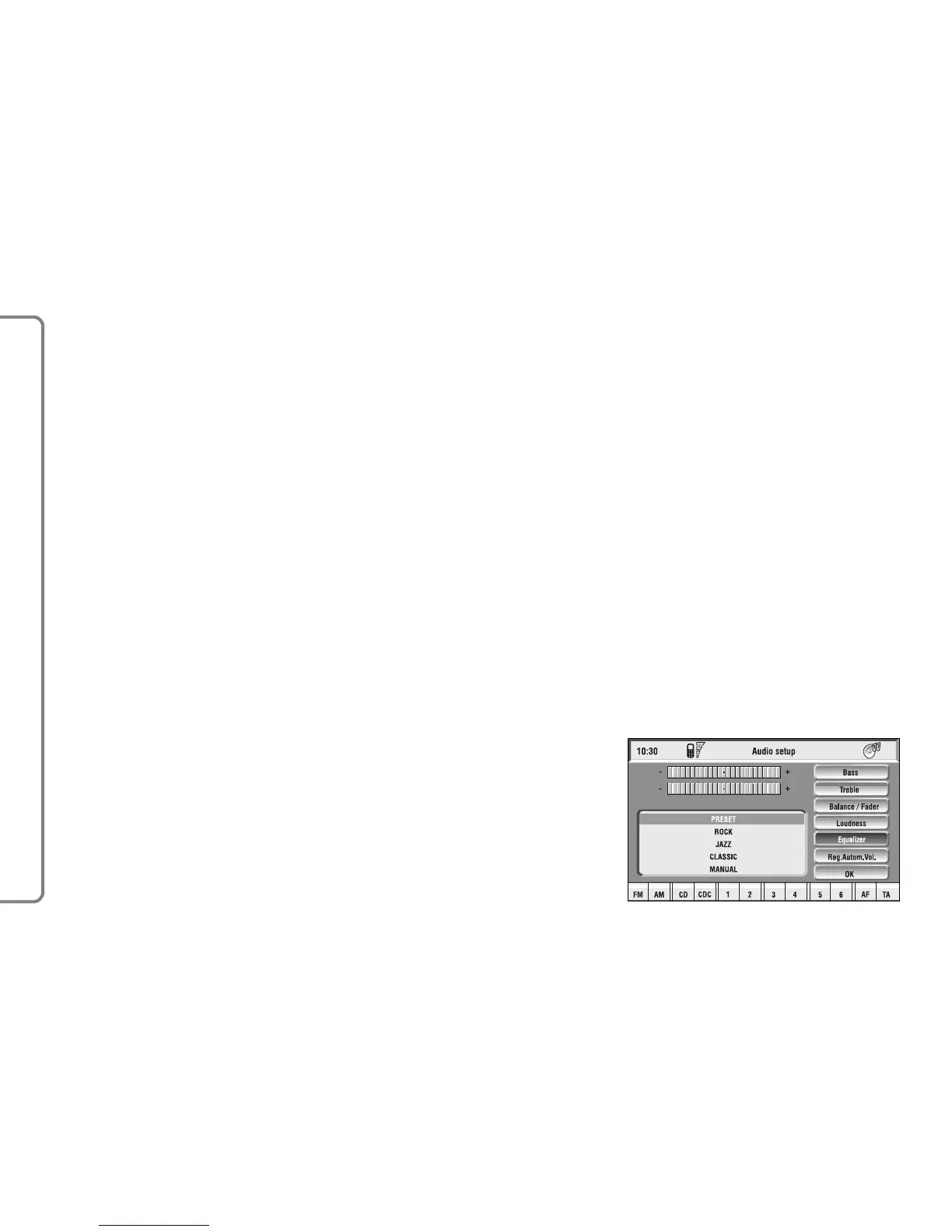
Equalizer function
With this function it is possible to
choose, among the predefined equal-
izer settings, the most appropriate one
for the music being listened to.
The predefined settings are fig. 12:
– PRESET = standard setting
– ROCK = setting for Rock music
– JAZZ = setting for Jazz music
– CLASSIC = setting for classical mu-
sic
– MANUAL = personalised settings.
Loudness function
The “Loudness” function improves
the level of the sound when listening
at low volume, increasing the bass and
treble tones.
To turn the function on and off, se-
lect it with the knob 15-fig. 1 and then
press to confirm. The function status
(on or off) is shown on the display by
wording “YES” or “NO”.
– select the “Balance” function by
turning the knob 15-fig. 1 and press
it to confirm;
– turn the knob 15-fig. 1 to change
the sound distribution in the passen-
ger compartment between the right
and left speakers (cursor moving along
the horizontal axis), then press the
knob 15-fig. 1 to confirm.
In the same way, choose and confirm
the “Fader” function to change the
sound distribution between the front
and rear speakers (cursor moving
along the vertical axis).
After adjustment, select “OK” with
the knob 15-fig. 1 and press it to con-
firm the setting and to go back to the
previous screen. If “ESC” 14-fig. 1 is
pressed, you go back to the previous
screen with the settings stored previ-
ously.
fig. 12
F0Q3009g



 To Next Page