35
CONNECT NAV+
– turn the knob 15-fig. 1 again to se-
lect the frequency band to be adjust-
ed, then confirm by pressing it;
– adjust the band selected turning the
knob 15-fig. 1, the press it to confirm;
– after adjusting all the bands, choose
and confirm “OK” by pressing the
knob 15-fig. 1 to go back to the pre-
vious screen. If “ESC” 14-fig. 1 is
pressed, you go back to the previous
screen with the settings stored previ-
ously.
When any tailored equalizer setting
has been set, the “MANUAL” writing
will appear on the display, and both
treble and bass cannot be set.
To activate the chosen setting, pro-
ceed as follows:
– choose and confirm the “Equaliz-
er” function by turning and pressing
the knob 15-fig. 1;
– turn the knob 15-fig. 1 again to se-
lect the setting chosen, then press it
to confirm.
The equalizer setting active is shown
on the display.
Changing the treble and bass settings
will cause the equalizer to be switched
off; the window with the preset equal-
izer curves will disappear, whereas the
“Equalizer” graphic key will remain
ON.
Manual equalizer function
To change the MANUAL setting and
to adjust manually the 5 equalizer fre-
quency bands, proceed as follows:
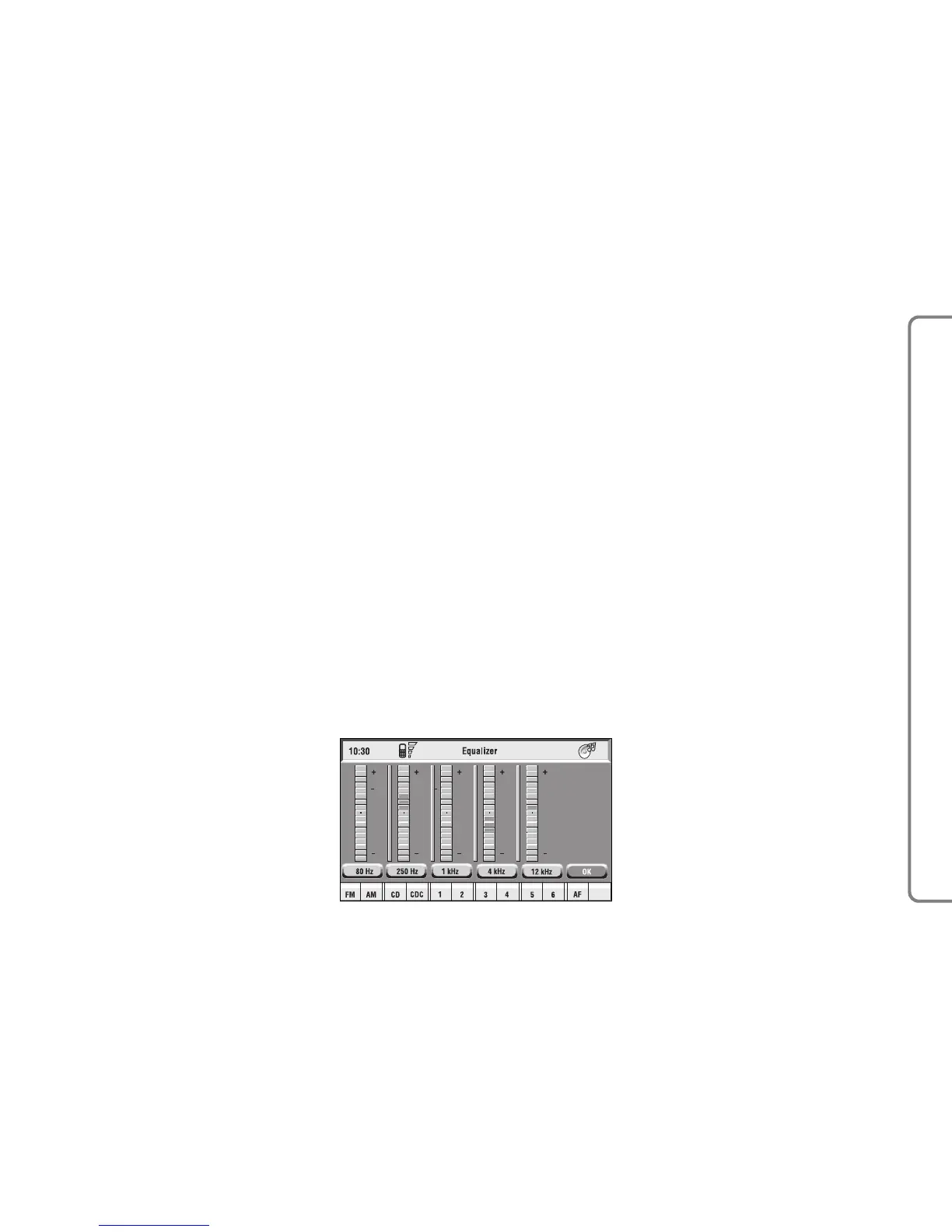
– select “Manual” with the knob 15-
fig. 1 and press it to confirm; the dis-
play will show the screen in fig. 13;
fig. 13
F0Q3010g



 To Next Page