108
CONNECT NAV+
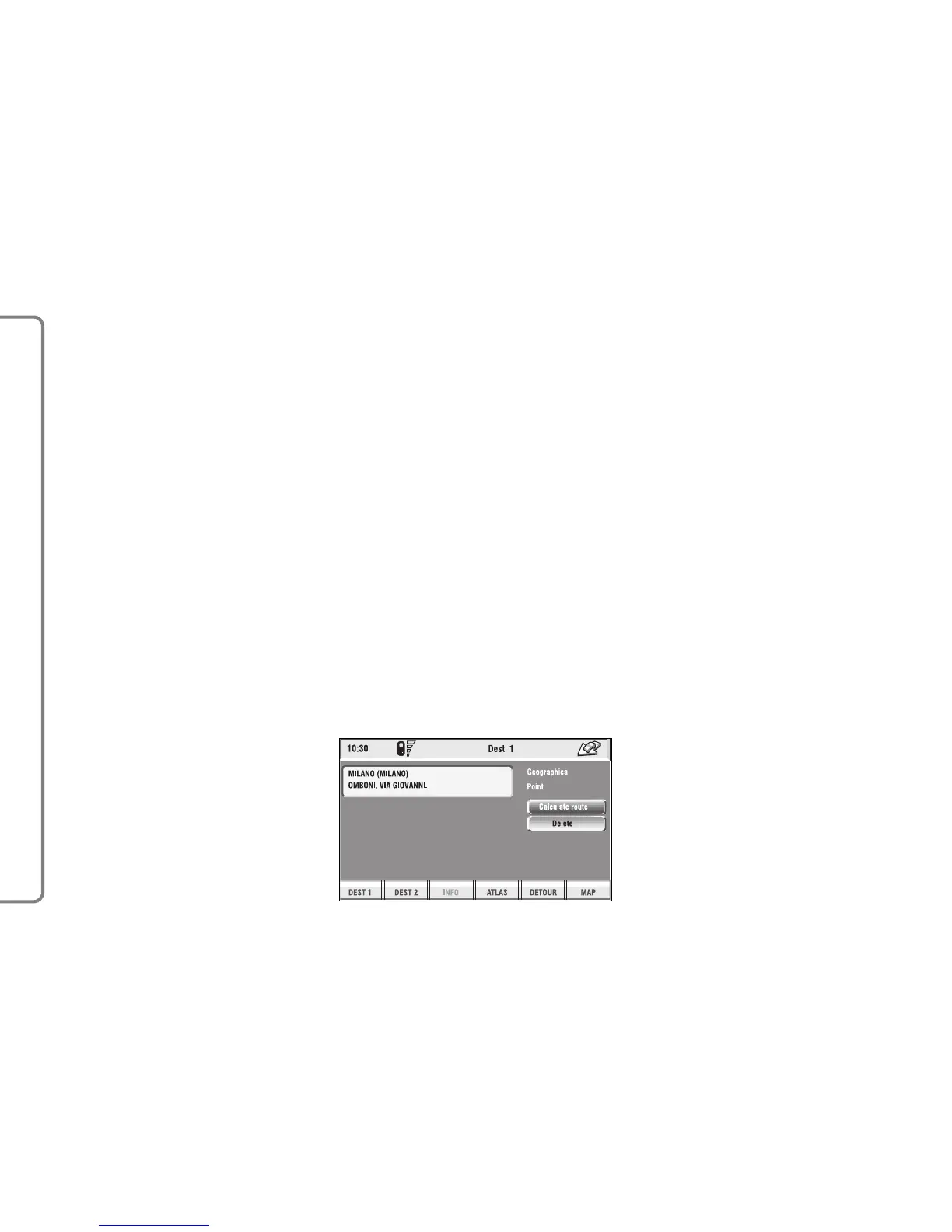
The following options are available
for both functions:
– “Calculate route”: to start route
calculation to the point in Dest 1
(Dest 2);
– “Delete”: to delete from Dest 1
(Dest 2) the selected point.
To select the required function, ro-
tate the knob 15-fig. 1 and then press
it to confirm.
“Info”: press 16-fig. 1 to get info
about the selected event.
To select the required function, ro-
tate the knob 15-fig. 1 and then press
it to confirm.
Dest 1 - Dest 2
Selecting and confirming “Dest 1” or
“Dest 2” by rotating and pressing the
knob 15-fig. 1, will display information
about the points stored as “Dest 1” or
“Dest 2” fig. 122.
fig. 122
F0Q3158g



 To Next Page