107
CONNECT NAV+
“Near car”
“Near car” option enables to get in-
formation on events near the current
car position.
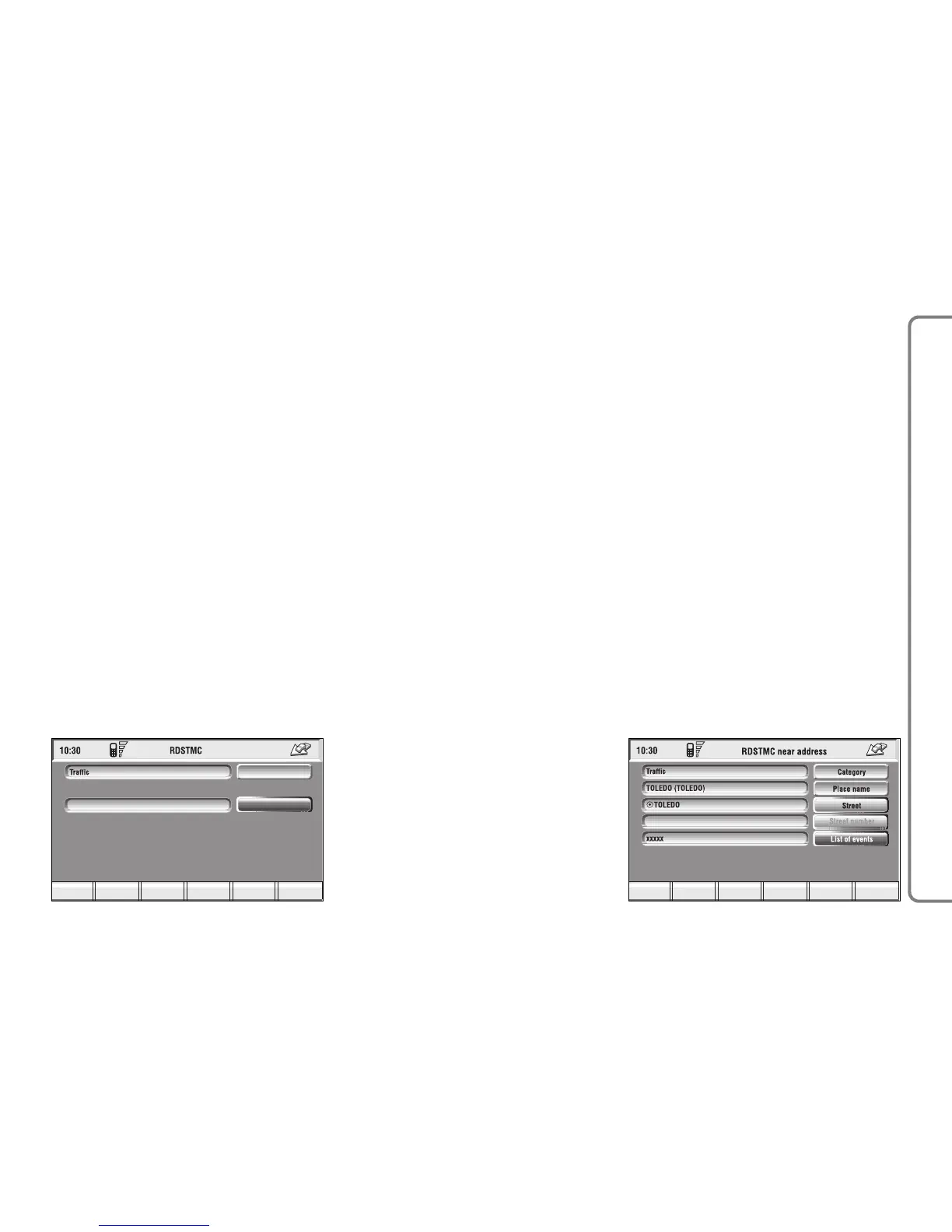
The menu fig. 120 includes the fol-
lowing keys:
“Category”: specifies the event cat-
egory: “Traffic”, “Weather”, “Info”,
“All”.
“List of events”: to open the event
list and to choose the event of inter-
est.
“Info”: press 16-fig. 1 to get info
about the selected event.
To select the required function, ro-
tate the knob 15-fig. 1 and then press
it to confirm.
“Near address”
“Near address” enables to get infor-
mation on events near a specific ad-
dress. The following functions are
available fig. 121:
“Category”: specifies the event cat-
egory: “Traffic”, “Weather”, “Info”,
“All”.
“Place name”, “Street”, “Street num-
ber”: inputs resort address.
“List of events”: opens the event list
and choose the event of interest.



 To Next Page