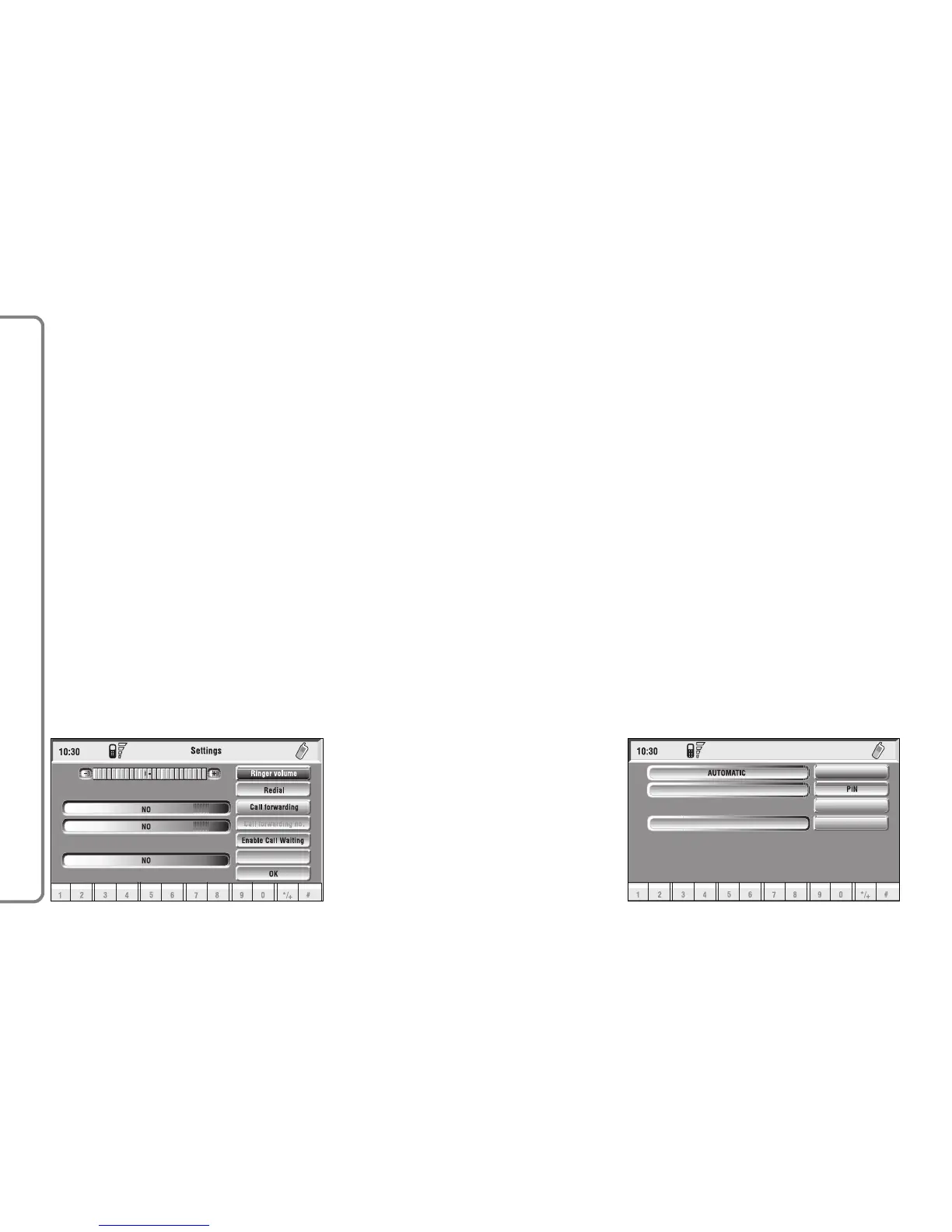
“OK”: to accept and store settings.
When the user modifies the call di-
vert settings, the display shows the di-
alog box “User information” – “Please
wait …”. A dedicated message will
warn the user if settings cannot be
changed.
“Other Options” function
Selecting “Other Options” by rotat-
ing and pressing the knob 15-fig. 1,
the display shows fig. 85 screen with
the following icon keys:
“Network operator”: to select
provider;
“PIN”: for PIN code request at pow-
er on;
– if current setting of “Enable PIN re-
quest” is “NO”, the display shows
“PIN NOT REQUESTED”;
– if current setting of “Enable PIN re-
quest” is “YES”, and the current set-
ting of “Recall last PIN” is “YES”, the
display shows “Recall PIN – Request
PIN”;
– if current setting of “Enable PIN re-
quest” is “YES”, and the current set-
ting of “Recall last PIN” is “NO”, the
display shows “PIN request”.
“Information”: shows information re-
lated to the GSM module (Provider
name, IMEI code, etc…).
“Unknown”: enables or disables for-
warding of caller telephone number to
the called party.
88
CONNECT NAV+



 To Next Page