99
CONNECT NAV+
Voice bookmarks: controls navi-
gator voice directory:
– Hear voice phonebook
– Delete voice phonebook
Settings: used to set map visual pa-
rameters, route type and sound set-
ting
SELECT ADDRESS
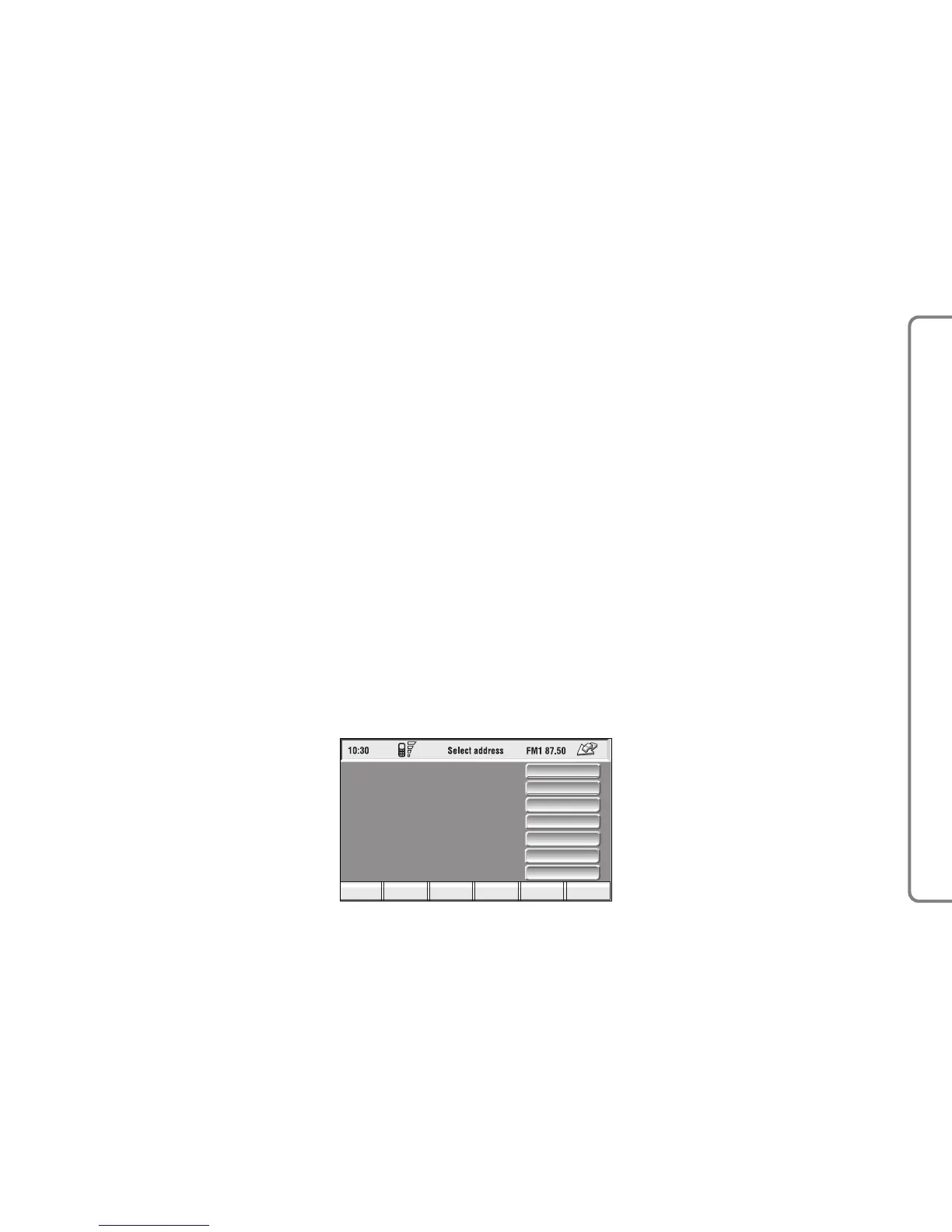
Selecting and confirming “Select ad-
dress” in the main menu by rotating
and pressing the knob 15-fig. 1 will
display the screen in fig. 106.
The available icons are:
Address: to select a point through
an address.
Points of interest: to select a
“point of interest” by the relevant sub-
menu.
Last destinations: to select a point
from the list of previous destinations.
Bookmarks: to select a point from
the navigator directory.
RDS-TMC: to select a point from
the RDS-TMC generated “list of
events”.
Dest 1: to select as destination, to
delete or to display the point stored
as “Home 1”;
Dest 2: to select as destination, to
delete or to display the point stored
as “Home 2”;



 To Next Page