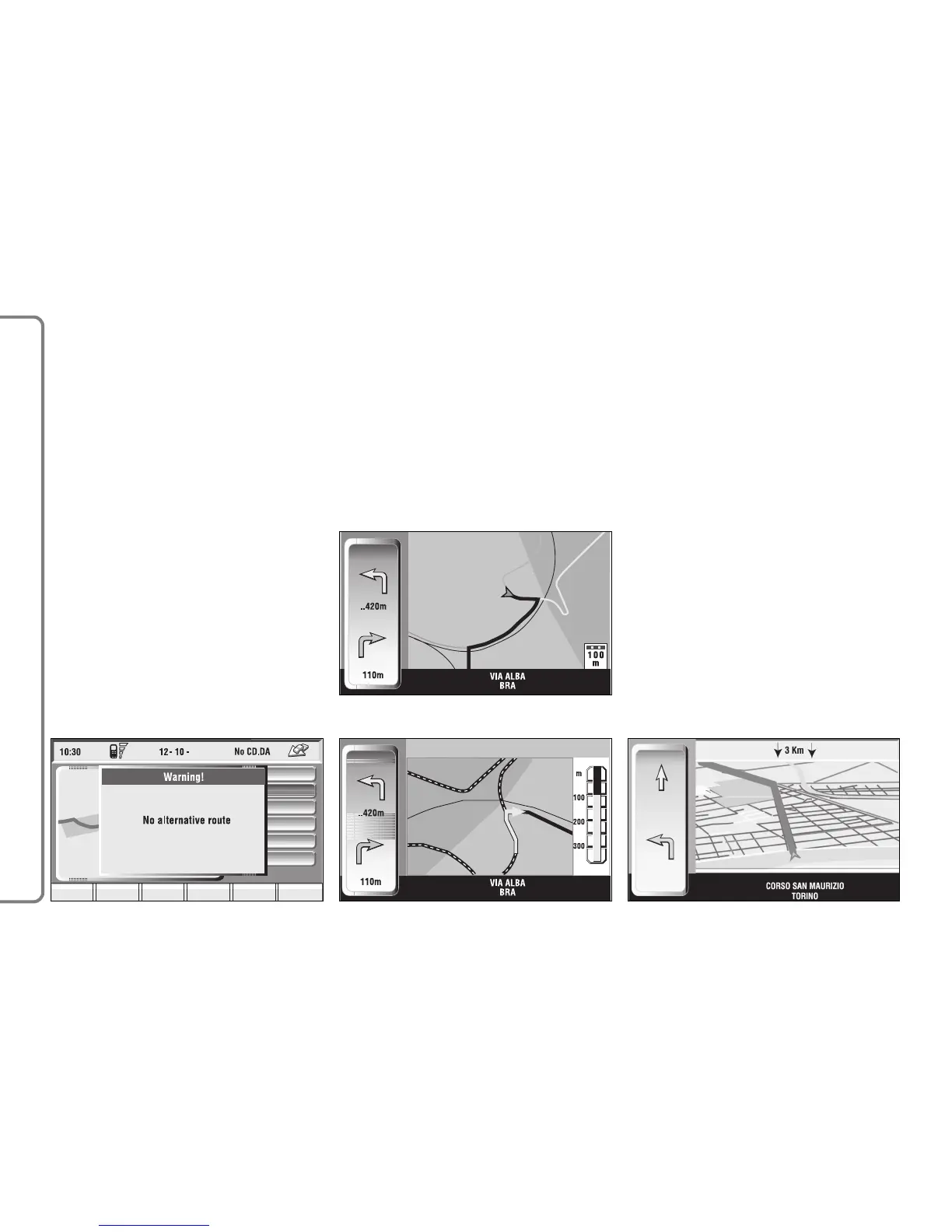
If the user arrives near a cross and
cross zoom function is enabled, the
system provides cross zoom as shown
in (see paragraph “Map options”).
Right vertical bar icons are:
Select address: lets the user select
a geographical point (through address,
directory...).
Delete destination: to delete cur-
rent destination.
Zoom: allows change of map scale.
Push on the icon key shows available
scales (50m ÷ 200km).
If the user has enabled the 50m op-
tion, the system displays the symbols
indicating one way streets.
98
CONNECT NAV+
If the Bird View function is active, the
scale concept is no longer valid since
in this case it is considered the dis-
tance between the car and the dis-
played horizon (see paragraph “ Map
Options”).
The car-horizon distance can have
the following values: 3km, 6km and 15
km fig. 105.
Visualisation: allows map visualisa-
tion to be changed between the fol-
lowing parameters:
– Map;
– Whole route;
– Highway info;
– Graphic symbols.



 To Next Page