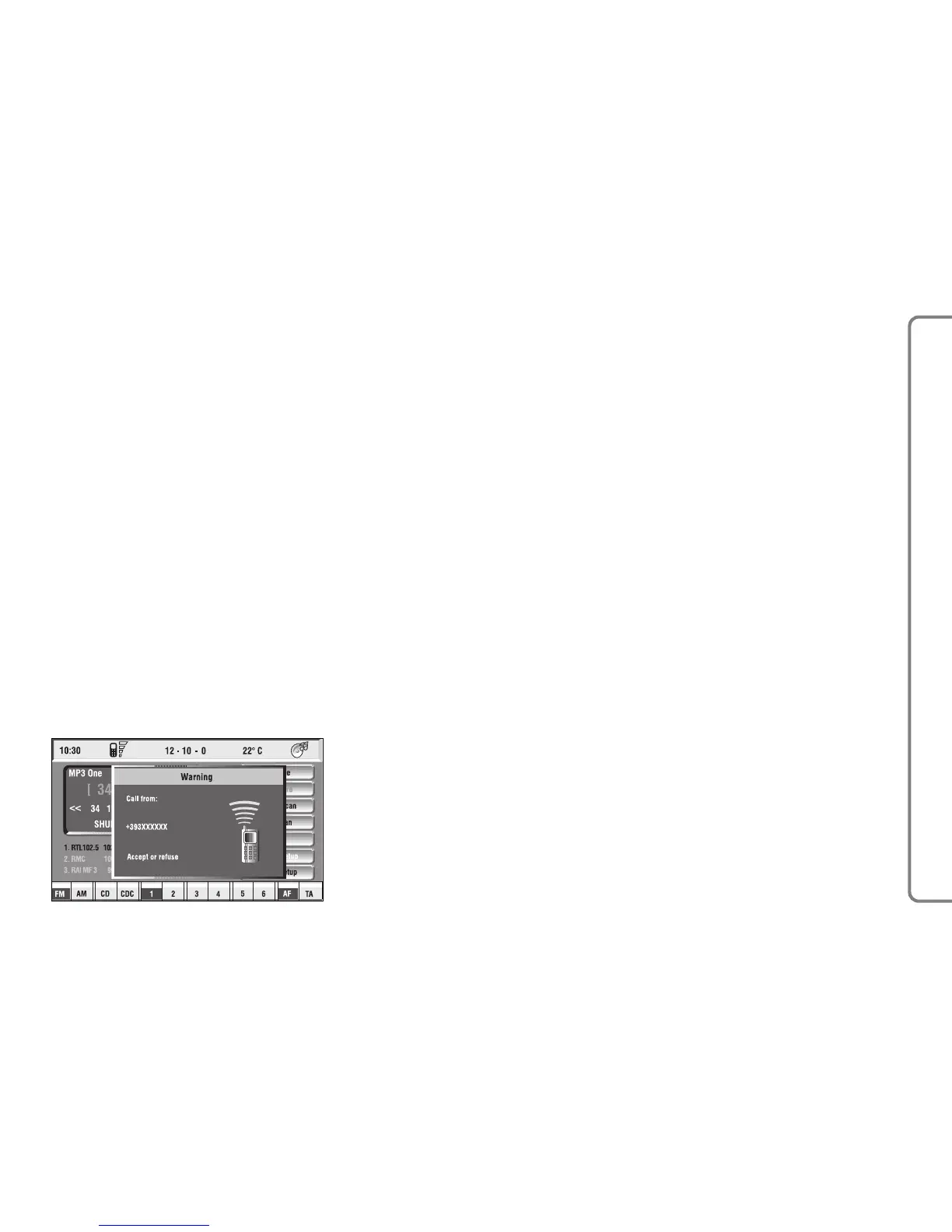
INCOMING CALLS
Whichever is the CONNECT Nav+
system active mode, when an external
telephone call comes in, a dialog box
will be overlapped fig. 42 on the cur-
rent window that shows the following
information:
– call from:
– name of the calling party (if avail-
able in the directory);
– caller phone number, if this service
is available from the network provider;
– animated icon which is associated
to the ringer sound;
– accept or refuse.
To accept the call, proceed as fol-
lows:
– short push on button
ß
3-fig. 1;
dialog box disappears and ring stops,
the display shows the string “call in
progress”.
To close the conversation, pro-
ceed as follows:
– press button
ß
3-fig. 1; the sys-
tem returns automatically to the pre-
vious mode and the display shows the
relevant status.
To refuse the call, proceed as fol-
lows:
– long push on button
ß
3-fig. 1; di-
alog box disappears and ring stops. In
this case the screen will remain the
one shown before the incoming call.
IMPORTANT Dialog box disap-
pears and ring stops also if the line is
unwillingly lost.
OUTGOING CALLS
To start a call, proceed as follows:
– enter the telephone mode as pre-
viously described;
– dial the required number using the
12 bottom key corresponding to dig-
it/characters;
– in the event that an international
code number is to be used (“+”),
press key “*/+”, or key “0” (over a
prolonged time).
– dialled number is shown in the in-
put box on the display; max. 20 digits
can be input;
– push button
ß
3-fig. 1.
IMPORTANT When entering the
first digit, focus moves automatically
to “Delete” thus enabling to clear off
the inserted phone number.
65
CONNECT NAV+



 To Next Page