45
CONNECT NAV+
“Prog” FUNCTION
To turn the “Prog” function on/off, ro-
tate the knob 15-fig. 1 and then press
it after selecting the function.
This function enables or disables
playback of user’s previously pro-
grammed track list (see “CDC setup”
functions).
“Prog” icon key is disabled if no pro-
grammed list has been entered (see
“CDC SETUP" functions).
When list has been programmed and
programmed list playing has been cho-
sen, symbol “✓” is shown near the
corresponding icon.
“Scan” FUNCTION
(BRIEF PLAYBACK)
The “Scan” function is turned on/off
selecting the relevant icon key with
the knob 15-fig. 1 and pressing it.
When this function is on, all the CD
tracks are played for about 10 seconds
in the actual sequence on the CD.
To turn the function off, select the
“Scan” icon key and press the knob
15-fig. 1 again
“Compression” FUNCTION
This function activates dynamic
sound compression when playing a
CD in the car.
To turn this function on/off, select
the “Compression” icon key with the
knob 15-fig. 1 and press it.
When the “Compression” function
is on, symbol “✓” is shown near the
corresponding icon.
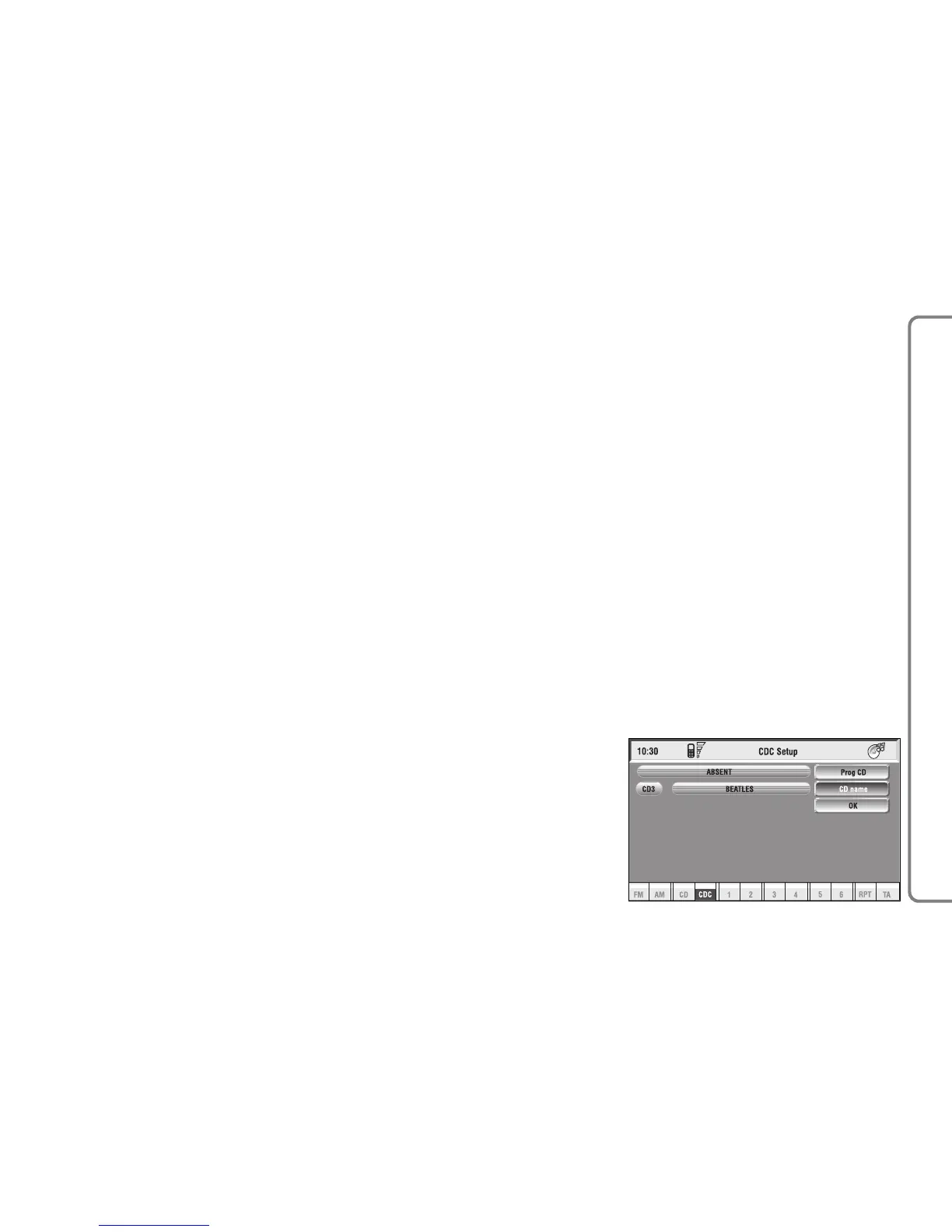
“CDC setup” FUNCTION
Select the “CDC setup” icon with
the knob 15-fig. 1 and press it to to
access the CDC setup menu fig. 23:
– CD Prog
– CD name
– OK.
fig. 23
F0Q3018g



 To Next Page