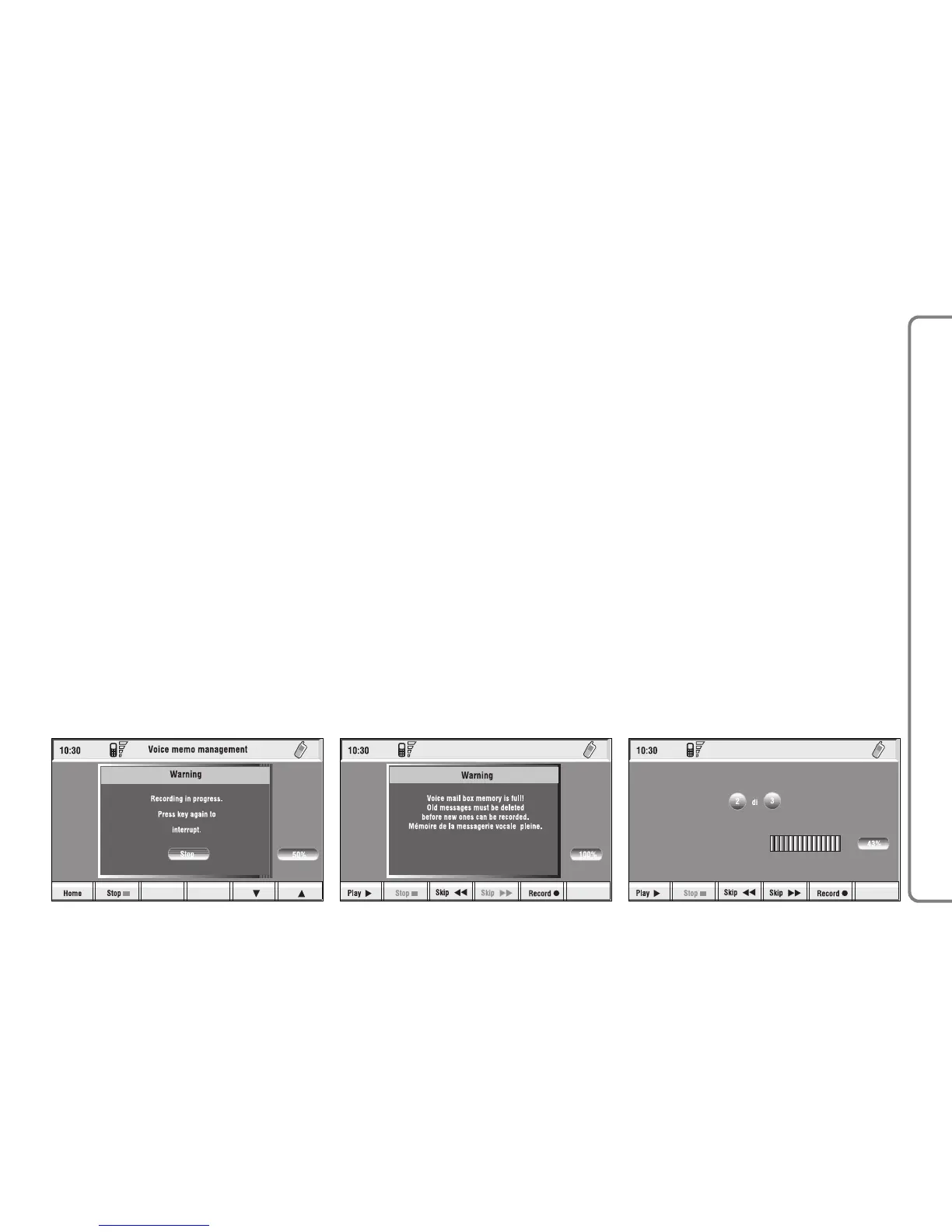
fig. 73
F0Q3070g
“Memo” FUNCTION
“Memo” allows management of the
messages recorded in the voice box.
It is activated by long push on
ô
1-fig. 1 a beep and a display message
fig. 71 mark the start of recording.
A maximum of 1 minute of user’s
voice sampling is available and can be
split in several recording sessions.
A further push of
ô
key 1-fig. 1
stops sampling. Next sampling will be
queued after the previous one.
After 1 minute recording operation
is stopped and the display shows the
screen in fig. 72, the function will be
disabled.
Push on “Voice memo” key in main
telephone screen displays the screen
in fig. 73, where percentage of mem-
ory occupied/available and active mes-
sage number (compared with total
memorized messages number) are
shown.



 To Next Page