IMPORTANT Short push on “ESC”
14-fig. 1 clears the last input digit.
– to start a call, press button
ß
3-
fig. 1; active screen becomes the one
shown in fig. 40.
IMPORTANT Push on bottom
keys (1-9) selects the corresponding
stored phone number (see paragraph
“Frequent Numbers” for details).
Volume is adjusted by knob 17-
fig. 1.
DIALLING A SERVICE
NUMBER
Following the instructions given in the
previous paragraph, the user can dial
service numbers (e.g.: ←# xxxxx←) ac-
cording to ETSI Standard GSM 02.30.
“Frequent Numbers”
FUNCTION
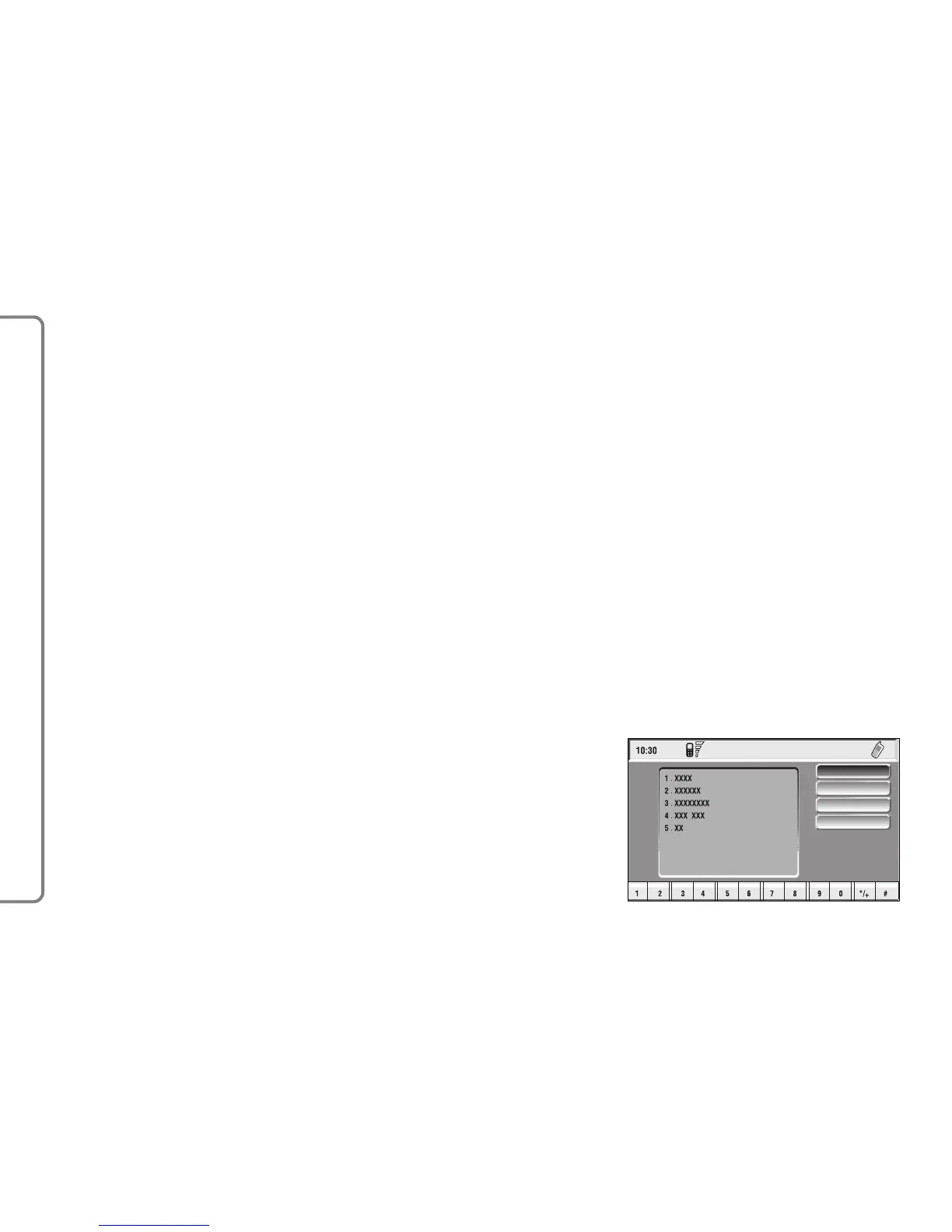
“Frequent numbers” function enables
to create and have quick access to a
list with the 9 most frequently dialled
phone numbers.
Choose a user whose number is
identified as a frequent number by
turning knob 15-fig.1 to the Frequent
Number option on the phone main
menu and confirm by pressing the
knob. This gives access to a submenu
with the options Select, New Item,
Sort and Delete all fig. 43.
66
CONNECT NAV+



 To Next Page