22
CONNECT NAV+
– frequency measure unit (MHz for
FM band and kHz for AM band);
– RDS channel name (if available) or
current station frequency;
– channel information (stereo signal,
TP, EON, etc..).
At the screen bottom is given the list
of stored stations (in the current band)
and the numbers corresponding to
storage keys.
There are 6 available memories for
each band.
RADIO MODE
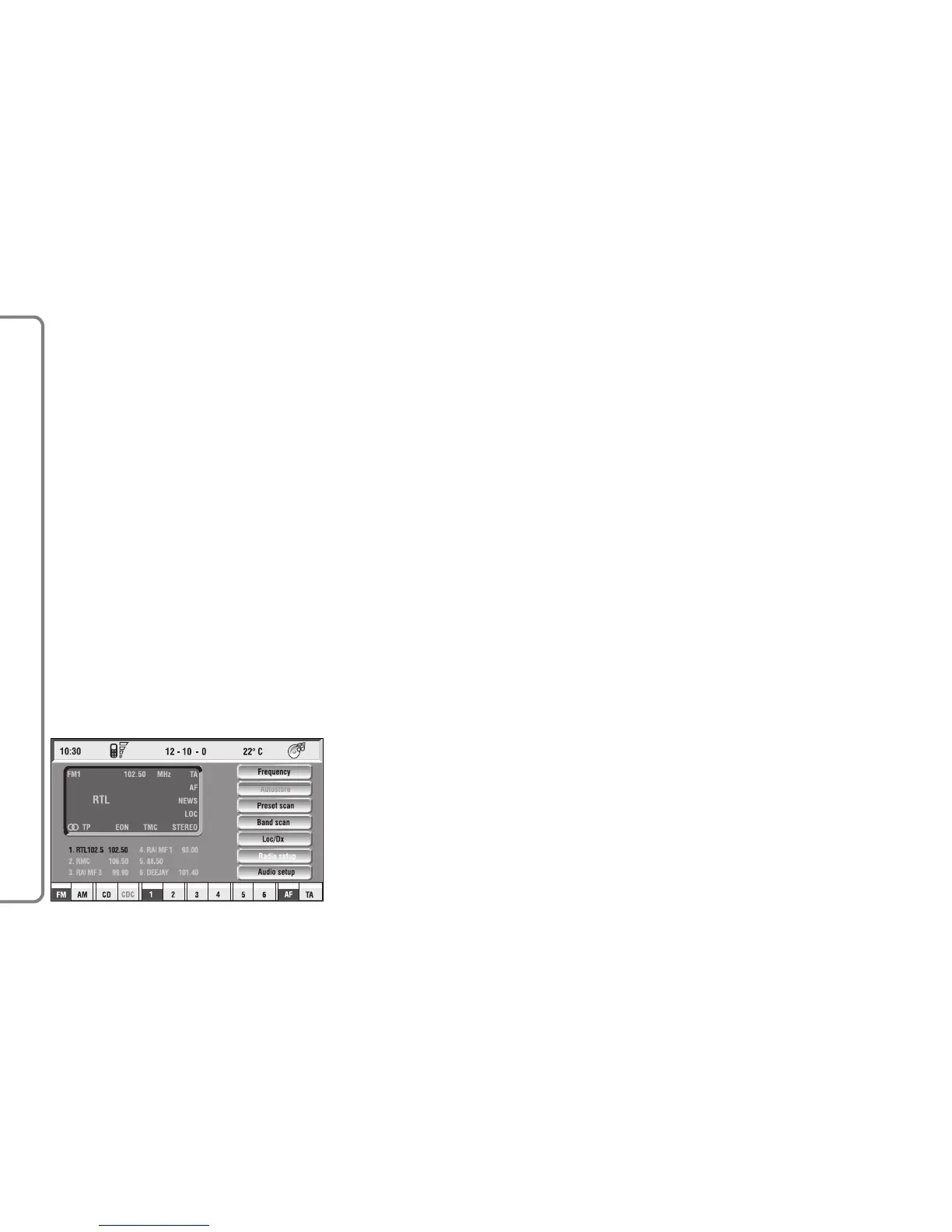
Choosing the radio source will dis-
play the following functions fig. 8:
– Frequency
– Autostore (active only on the
FMAST and AMAST bands)
– Preset scan
– Band scan
– Loc/DX
– Radio setup
– Audio setup.
The radio is always set to receive sta-
tions in the RDS (Radio Data System)
mode.
The main screen is as follows fig. 8:
– the top section on the left of the
screen describes the radio status:
– active frequency band (e.g. FM1);
– tuned station frequency (e.g.
102.50);



 To Next Page