32
CONNECT NAV+
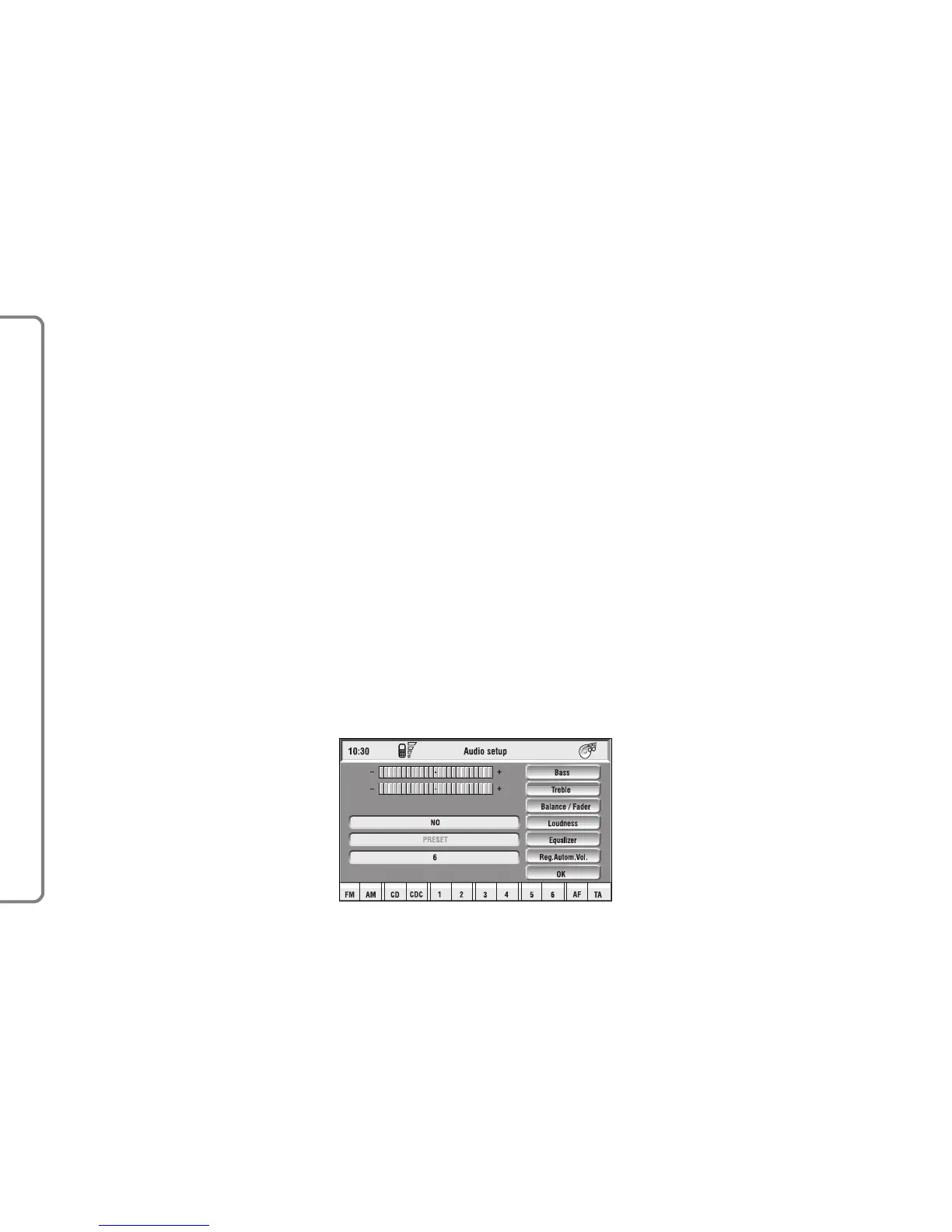
The adjustments available are fig. 10:
– Bass
– Treble
– Balance/Fader
– Loudness
– Equalizer
– Auto Vol. Cont.
Choosing and confirming “OK”, goes
back to the previous screen storing
the adjustments set. Pressing “ESC”
14-fig. 1 goes back to the previous
screen resuming the settings stored
previously.
“AUDIO SETUP” FUNCTION
(AUDIO ADJUSTMENTS)
The audio parameters described in
this paragraph can be activated and ad-
justed with all the audio sources (Ra-
dio, CD, CD-Changer).
Select the “Audio setup” function
from the main menu of one of the au-
dio sources by turning and pressing
the knob 15-fig. 1. In this way access
to first level menu is provided.
fig. 10
F0Q3007g



 To Next Page