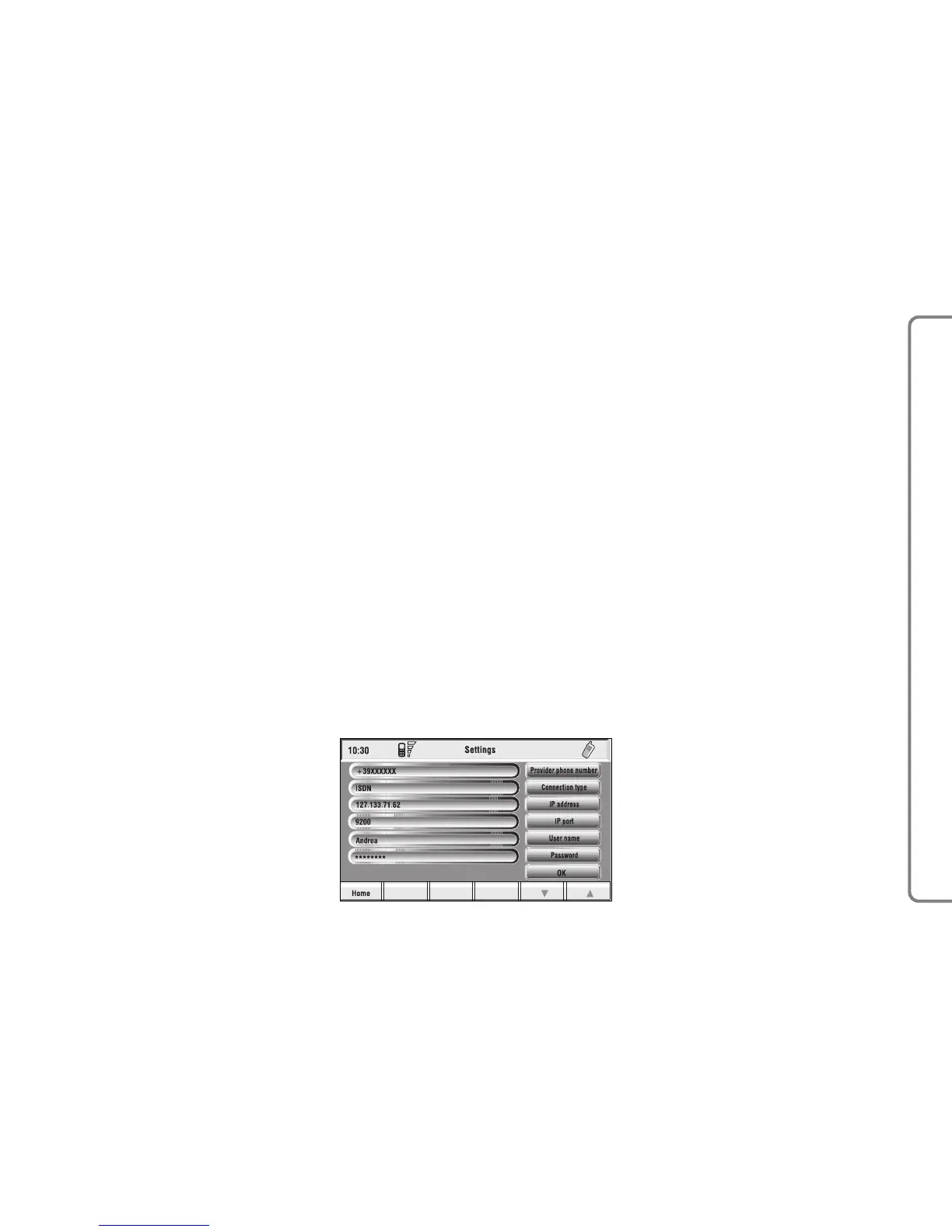
“Settings”
Settings shall be performed with ref-
erence to the information provided by
the WAP service provider.
This key fig. 78 selected and con-
firmed by rotating and pressing the
knob 15-fig. 1, allows the following:
– to enter WAP provider telephone
number, by selecting “Provider phone
number” icon fig. 83;
– to enter connection line type, by
selecting “Connection type”, which
can be ISDN (numeric) or PSTN (ana-
log);
– to enter IP address, by selecting “IP
address” icon;
– to enter IP port, by selecting “IP
port” icon;
– log-in user name, by selecting
“User name” icon;
– enter the password used to access
the WAP service, by selecting “Pass-
word” icon”;
Any of these keys activates the key-
pad to be used for entering the re-
quired data.
“Settings” FUNCTION
Selecting “Settings” by turning and
pressing the knob 15-fig. 1, the dis-
play will show fig. 84 screen and the
following icon keys:
“Ringer volume”: sets the volume
level of the telephone ringer;
“Redial”: in case of busy line, redials
automatically the called number (for a
preset number of times);
“Call forwarding”: enables or disables
call divert;
“Call forwarding no.”: allows input of
the phone number to which call is di-
verted. This key is enabled only if the
“Call forwarding” option is active.
“Enable call waiting”: enables or dis-
ables incoming call announcement dur-
ing a call.
Other Options: can be used to set
the network operator mode, the PIN
code, Information and Incognito.
87
CONNECT NAV+



 To Next Page