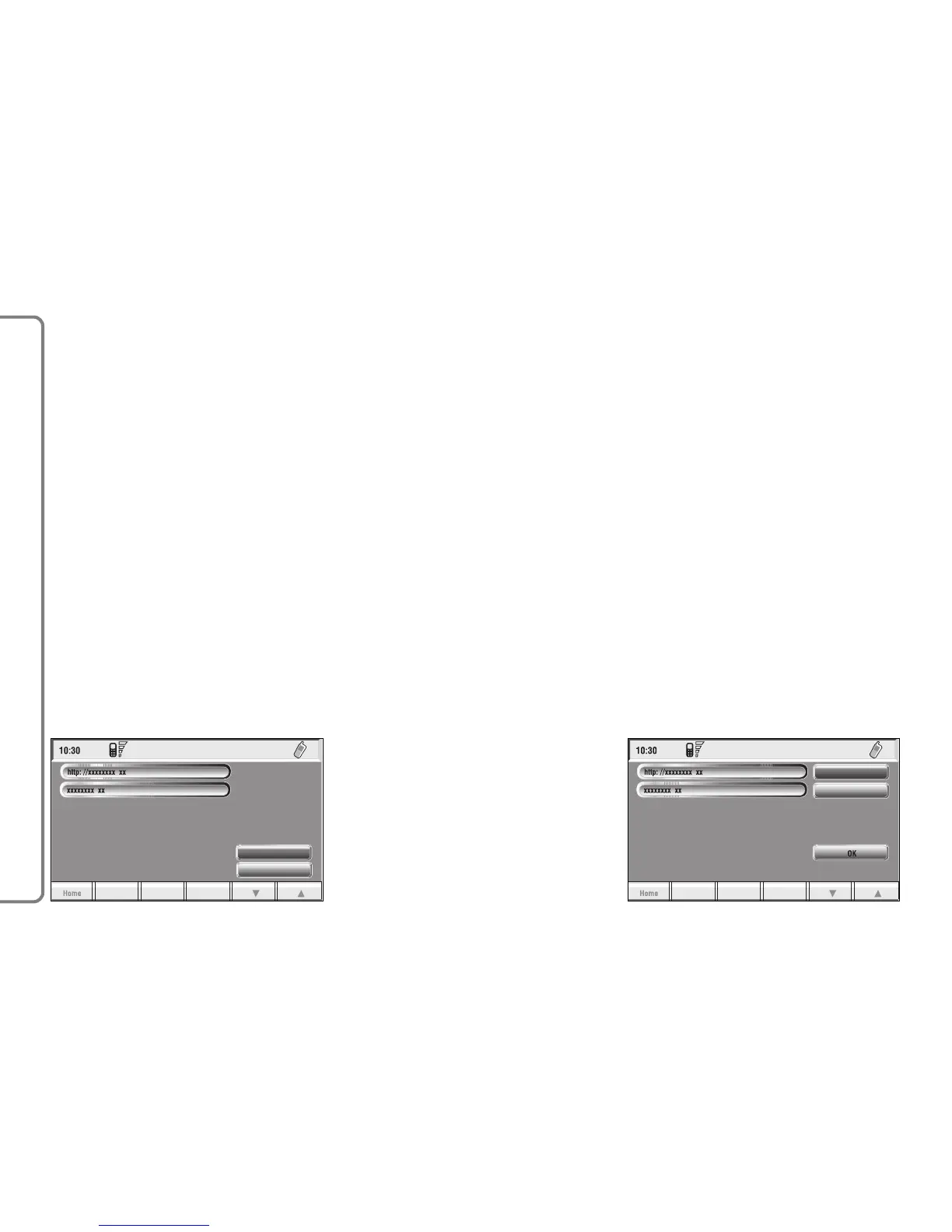
“Delete”: this key fig. 81 selected
and confirmed by rotating and press-
ing the knob 15-fig. 1, deletes the se-
lected address.
“Enter”
This key fig. 80 selected and con-
firmed by rotating and pressing the
knob 15-fig. 1, allows to enter a new
WAP address in the directory; pro-
ceed as follows:
– select “Address” fig. 82 by turning
the knob 15-fig. 1 and then press it to
confirm; the display shows the keypad
and the editing box for typing the re-
quired address;
– select “Name” fig. 82 by turning
the knob 15-fig. 1 and then press it to
confirm; the display shows the keypad
and the editing box for typing the re-
quired name;
– select “OK” by turning the knob
15-fig. 1 and press it to confirm the
entered data, the WAP address will be
stored in the WAP site directory.
86
CONNECT NAV+



 To Next Page