110
CONNECT NAV+
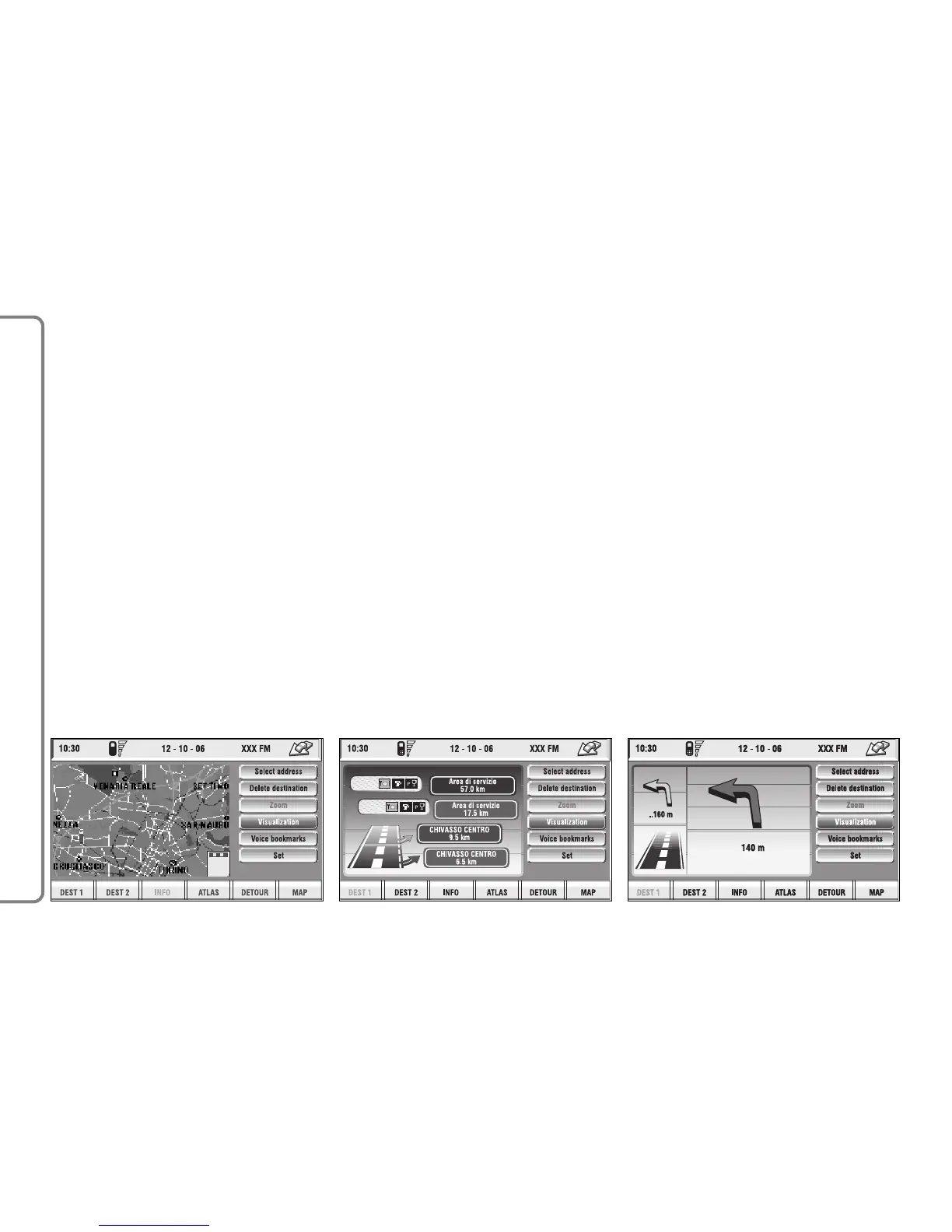
Whole route: displays the entire
calculated route from the present po-
sition to the destination fig. 124. This
option is available only if a route is ac-
tive.
Highway Info: provides information
about next two gas stations and high-
way exits fig. 125. This option is en-
abled only if the car is on a highway
and a route has been previously cal-
culated. If the car gets out from the
highway, the system gets back to
“Map” view.
Graphic symbols: displays naviga-
tion icons only fig. 126 and not the
map. This option is enabled only if a
route has been previously calculated.
To select the required function, ro-
tate the knob 15-fig. 1 and press it to
confirm.



 To Next Page