146
CONNECT NAV+
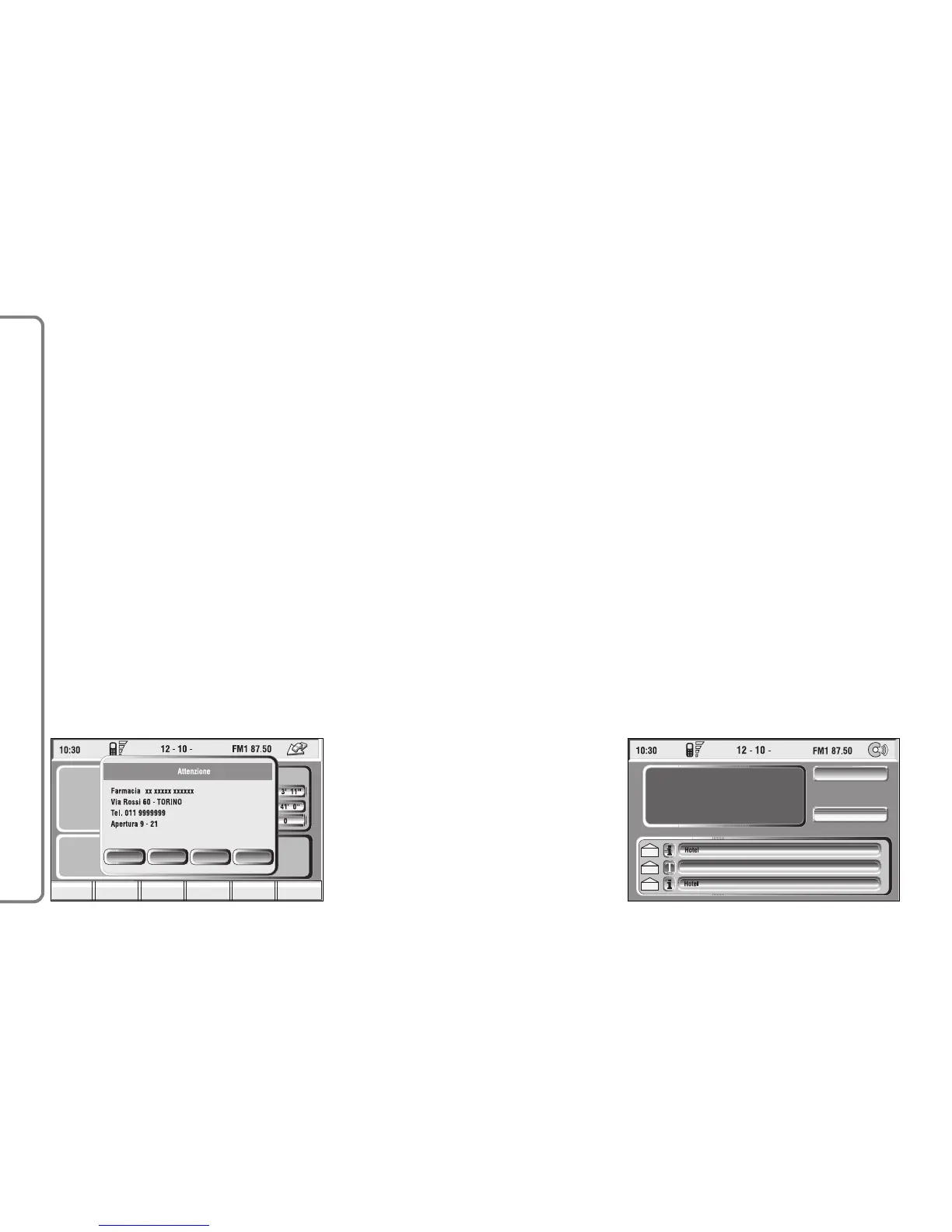
Choosing “Map” will automatically
display the point on the map, with the
possibility to enter it as navigation sys-
tem destination. In this case the mes-
sage will also be stored automatically.
Choosing “Call” the telephone num-
ber contained in the message will be
dialled automatically and the message
will be stored.
Should a sequence of messages be
received, a specific window will be
opened for each of them and for each
of them it will be possible to perform
the storage, deletion, display on the
map or call phone number operations.
“Select” function
If they are not deleted, all the mes-
sages received are stored. The list with
all the messages can be seen in the
bottom of the display, in the screen
with “Infomobility” function fig. 156.
A maximum of ten messages can be
stored: further arrivals overwrite the
oldest one. Every message is identified
by an icon recalling the message type
and an envelope recalling the message
status: read or not (sealed envelope =
unread message, open envelope =
read message).
To access single messages of the list
which may contain information on the
traffic, points of interest or weather
information, activate the “Select” func-
tion with the knob 15-fig. 1 and press
it to confirm, then turn the knob 15-
fig. 1 to scroll the list of messages (al-
so the invisible part).
When the message you want to read
is highlighted, press the knob 15-
fig. 1 to view to on the display.



 To Next Page