The following settings are possible:
– “Deactivation dependent on igni-
tion key”
– “Deactivation independent of igni-
tion key”.
Current activated setting will be high-
lighted.
Select the required setting by rotat-
ing the knob 15-fig. 1 and then press
it to confirm.
Press “ESC” 14-fig. 1 to go back to
previous screen.
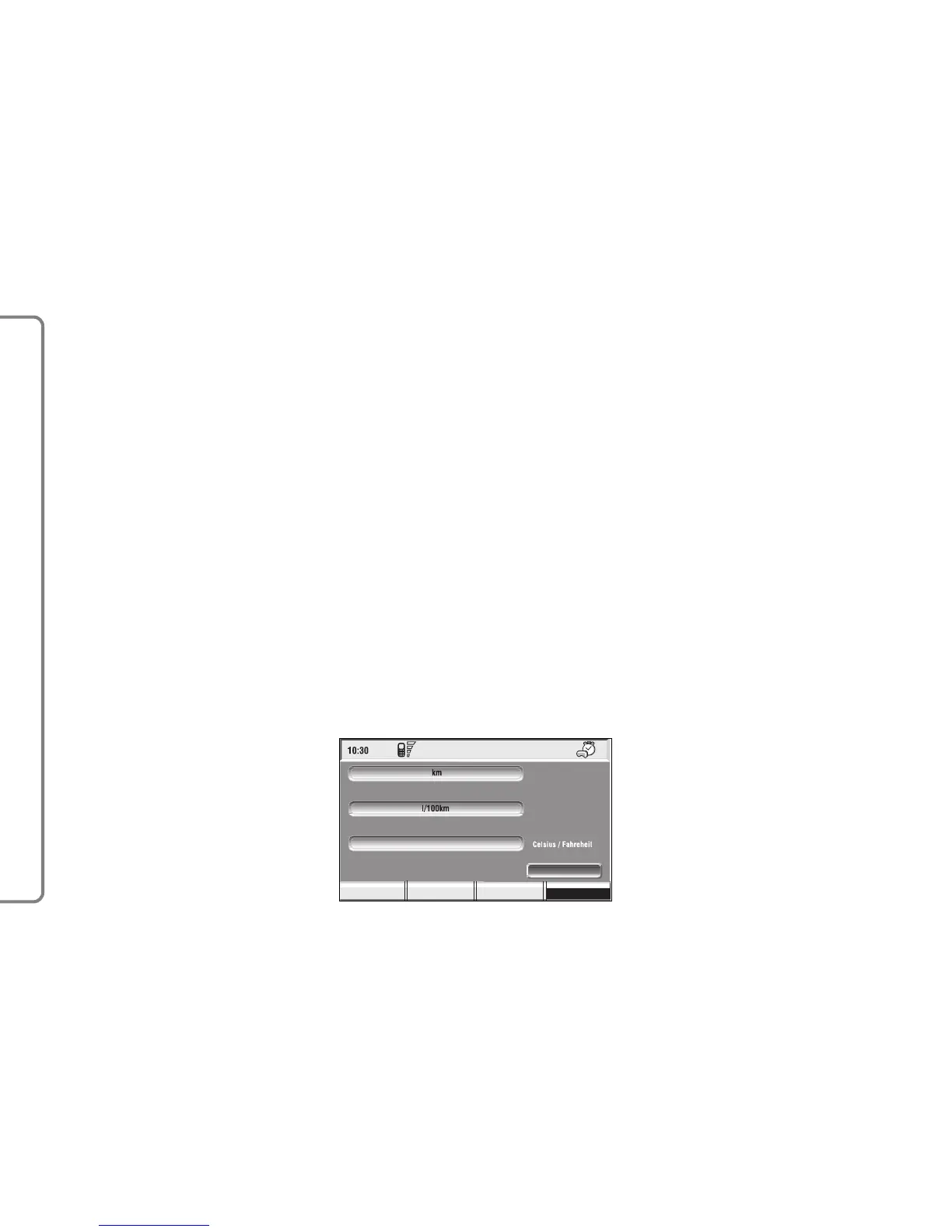
UNITS
Select and confirm “Units” by turn-
ing and pressing the knob 15-fig. 1 to
set the following type of unit fig. 172:
– Distance units
– Consum.units
– Celsius/Farhenheit
To change settings, select and con-
firm “change” by turning and pressing
the knob 15-fig. 1.
Distance units
To choose the required distance unit
(km or miles).
To change setting, select and confirm
“Distance units” by turning and press-
ing the knob 15-fig. 1.
The two units are displayed alter-
nately each time the knob 15-fig. 1 is
pressed.
Consumption units
To choose the required consump-
tion unit (l/100Km or km/l).
To change setting, select and confirm
“Consum. units” by turning and press-
ing the knob 15-fig. 1.
The two units are displayed alter-
nately each time the knob 15-fig. 1 is
pressed.
Celsius/Farhenheit
(Temperature units)
To choose the required temperature
unit: °C (Celsius) or °F (Farhenheit).
To change setting, select and confirm
“Celsius/ Farhenheit” by turning and
pressing the knob 16-fig. 1.
The two units are displayed alter-
nately each time the knob 16-fig. 1 is
pressed.
158
CONNECT NAV+



 To Next Page