20
CONNECT NAV+
With ignition key at ON, if authenti-
cation fails, system starts working as
usual, but the user is asked to enter the
4-digit “Master Code” to allow access
to the standard functions.
Master code is unique for each CON-
NECT Nav+, and is stored in its mem-
ory and can not be reset.
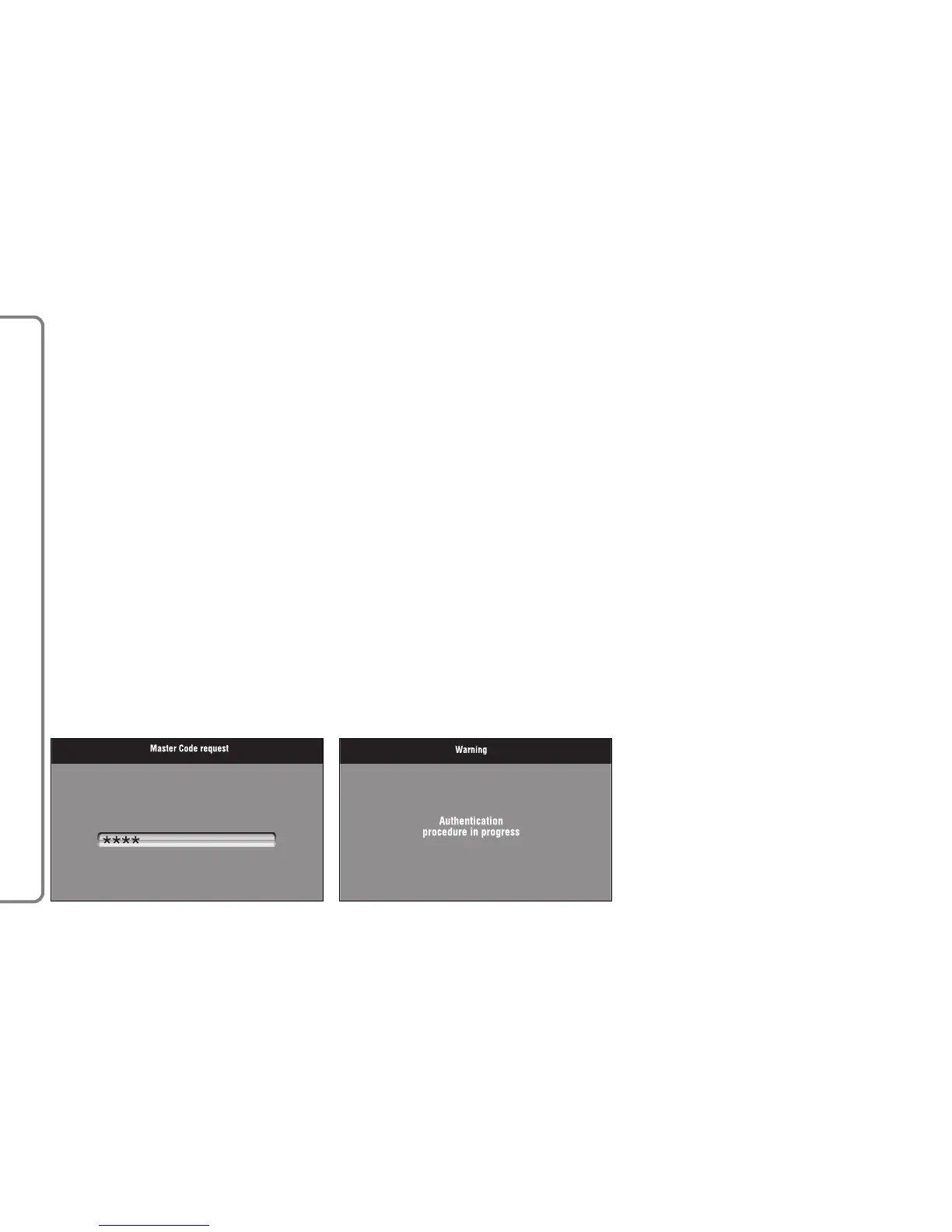
To enter the code, access is made pos-
sible to a screen fig. 5 which acts in the
same way as the screen for the tele-
phone PIN entry request.
Only the code entry numeric keys, key
17-fig. 1 and a few audio control keys
will be active.
After the code is entered, a second
panel notices the user that the authen-
tication procedure is in progress, fig. 6.
In case the correct code is provided,
the system is fully enabled. On the con-
trary, if a wrong code is entered, screen
is cleared and previous box is shown
again with the following string:
“Incorrect code entered. Enter mas-
ter code or turn off system with push-
button 17-fig. 1.
There is no upper limit to the num-
ber of wrong codes that can be en-
tered.
fig. 5
F0Q3002g
fig. 6
F0Q3003g



 To Next Page