55
CONNECT NAV+
– allows to skip to previous fold-
ers (greyed when positioned on the
first folder of the list)
To define the playlist proceed as fol-
lows:
– select the preferred track scrolling
the available ones pressing buttons
“
▲” or “▼” on the keypad 16-fig. 1.
– press the knob 15-fig. 1 to con-
firm.
Proceed in the same way for all the
tracks you want to add to the playlist.
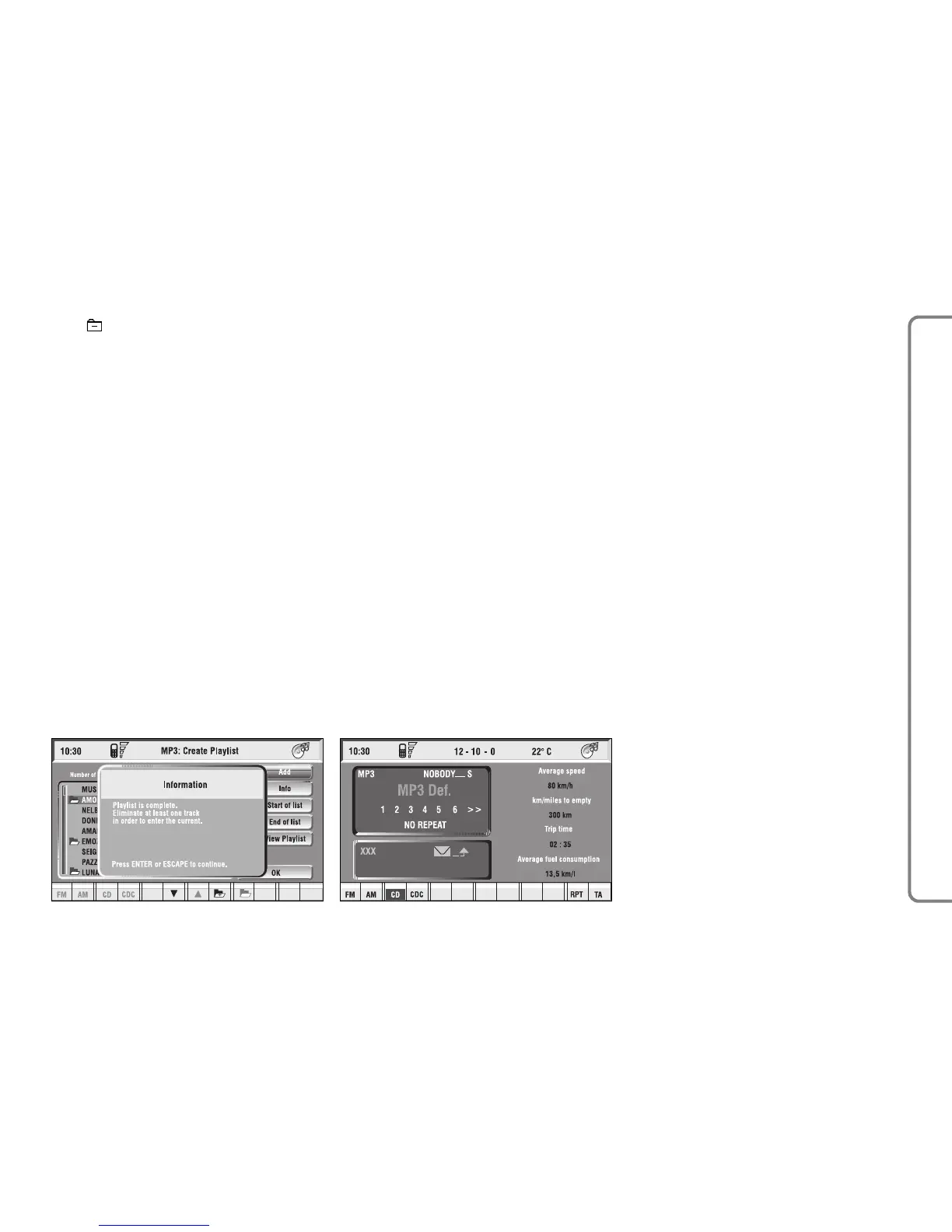
When the max. limit is reached (100
max.), the display will show the fol-
lowing message: “Playlist is complete.
Eliminate at least one track in order to
enter the current track” fig. 34.
To store settings, select “OK” with
the knob 15-fig. 1 and press the knob
15-fig. 1.
Pressing “ESC” 14-fig. 1 takes back
to MP3 mode main screen, loosing set
modifications.
During “Define playlist” operations,
buttons 5, 6 and 9 fig. 1 are disabled.
Changing mode without abandoning
“Define playlist” menu, on the screen
section dedicated to AUDIO info ap-
pears the message “MP3 Def.” (in the
middle of the main screen fig. 35 or
in top right box).
fig. 34
F0Q3029g



 To Next Page