57
CONNECT NAV+
“View Playlist” function
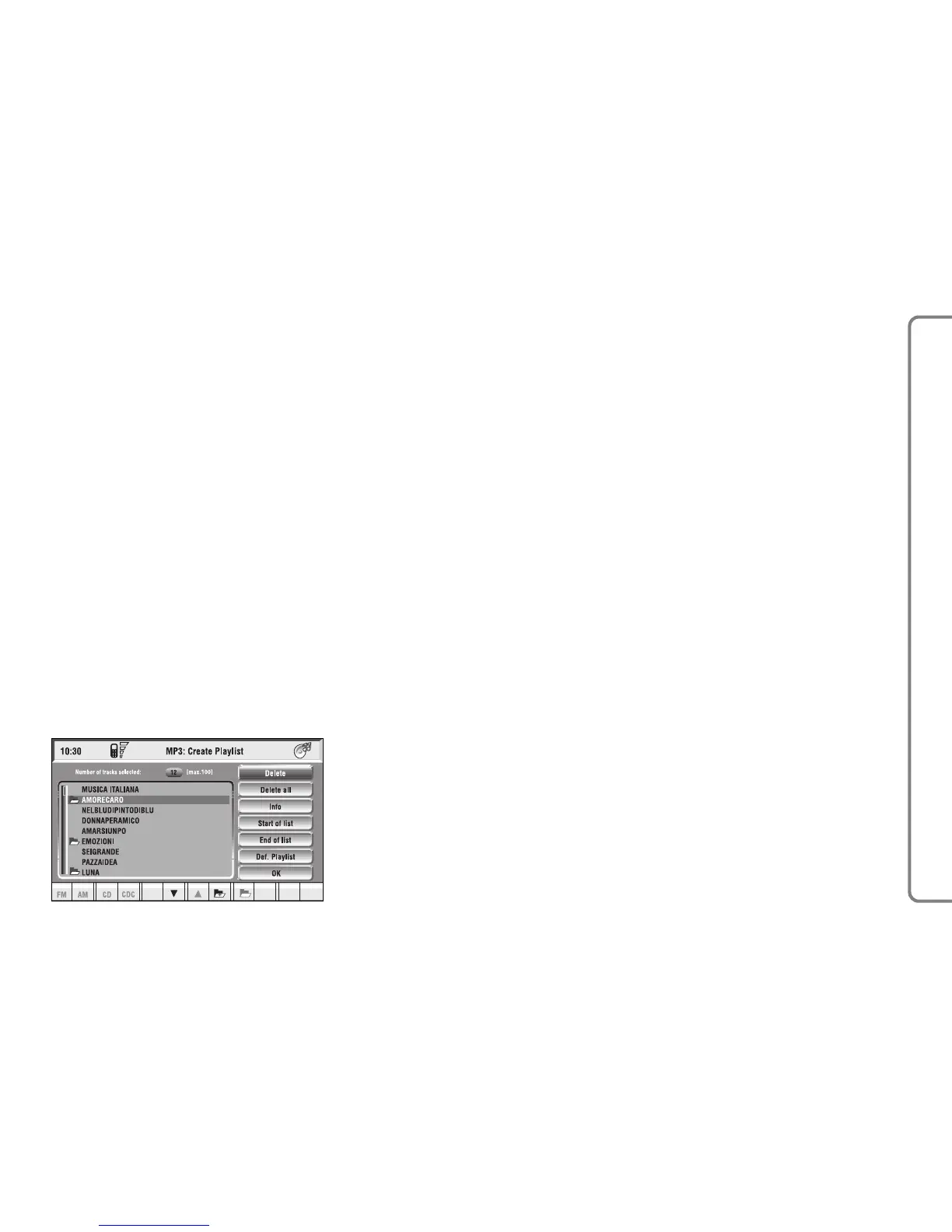
“View Playlist” function recalls a new
screen containing playlist tracks fig. 38.
To turn the “View Playlist” function
on, select the corresponding icon by
rotating the knob 15-fig. 1 and press
it to confirm.
The screen displays the following
functions:
– Delete
– Delete all
– Info
– Start of list
– End of list
– Def. Playlist (define playlist)
– OK.
On the left side of the screen the
playlist files are displayed; max. 10
rows are displayed. To scroll file
names, press the multifunction key 16-
fig. 1 symbols “
▲” and “▼” at the bot-
tom of the screen.
The top of the screen shows the num-
ber of stored tracks in playlist.
fig. 38
F0Q3033g



 To Next Page