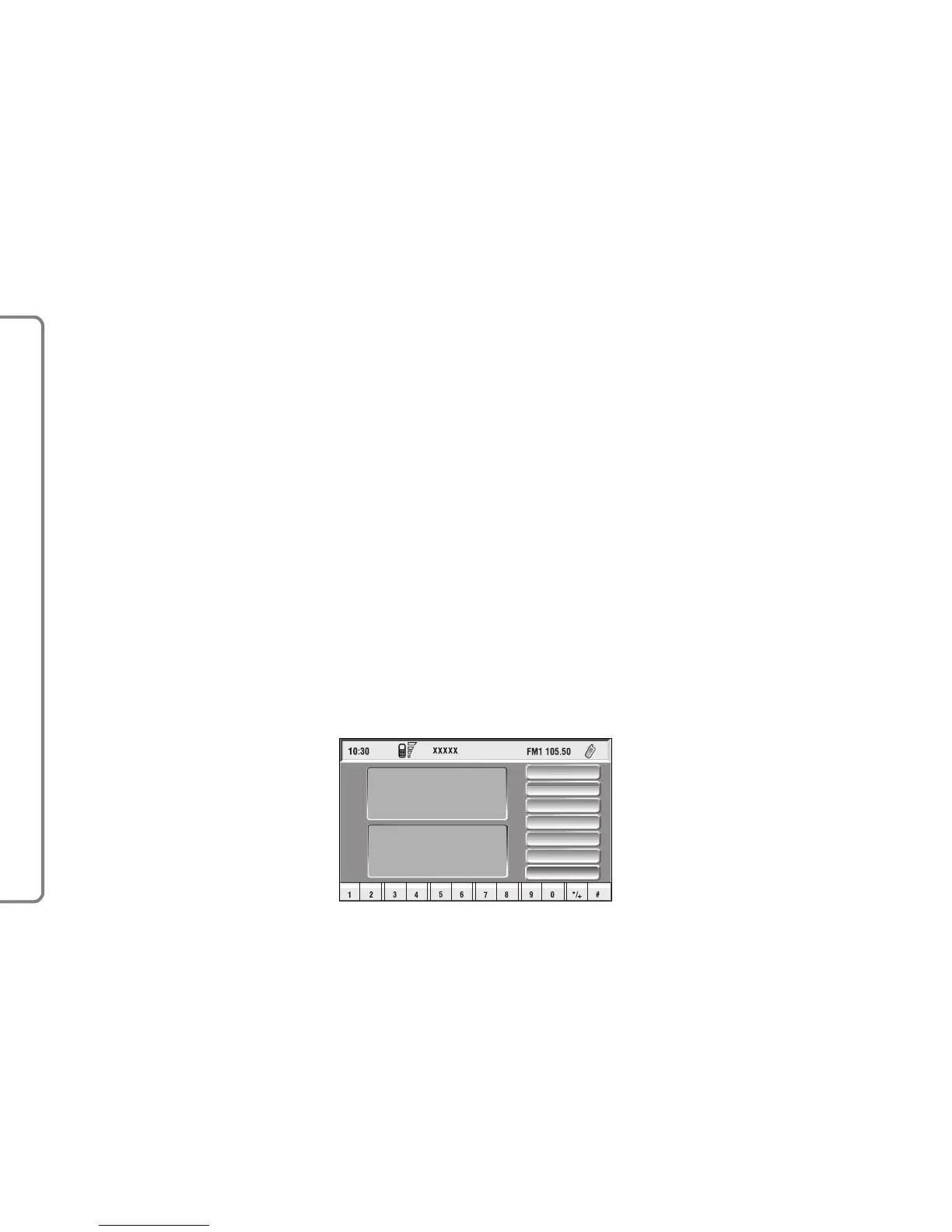
– A vertical menu featuring the fol-
lowing icon keys:
Frequent numbers: used to
manage the frequently dialled
number list.
Phone book: manages the data-
base of names/phone numbers.
Messages: used to read and send
short text messages.
Last calls: gives access to a list of
the last incoming/outgoing calls.
Memo: manages voicemail box.
WAP: gives access to WAP ser-
vice (Wireless Access Protocol).
Settings: used to modify phone
settings.
If CONNECT Nav+ is already on
(e.g.: audio mode), to enter the tele-
phone mode proceed as follows:
– press shortly button
ß
3-fig. 1, the
display will show for few seconds the
last dialled number;
– press again button
ß
3-fig. 1 to
start the phone call.
When call is in progress, the display
shows the status as in fig. 40:
– Current telephone status (“call in
progress”).
– Conversation time of the active
call.
– Remaining credit (if provided for by
the telephone company).
– Called or incoming telephone num-
ber (if available by the provider).
– Directory data associated to this
number.
– Numbers typed-in during the con-
versation when calling a service
provider and inputting requested in-
formation like credit card number, or
arrival time of your desired train,
etc…
62
CONNECT NAV+



 To Next Page