54
Transmitting Signal Name and Tally Data
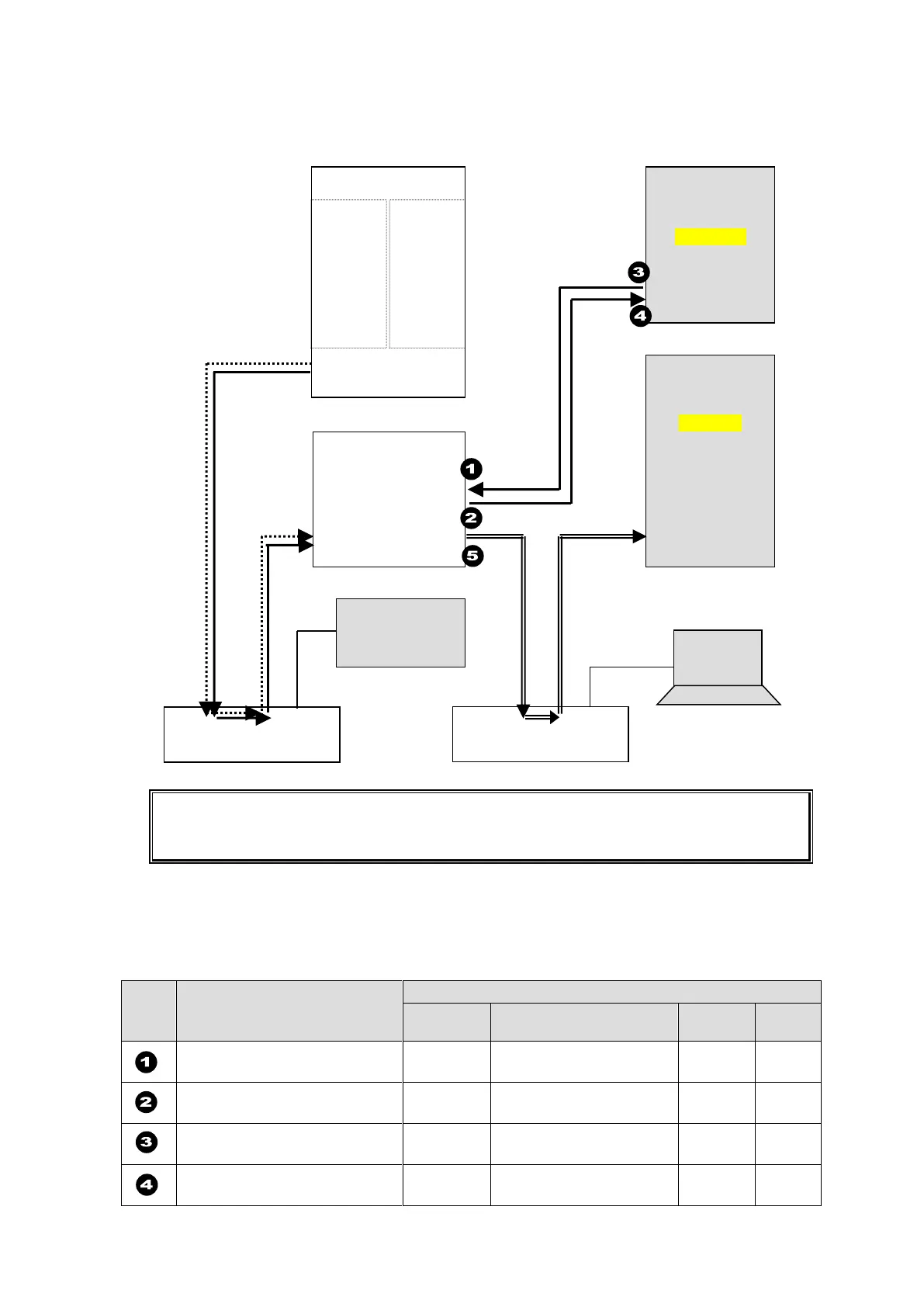
The figure below shows an example signal name and tally data routing system using the
MFR-TALM.
Each serial port should be set as shown in the table below in the relevant page of the
MFR-TALM Web-based Control accessed from "http://192.168.1.62" (default IP address)
on your web browser.
Serial Port Settings
Open the [MFR-TALM Web-based Control: Port Settings page] and perform port settings
under Serial Port.
As for the HVS-2000 unit, perform port setting in the [SETUP - SYSTEM - RS-422] menu.
[Port Settings] - [Serial Port]
Web-based Control
[TALM Settings]
HVS-TAL Protocol
Reception
Web-based Control
[TALM Settings]
Router/HVS connection
type 2
HVS-2000
[SETUP - SYSTEM - RS-422]
HVS-2000
[SETUP - SYSTEM - RS-422]
MFR-16SDI
IN1
|
|
|
|
I
|
IN128
MFR-16SDO
OUT1
|
|
|
|
|
|
OUT128
MFR Web Control
MV Layout Editor
Video Switcher
(HVS-2000)
Router's tally and name data



 To Next Page