76
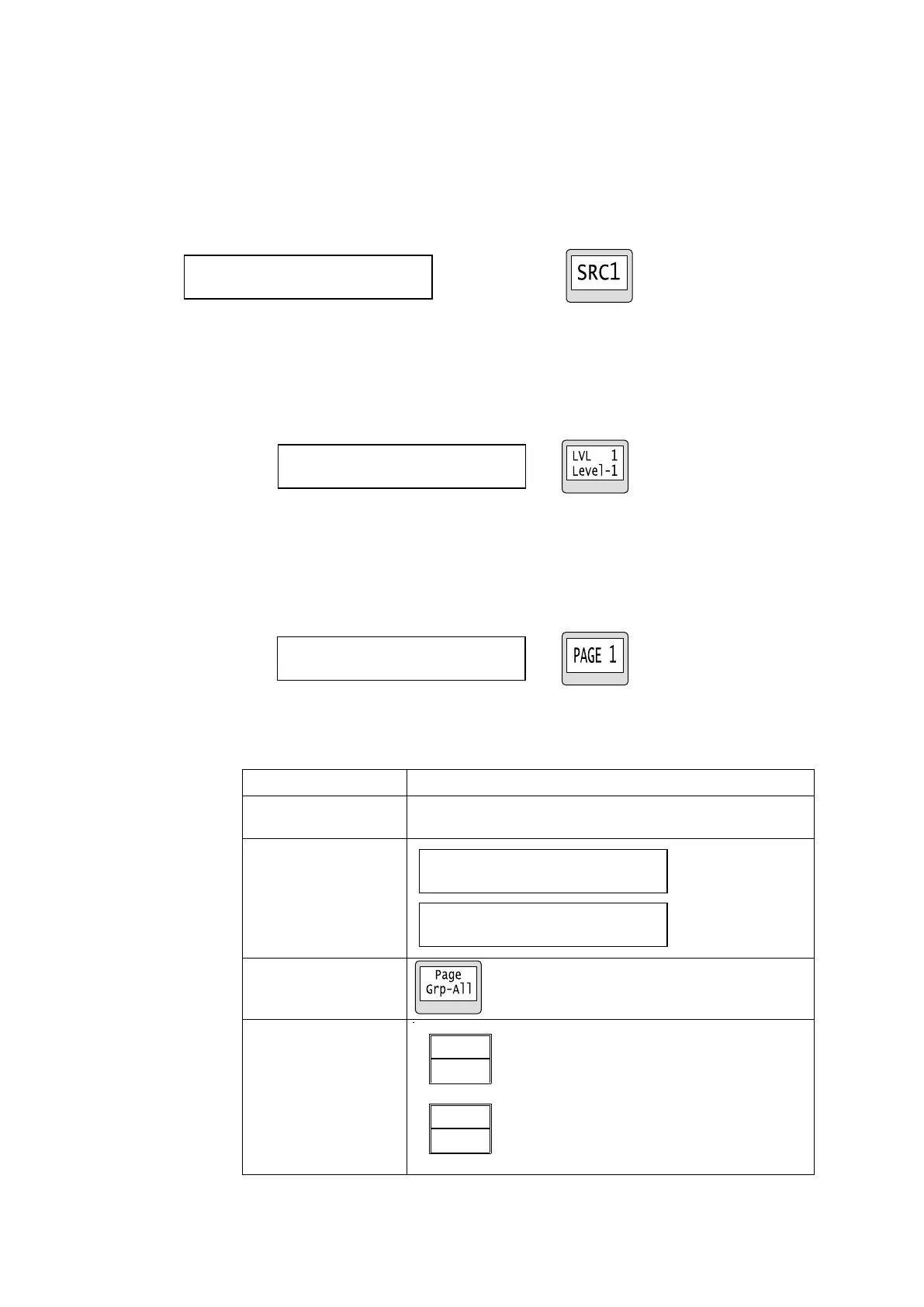
Source Mode
MENU: Displays the source channel [name] for the current destination.
LCD: Displays the source channel for the current destination.
Current SRC button: Displays the source channel of the current destination channel.
Turning the knob: Changes the source channel.
Pressing the control knob applies the change.
* Press TAKE instead of the control knob when applying source changes in TAKE mode.
Button LCD / Current SRC button (39RUA only)
Level Mode
MENU: Displays the current level [name] of the remote control panel.
LCD: Displays the current level and its display on the remote control panel.
Menu display Button LCD
Page Mode
MENU: Displays the page number currently assigned to the remote control panel.
LCD: Displays the page number currently assigned to the remote control panel.
Turning the knob: Changes the page number.
Menu display Button LCD
MODE PAGE(PAGE_Grp-ALL)
Moves the page to the specified number for all groups.
Moves the page forward or backward by the specified
number for all groups.
PAGE (UP/DOWN)
Grp-A: 1 B: 1 C: 1 D: 1
PAGE (JUMP)
Grp-A: 1 B: 1 C: 1 D: 1



 To Next Page