77
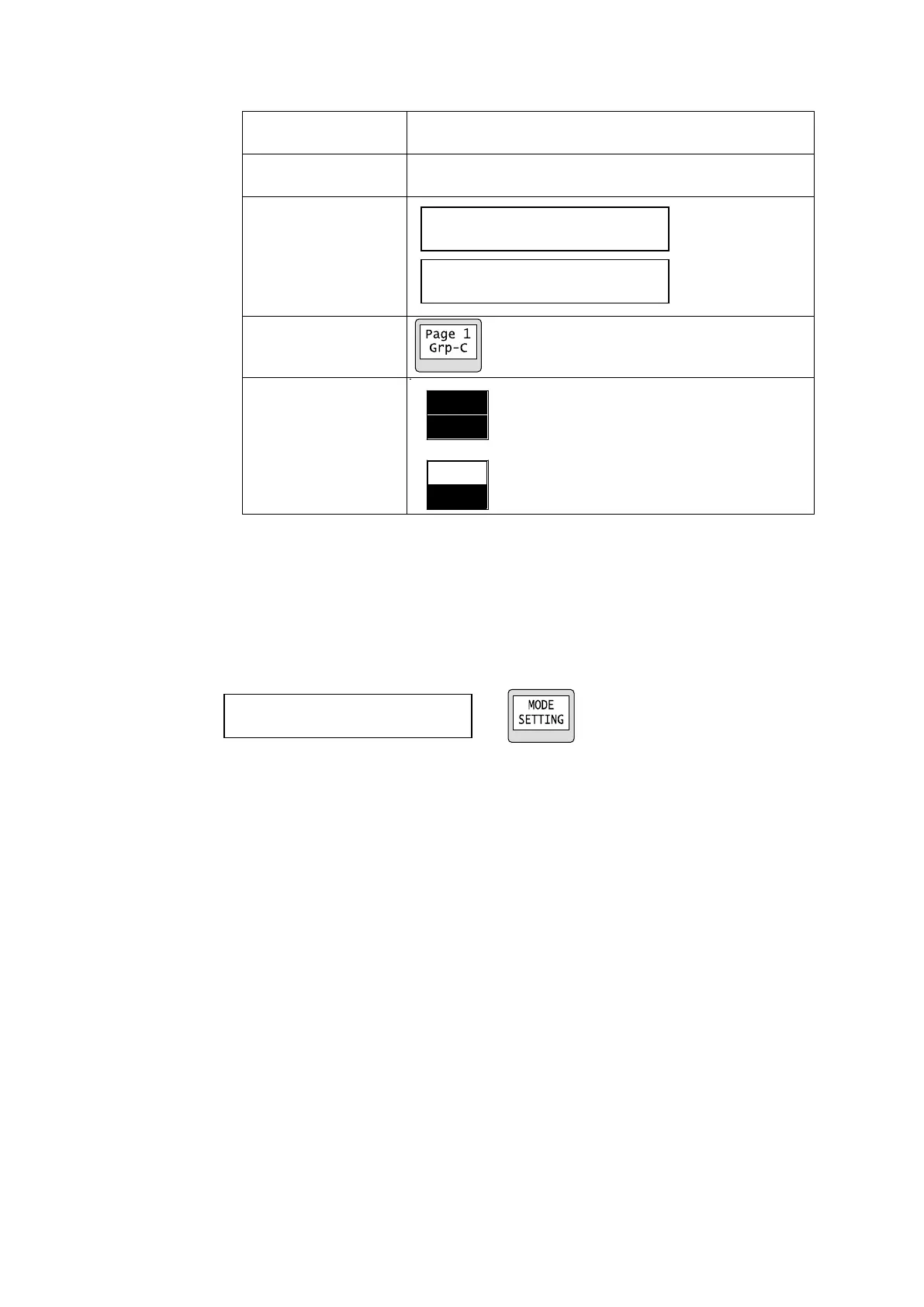
MODE PAGE(PAGE_Grp-A/B/C/D)
Moves the page to the specified number for the specified
group(s).
Moves the page forward or backward by the specified
number for the specified group(s).
Setting Mode
In MFR-39RU
Displays available menu settings that can be changed using the control knob.
Turn the control knob to select an item, then change the setting.
The items that can be changed are highlighted.
►See section 5-4-3. “Setting Mode Menu (MFR-39RU)”
MENU display Button LCD



 To Next Page