Chapter 2 MicroLog Plus
104
4. In the To box, type the e-mail address of each recipient,
separating names with a semicolon (;) (mandatory).
5. In the From box, type your e-mail address (mandatory).
6. Click OK.
2.2.6. Change the temperature units
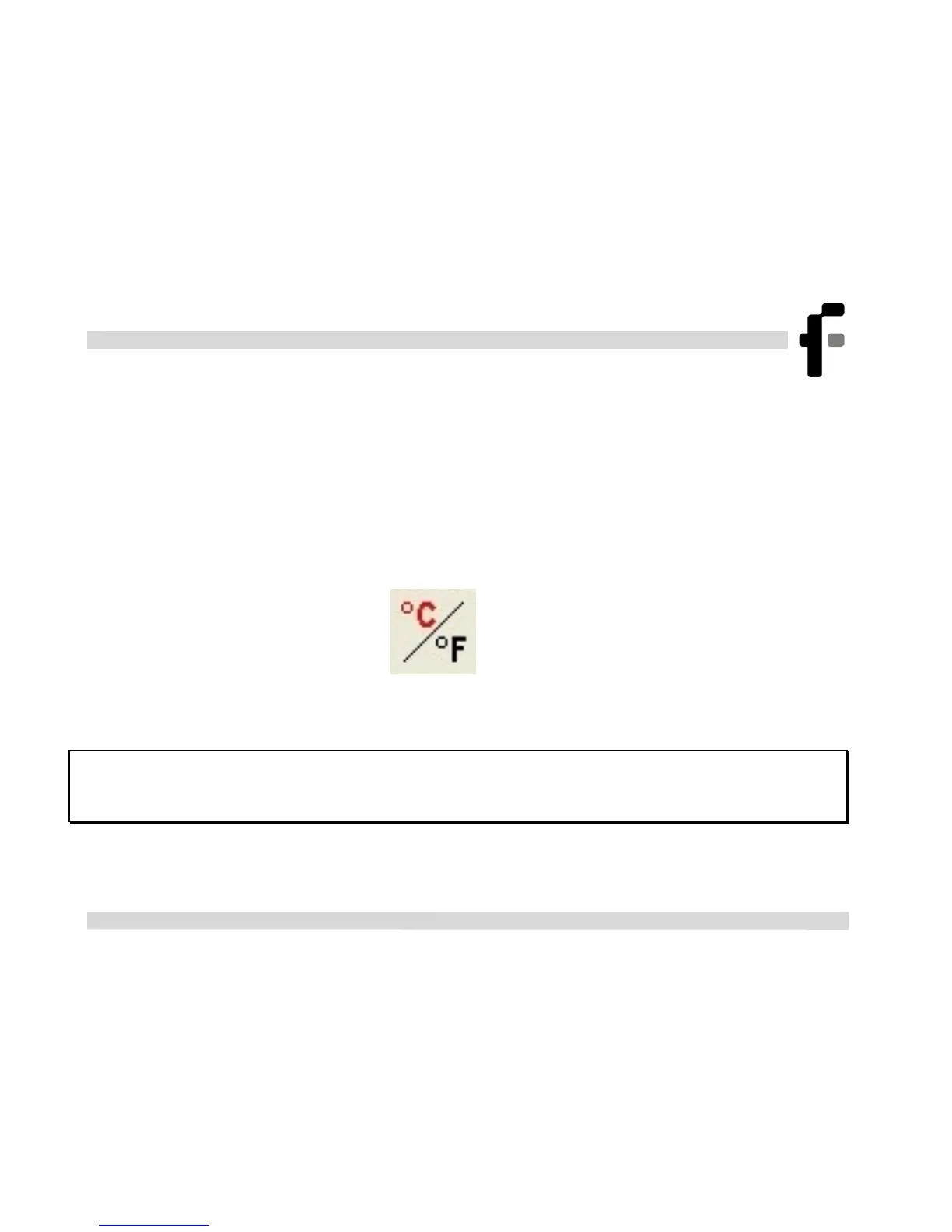
Click Toggle °C/°F button
to change the temperature scale
from Fahrenheit to Celsius and vice versa.
Note: To change the units in the MicroLog display, use the Setup
dialog box or the Logger menu



 To Next Page