Chapter 1 MicroLog
32
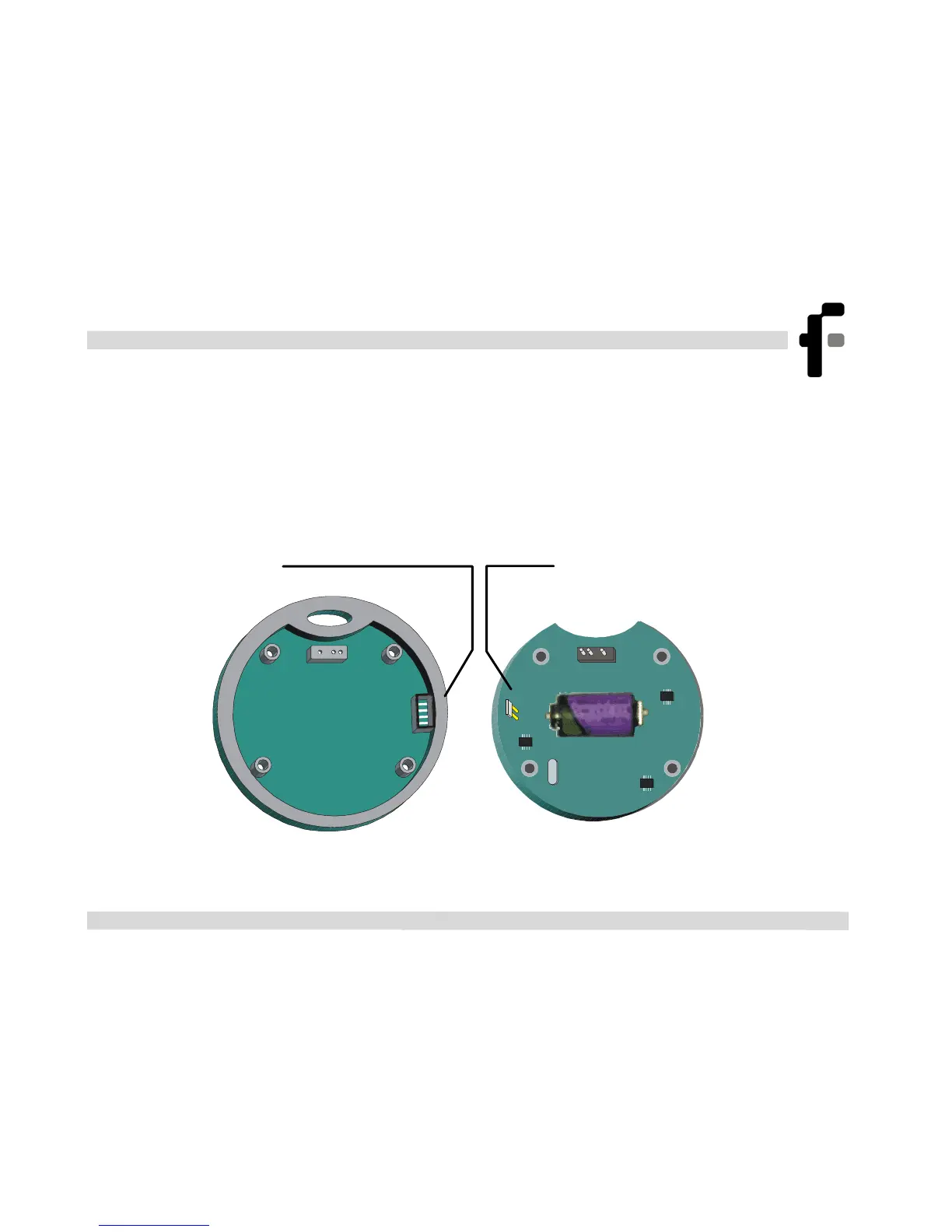
1.3.5. Replacing the Battery
Warning: The back cover of the MicroLog contains a special
compartment for the humidity sensor, which is very fragile. When
removing or replacing the cover, be careful not to harm the sensor
+
Figure 3: Replacing the battery
Humidity
senso



 To Next Page