Chapter 4 The Receiver
172
Chapter 4 The Receiver
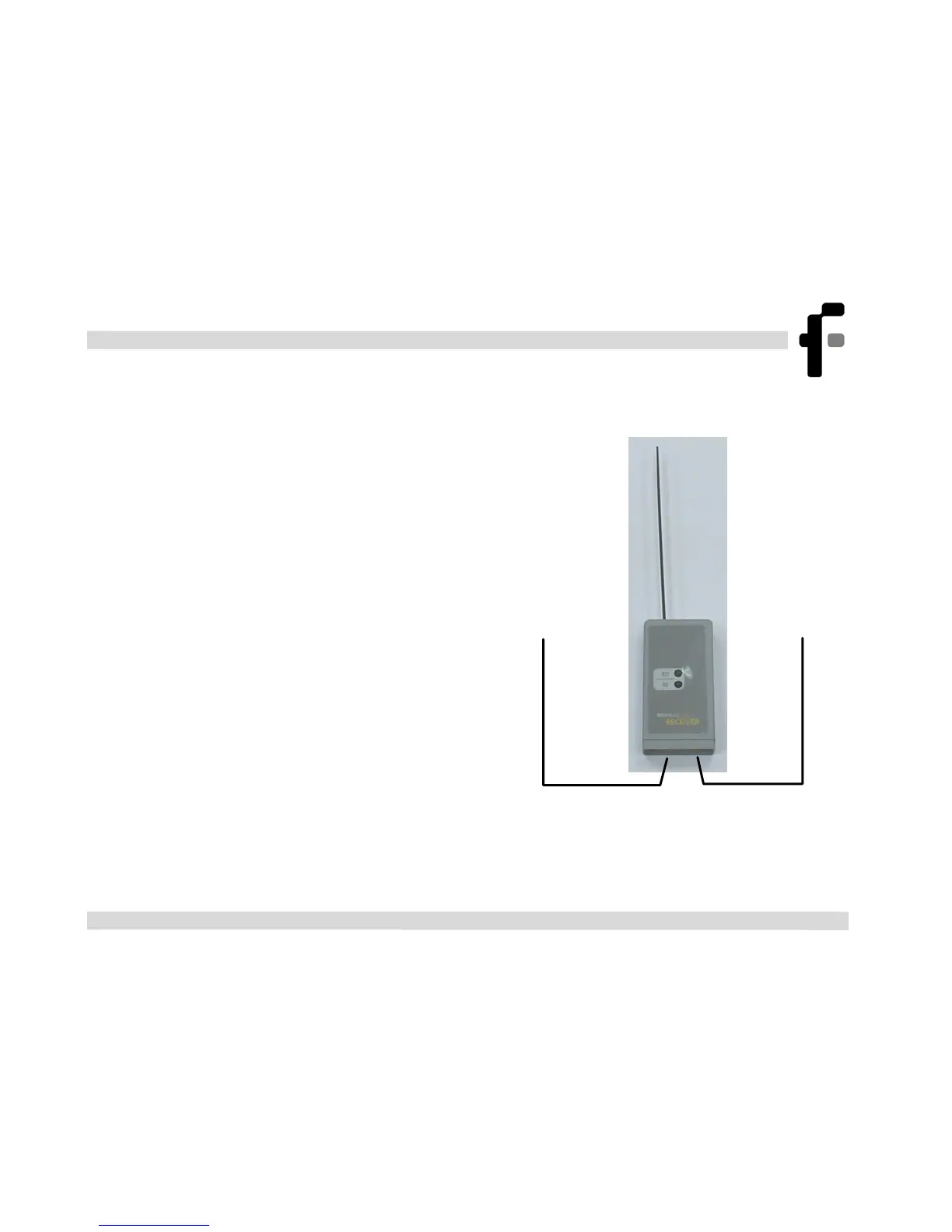
When the receiver is connected to a
PC, it enables any MicroLog
connected to a cradle to send data to
the PC without the need for a
connection cable.
Connect the AC/DC adaptor to the
AC Adaptor socket at the bottom of
the receiver (see Figure 9)
Connect the serial communication
cable (DT175): Connect the stereo
phone jack to the PC cable socket at
the bottom of the receiver and the
type D 9-pin plug to a free serial
port on your PC.
Figure 9: the Receiver
PC cable
AC Adaptor



 To Next Page