MicroLog Plus Chapter 2
139
Complete the setup
Click Send setup to send the new settings to
MicroLog, which will complete the setup.
Click Cancel if you don’t want to change the
setup.
Note: The Send setup command erases all existing data in the
MicroLog, and it will automatically begin recording.
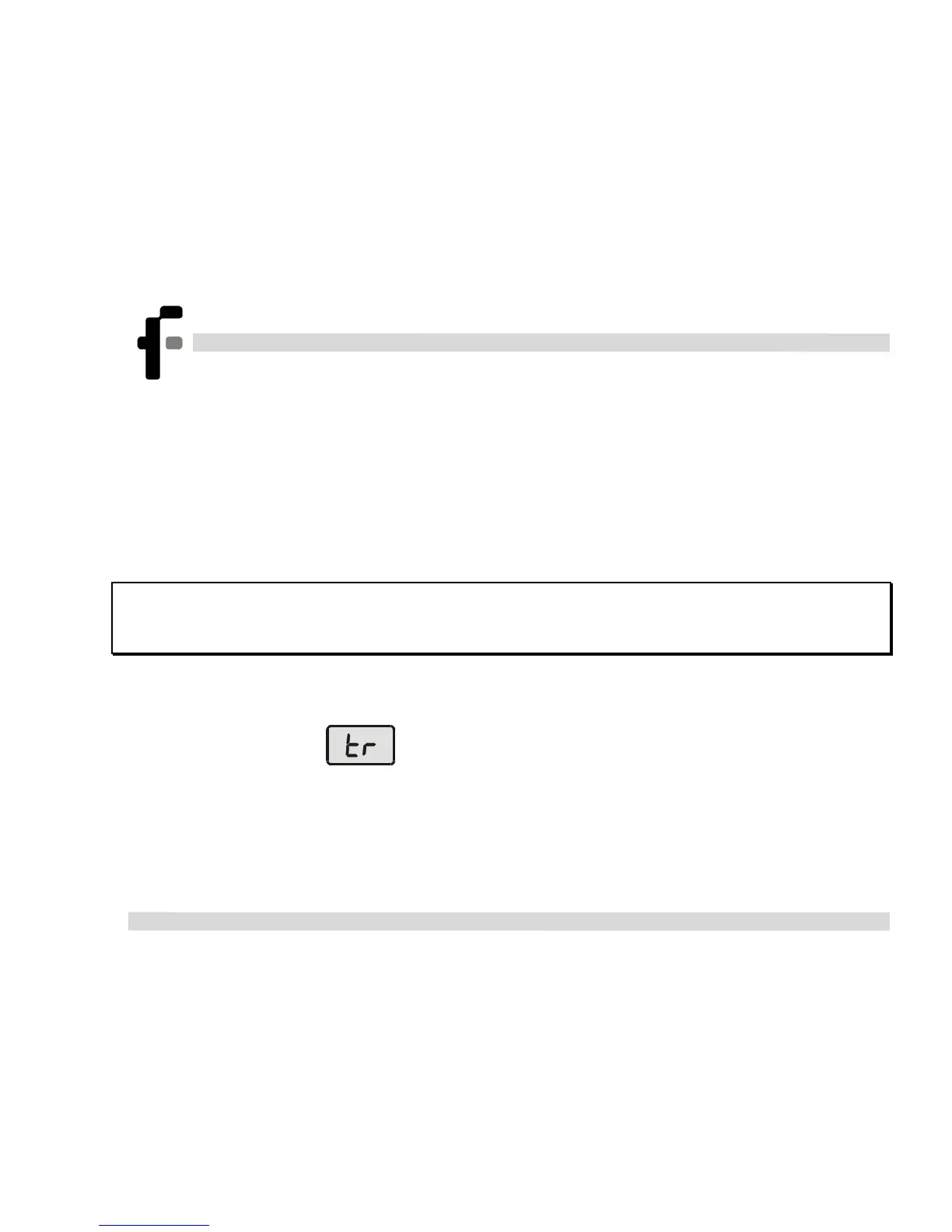
If you set it to Timer run mode, MicroLog will wait in standby
mode displaying
, and will begin recording at the specified
time.



 To Next Page