MicroLog Chapter 1
21
Viewing Min. and Max Values in the Last 1-24 Hours
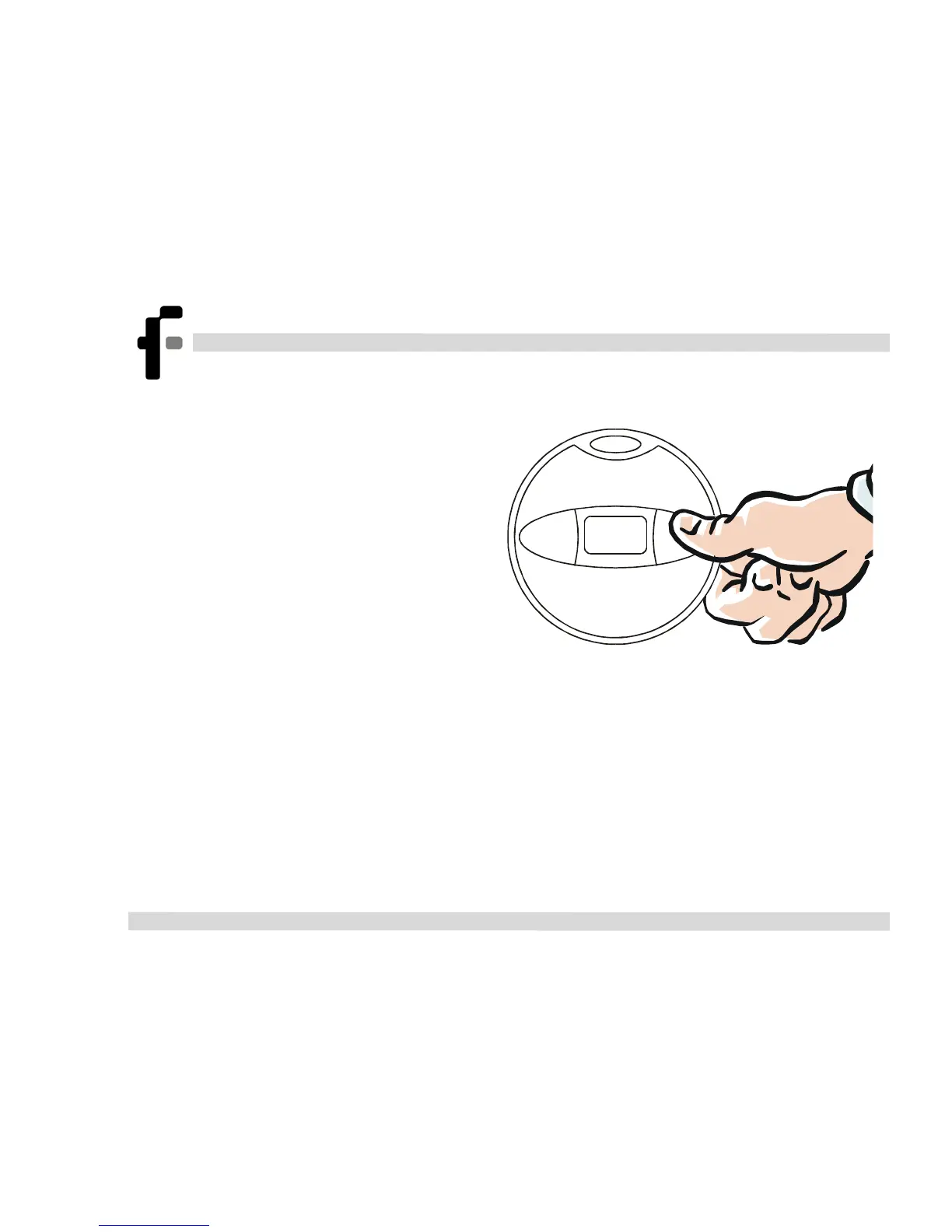
1. Select a time period by
pressing the right key on the
MicroLog. The LCD will
begin displaying the hour
number, ranging from hours 1
to 24. Once you’ve reached
the desired time period, release
the right key.
Micro
Log
2. Once you’ve released the right key, MicroLog will display the
Min and Max values logged by the sensors during the selected time
period.
3. (Optional) Once the left key is released, MicroLog will send an
IR signal of the Min and Max values for the selected time period.



 To Next Page