194 5 Control Panel Settings
[PaperTrayPriority]
Setting Description
Bond, Plain, Plain
S2, Recycled,
Heavyweight,
Heavyweight A,
Heavyweight B,
Heavyweight C,
Heavyweight S,
Gloss, 1. Custom 1
to 5. Custom 5
This setting will be used by the Auto Tray Selection feature. Defaults are as
follows: Plain=[1], Recycled=[2], Bond=[3]. Otherwise, the default is [Auto
Paper Off].
• [1] to [15]
Sets the priority order of paper types.
• [Auto Paper Off]
Does not set the priority order of paper types. In this case, the Auto Tray
Selection feature is not used.
Note
• [1. Custom 1] to [5. Custom 5] display the names specified under [Custom
Paper Name].
• You can assign the same priority order to different paper types. In this case,
the printer selects a tray based on the [Paper Tray Priority] setting.
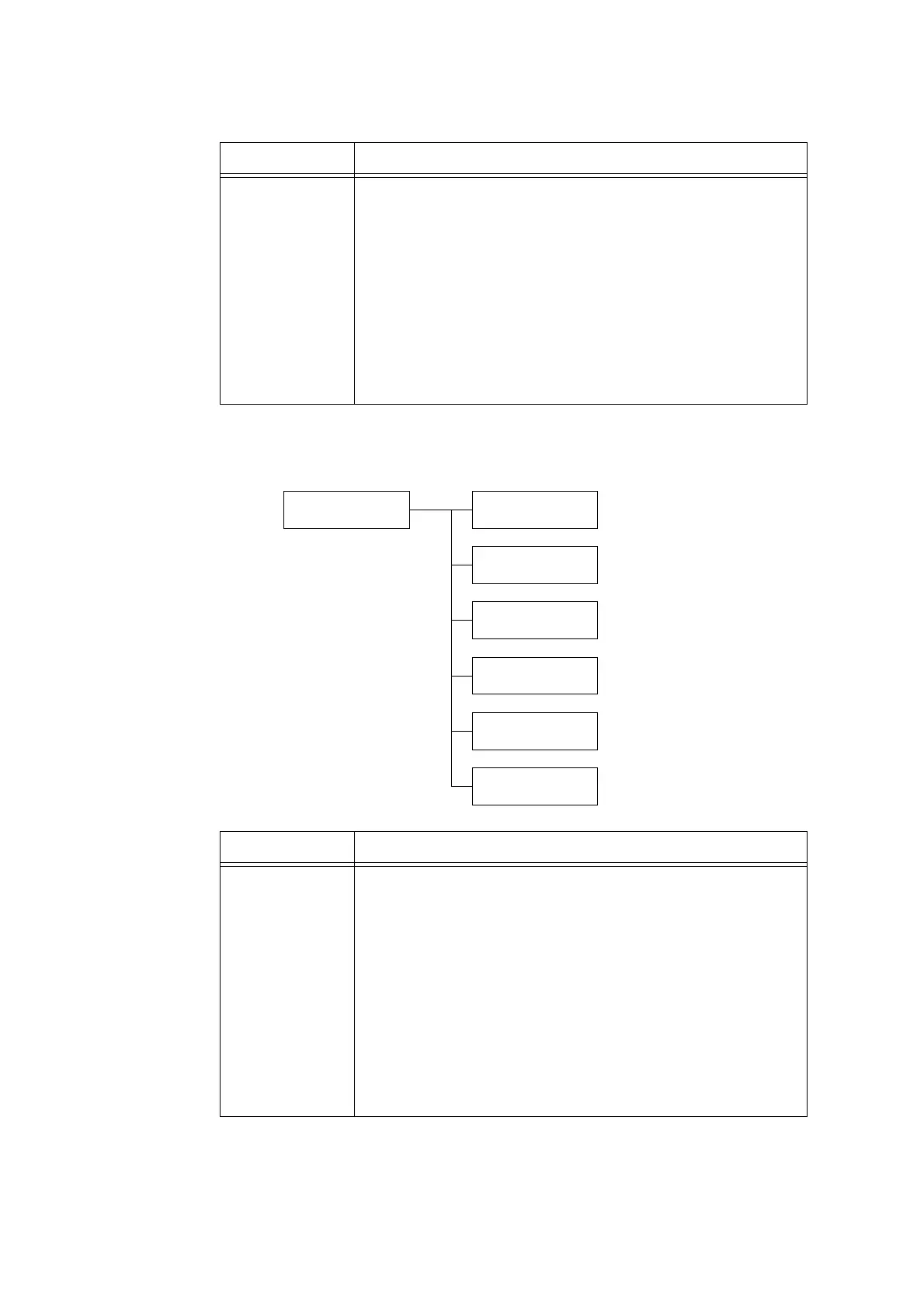
Printer Settings
PaperTrayPriority
PaperTrayPriority
Tray 1
PaperTrayPriority
Tray 2
PaperTrayPriority
Tray 3
PaperTrayPriority
Tray 4
PaperTrayPriority
Tray 5
PaperTrayPriority
Tray 6
Setting Description
Tray 1 to Tray 4,
Tray 5, Tray 6
Sets the priority order of the paper trays. This setting will be used by the Auto
Tray Selection feature. Defaults are as follows: Tray 1=[1], Tray 2=[2], Tray
3=[3], Tray 4=[4], Tray 6=[5] and Tray 5=[No AutoTraySwitch].
• [1] to [5]
Sets the priority order of the paper trays.
•[No AutoTraySwitch]
Does not set the priority order of paper types. In this case, the Auto Tray
Selection feature is not used.
Note
• Tray 2 to Tray 4, and Tray 6 are optional. The display only shows the trays
that are actually installed on the printer.
• You cannot assign the same priority to more than one tray. If the same
priority order of other trays are specified, a priority order other than the
specified tray is automatically changed.
• Only the lowest priority can be set for Tray 5.



 To Next Page
 Loading...