376
6.9.8 PDF Password
PDF files can be locked with a user-specified password.
1. On the "Scan Settings" screen, select the [Save] tab.
2. Press the [PDF Password] button.
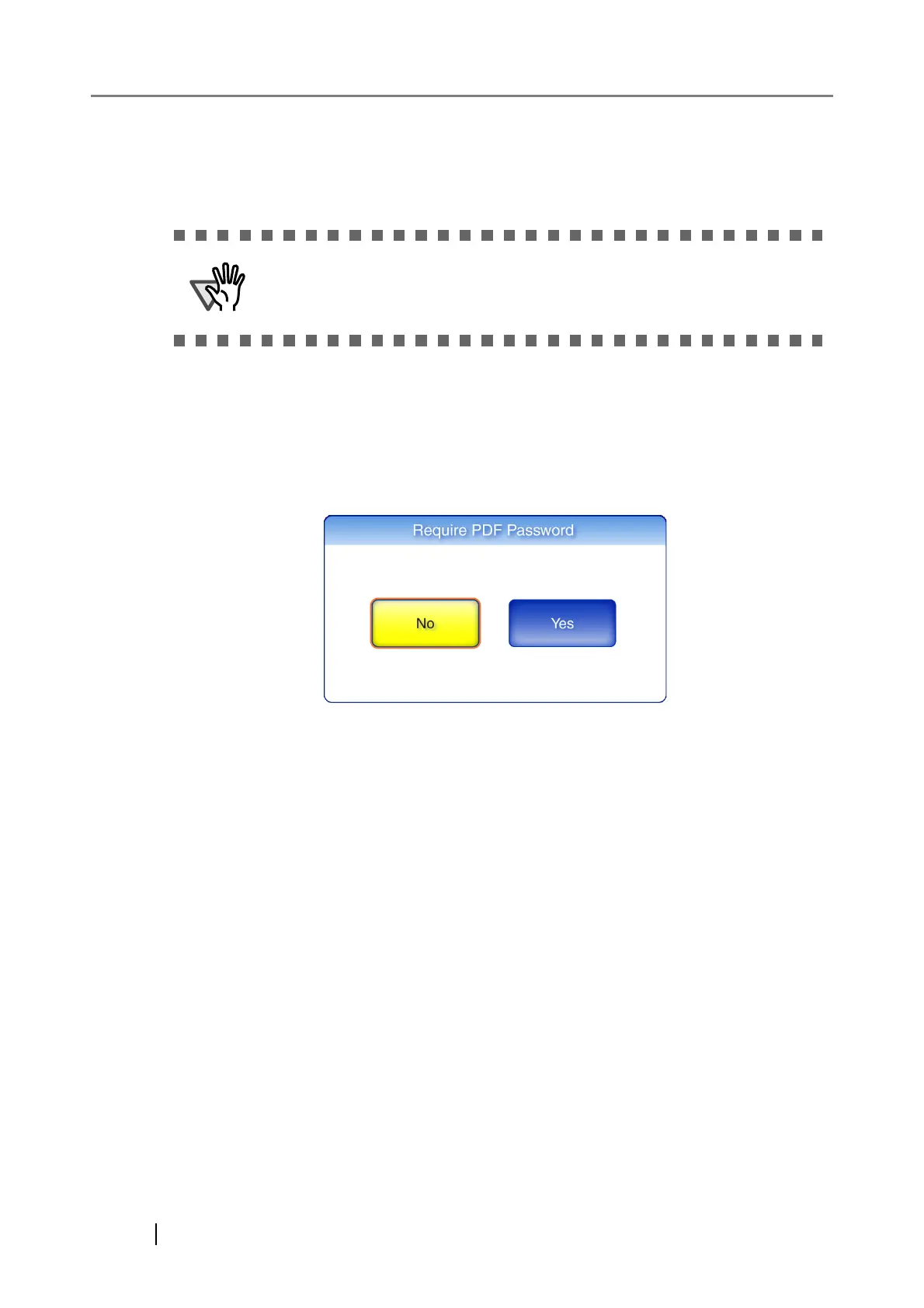
The "Require PDF Password" screen appears.
3. Select whether or not a password is required.
When [Yes] is selected, the "PDF Password" screen appears.
The password will need to be entered every time the password protected
PDF file is opened. Do not forget or lose this password.












 To Next Page