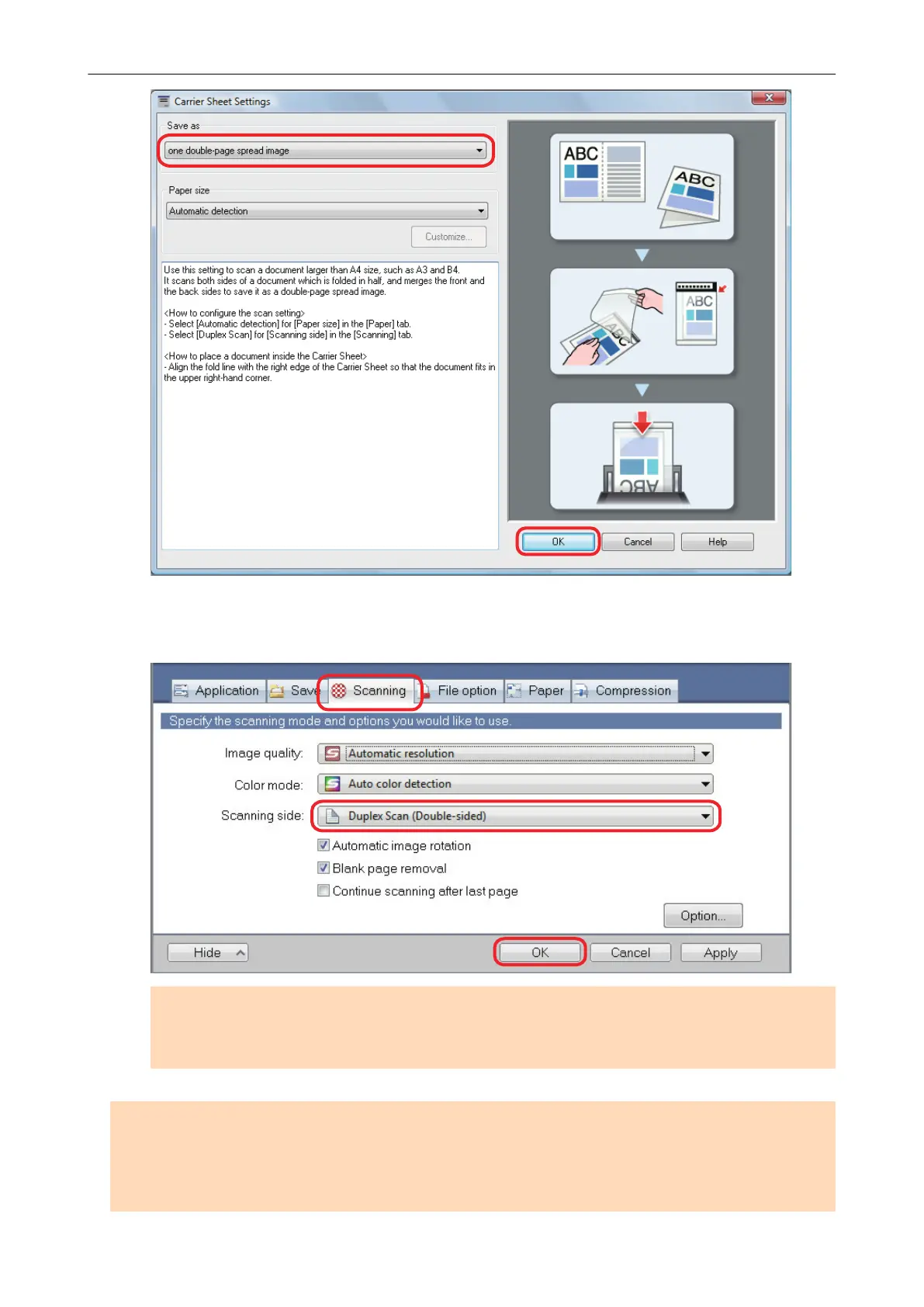
3. In [Scanning side] in the [Scanning] tab, select [Duplex Scan] and click the
[OK] button.
ATTENTION
If [Simplex Scan] is selected from the Right-Click Menu, the ScanSnap outputs the same result
as performing a simplex scan in [two separate images (front and back)] mode.
ATTENTION
If [Automatic detection] is specified for [Paper size] in the [Carrier Sheet Settings] window, an optimal
size will be selected automatically from the available standard sizes (A3, B4 or 11 × 17 in.) from the
same drop-down list. Note that the size of the image may become smaller than the original document
depending on the document.
Scanning Documents Larger Than A4 or Letter Size (For iX500, S1500, S1500M, S1100, or S510)
105















 To Next Page