Correcting the Scanned Image Orientation
The orientation of scanned images that are skewed or upside-down can be corrected.
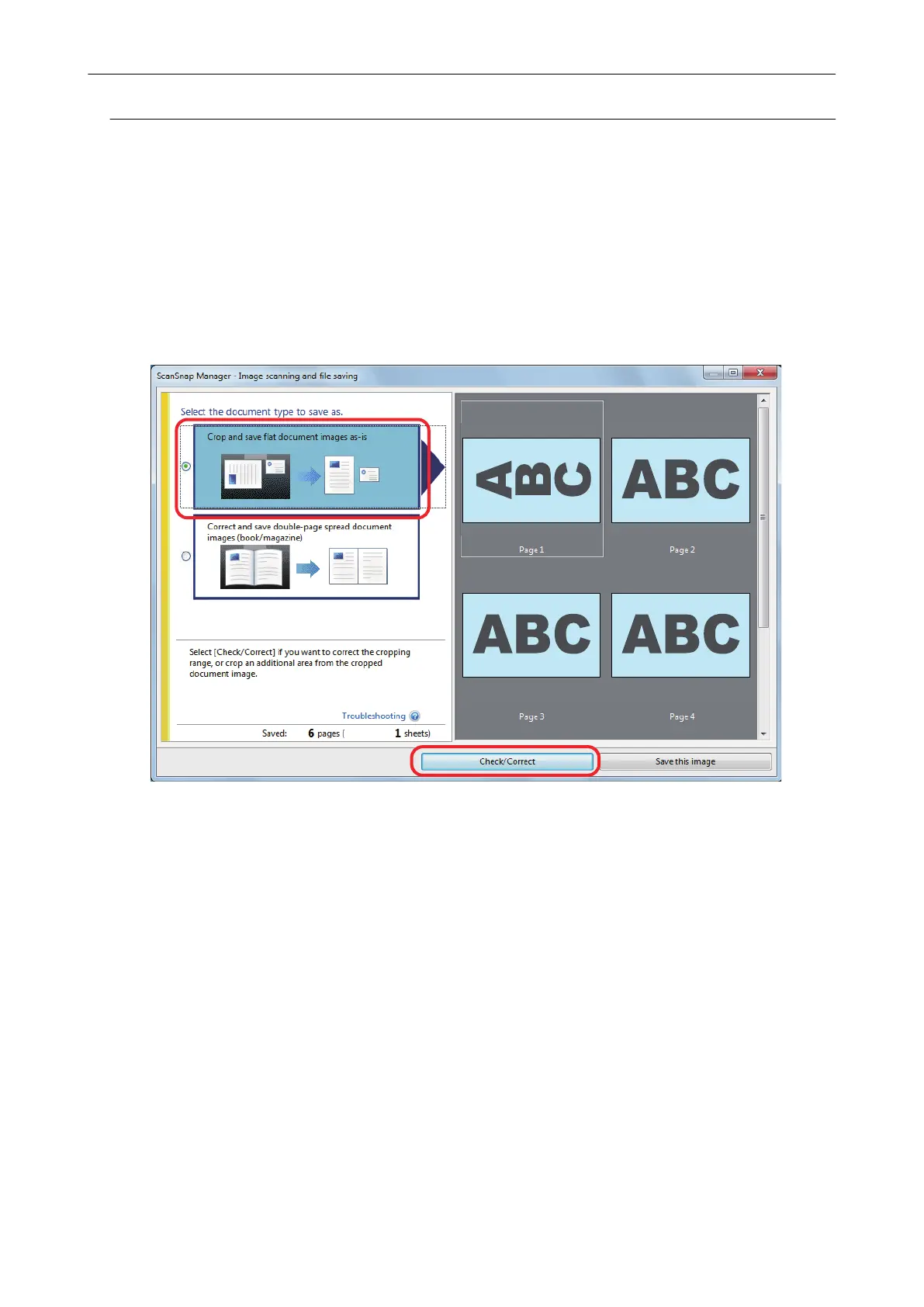
1. On the window that appears after multiple documents are scanned at once,
select [Crop and save flat document images as-is] and click the [Check/
Correct] button.
For details about scanning, refer to the Basic Operation Guide.
a
The [ScanSnap Manager - View cropped images] window is displayed.
2. Select which scanned image to correct the orientation for.
Scanning Multiple Documents at Once
152















 To Next Page