Basic Operation Procedure
This section explains the basic operation procedure of CardMinder.
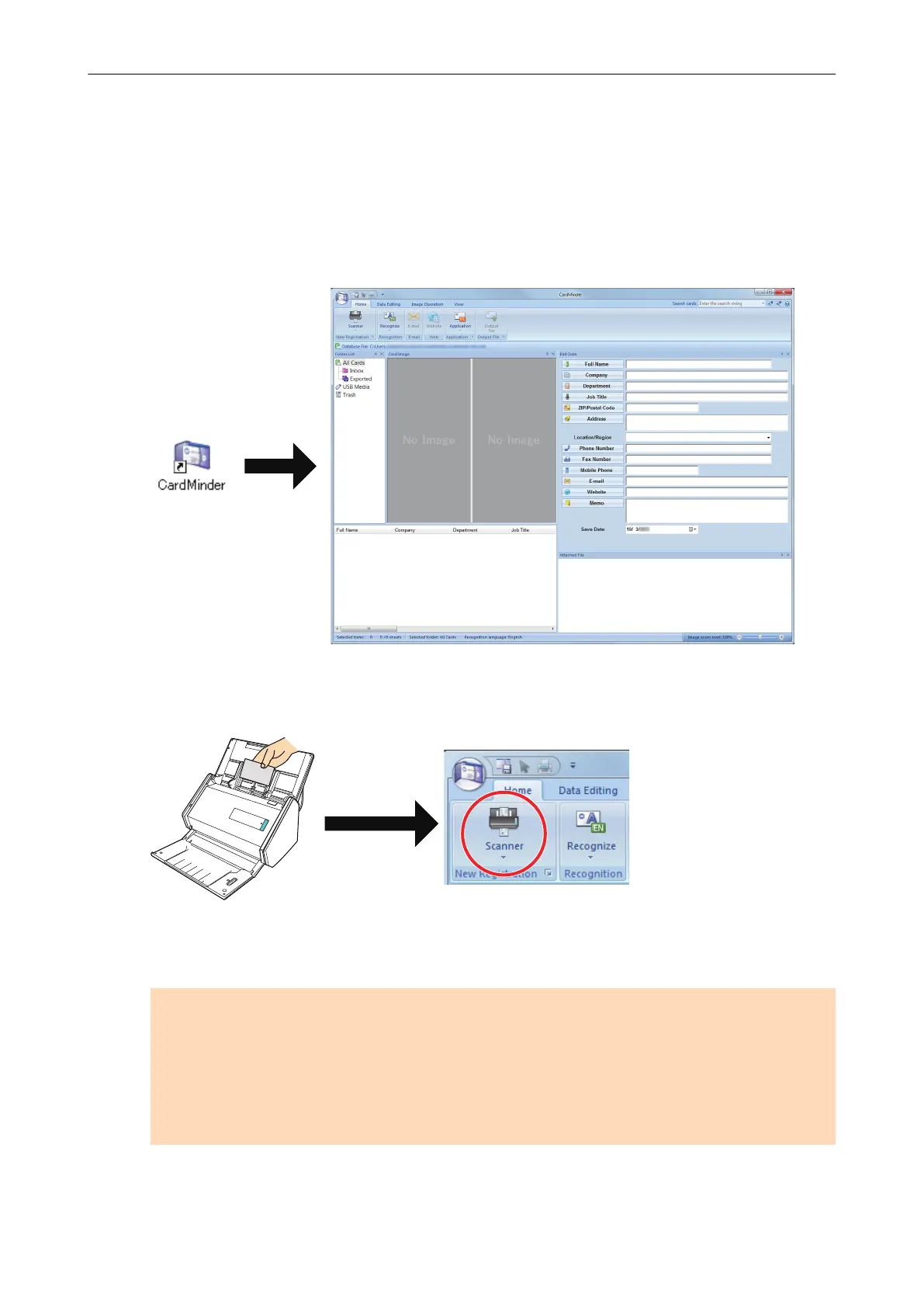
1. Start CardMinder.
Start up CardMinder by double-clicking the [CardMinder] icon on the desktop.
2. Scan a card with the scanner.
Click the [Scanner] button on the [Home] tab to start scanning a card.
When scanning is complete, the information printed on the card (such as name, company, and
address) is automatically recognized as text and displayed in the Edit Data pane.
The image data scanned from the card is displayed in the Card Image pane.
ATTENTION
ScanSnap Manager must be installed on your computer when you want to recognize the
following languages:
l Chinese (simplified)
l Chinese (traditional)
l Korean
3. Check the card data.
Basic Operation Procedure
201















 To Next Page