3. WAYPOINTS
3-4
3.2 How to Display Waypoint Name
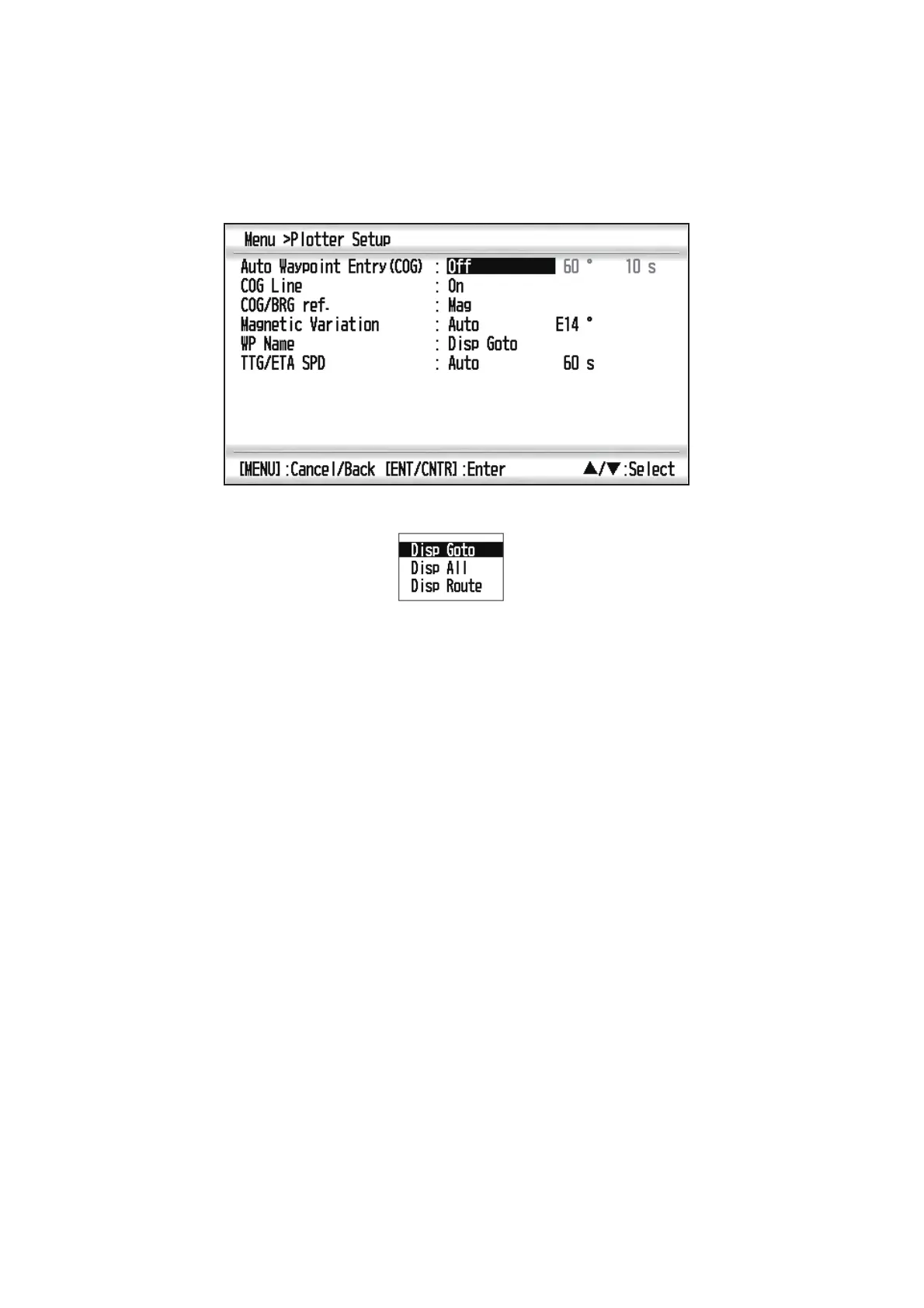
You can display waypoint names as follows:
1. Press the MENU key twice to show the main menu.
2. Select [Plotter Setup], and press the ENT/CNTR key.
3. Select [WP Name], and press the ENT/CNTR key.
4. Select [Disp Goto], [Disp All] or [Disp Route], and press the ENT/CNTR key.
Disp Goto: Displays only the destination waypoint name.
Disp All: Displays all waypoint names.
Disp Route: Displays all waypoint names in the route when it is set as destination.
5. Press the MENU key twice to close the menu.



 To Next Page