5. DESTINATION
5-5
5. Select [Cancel Goto (Route)], and press the ENT/CNTR key.
6. Select [Yes], and press the ENT/CNTR key.
To cancel, select [No].
7. Press the MENU key several times to close the menu.
5.5 How to Set a Destination from Other Displays
You can select a destination from displays other than the plotter display by pressing
GO TO key.
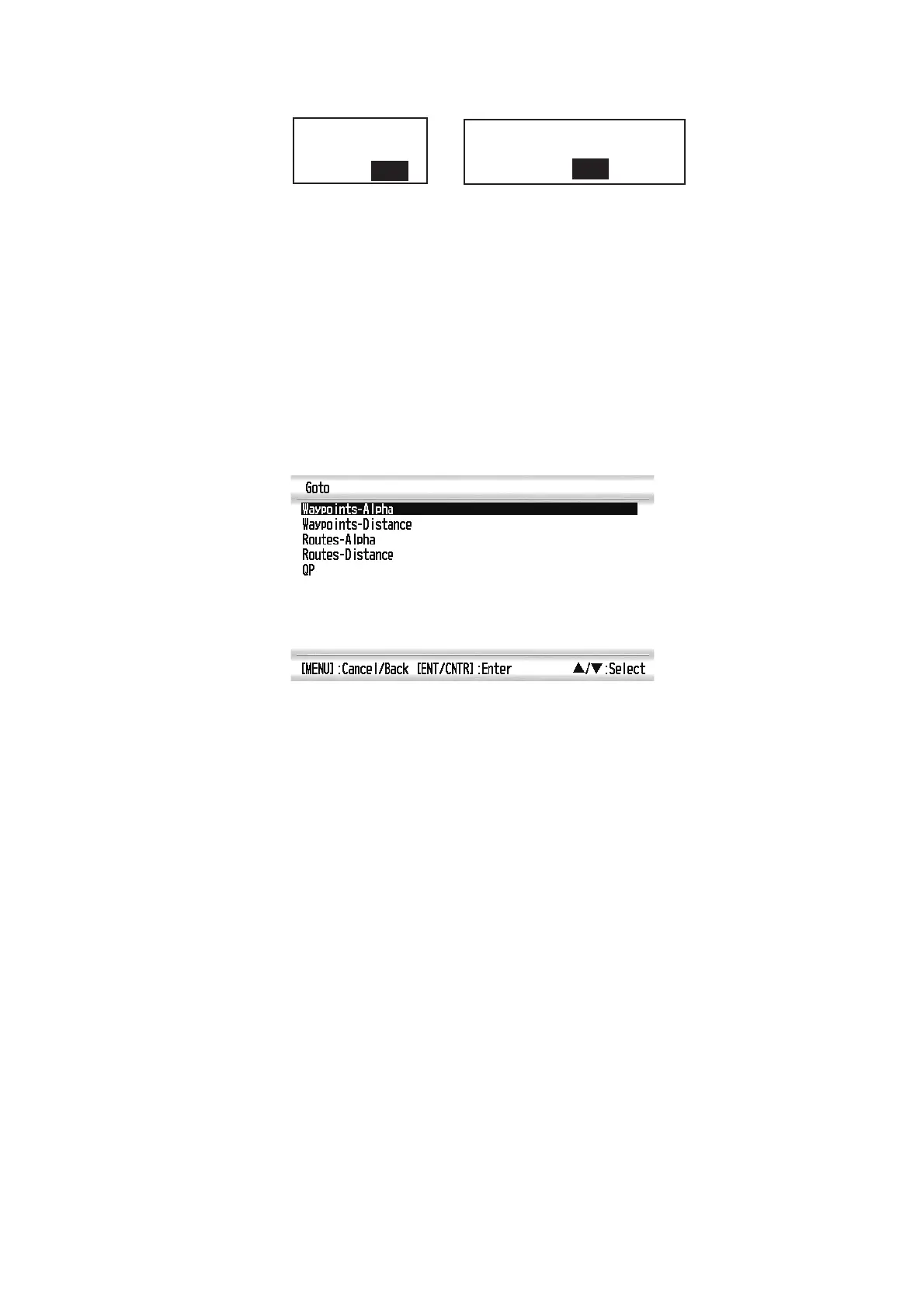
Press GO TO key when using a display other than plotter to show the [Goto] menu.
• [Waypoints-Alpha]: Waypoint list in alphabetical order
• [Waypoints-Distance]: Waypoint list showing waypoints near from current position.
• [Routes-Alpha]: Route list in alphabetical order.
• [Routes-Distance]: Route list showing routes in distance order.
• [QP]: Moves to plotter display to enter QP.
Cancel Route Navigation.
Are you sure?
Yes No
(for route navigation)
Cancel Goto.
Are you sure?
Yes No
(for waypoint destination)



 To Next Page