5. DESTINATION
5-4
5.4 How to Cancel a Destination
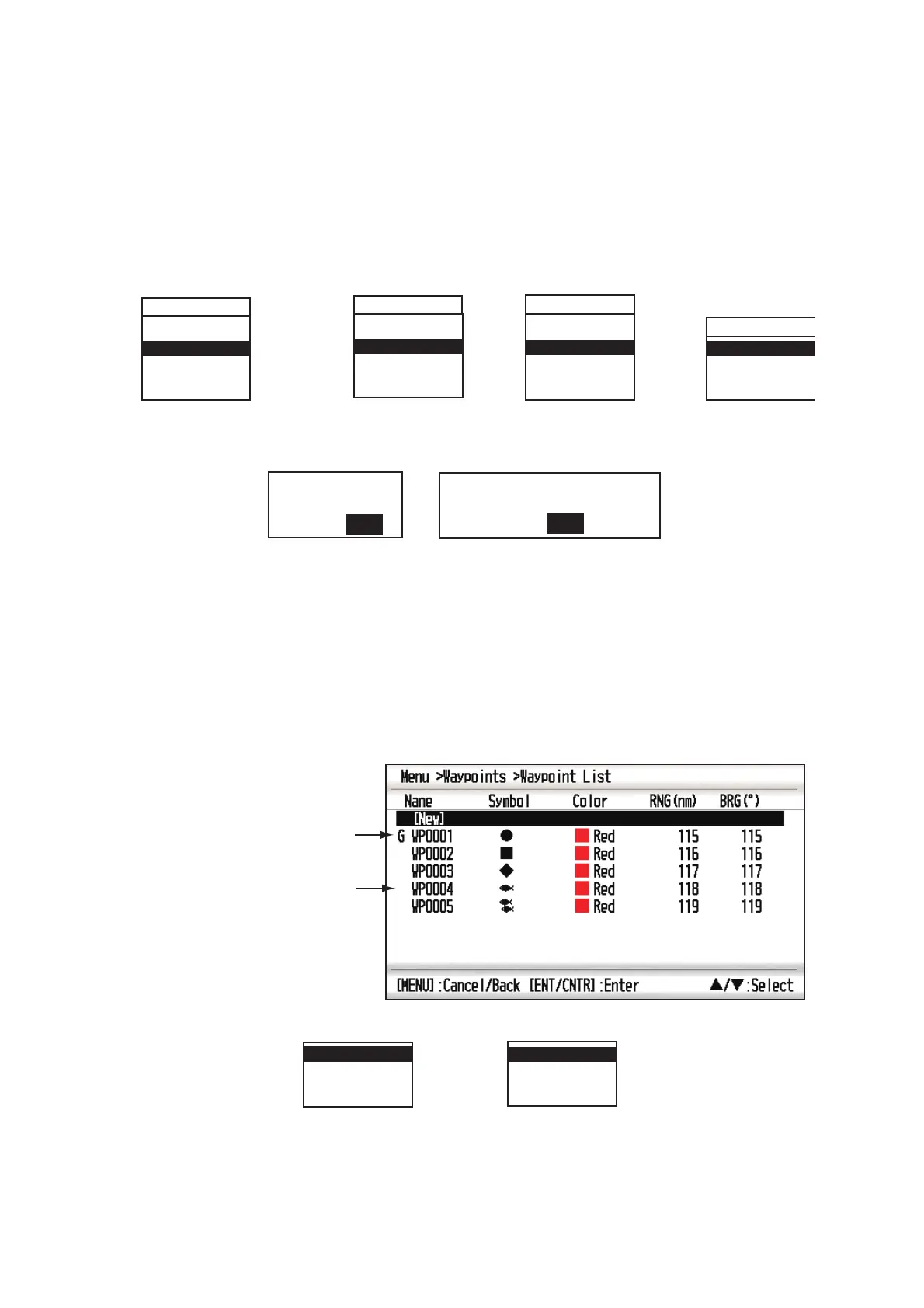
You can cancel a destination by using the cursor, or through the list.
5.4.1 How to cancel a destination with the cursor
1. On the plotter display, operate the cursorpad to place the cursor on the waypoint
(route) set as the current destination.
2. Press the ENT/CNTR key.
3. Select [Cancel Goto (Route)], and press the ENT/CNTR key.
4. Chose [Yes], and press the ENT/CNTR key.
To cancel, select [No].
5.4.2 How to cancel a destination through the list
1. Press the MENU key twice to show the main menu.
2. Select [Waypoints] (or [Routes]), and press the ENT/CNTR key twice.
3. Select the waypoint (route) set as the current destination.
4. Press the ENT/CNTR key.
RT0000
Cancel Route
Reverse
Route Info.
WP0001
Move
Cancel Goto
Edit
Delete
(for waypoint destination)
(for route navigation)
QP0001
Move
Cancel Goto
Edit
Delete
(for QP destination)
WP0001
(for route leg)
Move
Skip
Cancel Route
Edit
Cancel Route Navigation.
Are you sure?
Yes No
(for route navigation)
Cancel Goto.
Are you sure?
Yes No
(for waypoint destination)
Destination mark
R
Waypoint used for
destination route
Cancel Route
Edit
Delete
Cancel Goto
Edit
Delete
(for waypoint destination)
(for route navigation)



 To Next Page