7. OTHER FUNCTIONS
7-4
7.4 WAAS Menu
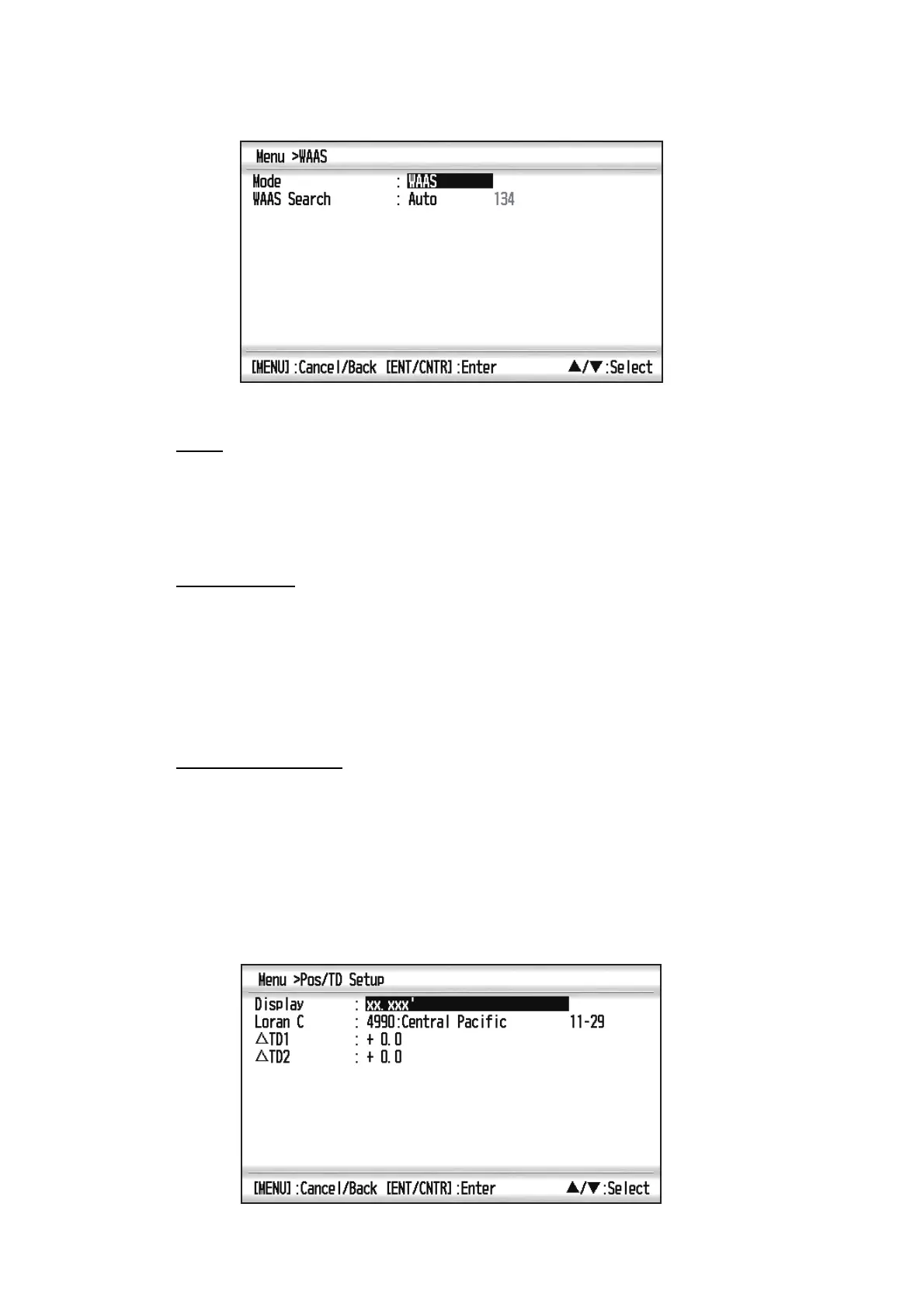
Mode
You can select [WAAS] or [GPS] for the position fixing mode. In both mode, [WAAS
Search] has [Auto] or [Manual] as [WAAS Search] mode. When selecting [Auto], the
mode automatically select the satellite. When selecting [Manual], you can manually
select the satellite number.
WAAS Search
For WAAS setting, the GEO satellite is searched automatically or manually.
For GEO satellite number, see page AP-3.
Auto: The system automatically searches for the optimum GEO satellite from your
current position. (All satellites are searched.)
Manual: Enter a GEO satellite number manually.
Correction Data Set
Use [0] as default setting.
7.5 Position Display Format
Position can be shown in latitude and longitude or TDs (Loran C). Loran C chain data
is programmed into the equipment.
*Use “0” (as default setting).
*



 To Next Page