6. ALARMS
6-2
Message and meanings
Note: The message screen also shows equipment trouble. See section 8.3.
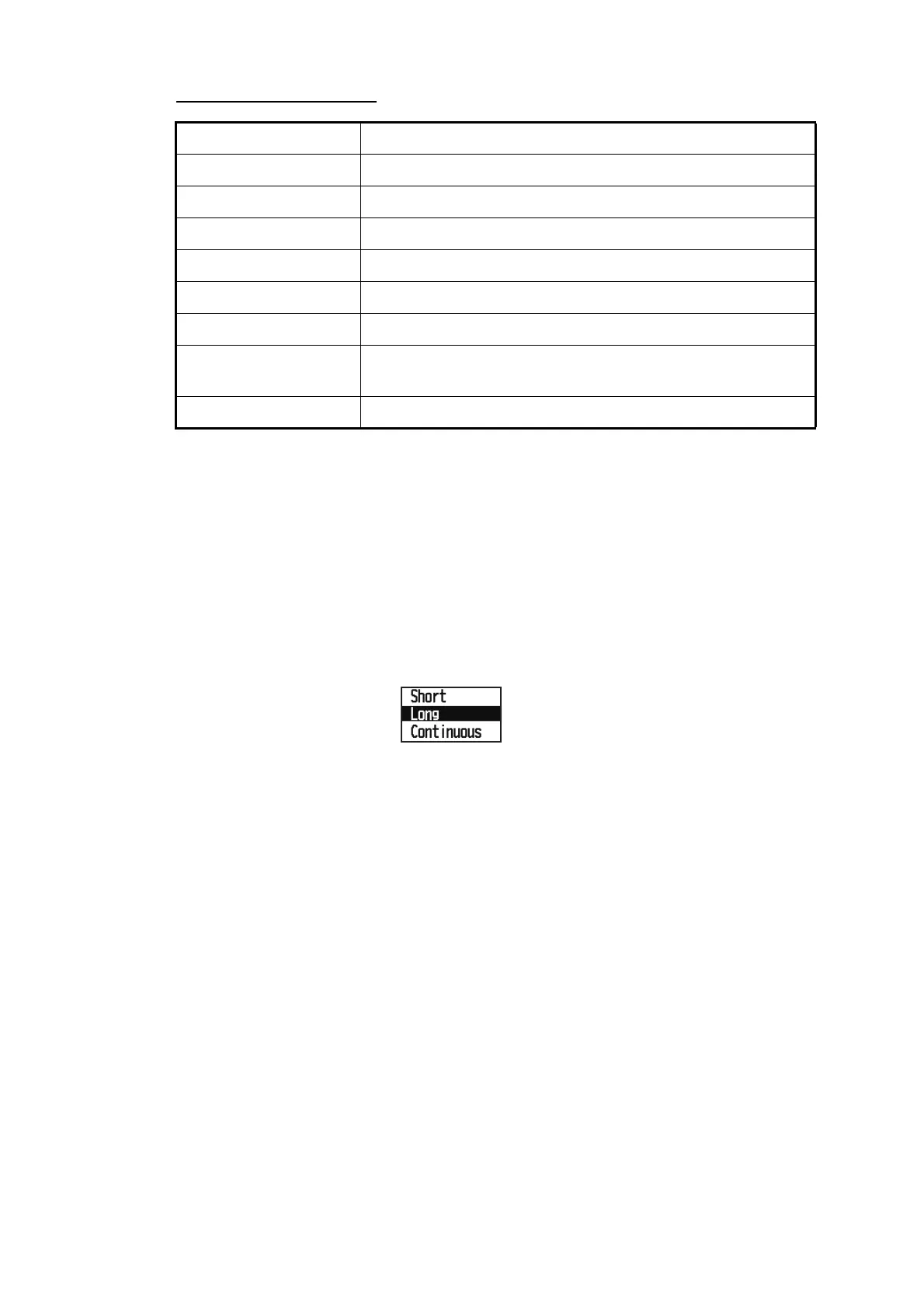
6.2 Buzzer Type Selection
The buzzer sounds whenever an alarm setting is violated. You can select the type of
buzzer as follows:
1. Press the MENU key twice to show the main menu.
2. Select [Alarms], and press the ENT/CNTR key.
3. Select [Buzzer], and press the ENT/CNTR key.
4. Select buzzer type, and press the ENT/CNTR key.
Short: Unit emits a short beep sound for 1 second and off for 1 second.
Long: Unit emits a long beep sound for approximately 3 seconds for three times.
Continuous: Unit continuously emits long beep sounds until a key is pressed.
5. Press the MENU key twice to close the menu.
Message Meaning
XTE ALARM! The boat is off its intended course by the range set.
TIME ALARM! The time set has come.
SPEED ALARM! The boat’s speed is higher than the range set.
ARRIVAL ALARM! The boat is approaching the arrival area.
TRIP ALARM! The boat has traveled further than the preset trip distance.
ODOMETER ALARM! The boat has traveled the total distance set.
ANCHOR WATCH! The boat has moved a certain distance (when it should be at
rest).
NO WAAS SIGNAL! WAAS signal cannot be found.



 To Next Page