6-1
6. ALARMS
6.1 Overview
There are eight alarm conditions which generate both audio and visual alarms: Arrival
alarm, Anchor watch alarm, XTE (Cross-Track Error) alarm, Speed alarm, WAAS
alarm, Time alarm, Trip alarm and Odometer alarm.
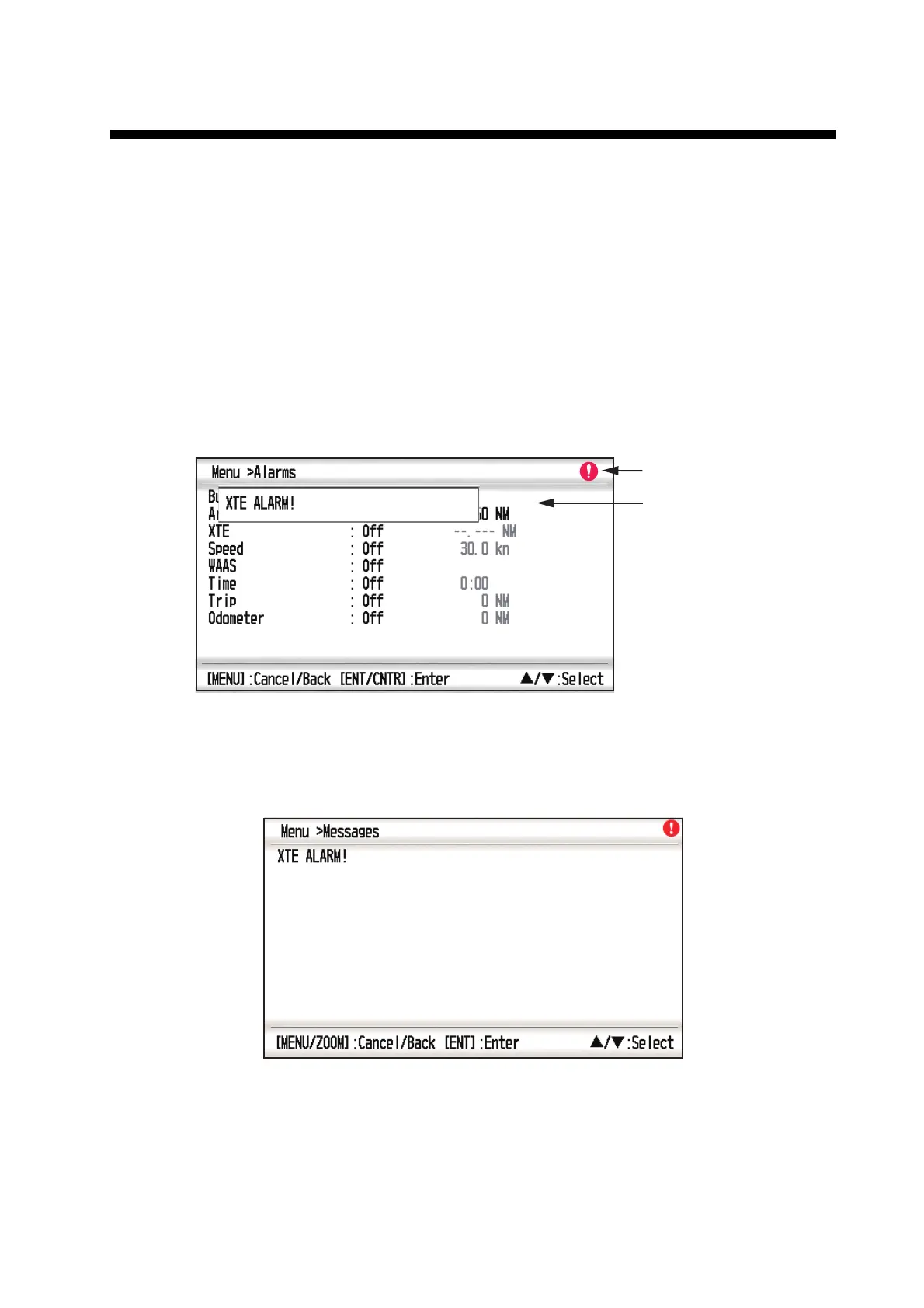
When an alarm setting is violated, the buzzer sounds and the name of the offending
alarm and the alarm icon appear on the display (alarms other than Speed Based Out-
put).
You can silence the buzzer and remove the alarm indication by pressing any key. The
alarm icon remains on the screen until the reason for the alarm is cleared.
To know which alarm has been violated, do the following procedure.
1. Press the MENU key twice to show the main menu.
2. Select [Messages], and press the ENT/CNTR key.
Example alarm message
The display shows the names of offending alarms. When there are no alarms, the
message "No Message! " appears.
Alarm message
Alarm icon (flashing)



 To Next Page