3. WAYPOINTS
3-5
3.3 How to Edit Waypoints
Waypoint position, name, mark shape and comment can be edited on the plotter dis-
play or through the waypoint list.
Note: When the waypoint selected is set as the destination, the message "Change
The Waypoint. Are you sure?" appears.
3.3.1 How to edit waypoints on the plotter display
1. Operate the cursorpad to place the cursor on the waypoint to edit.
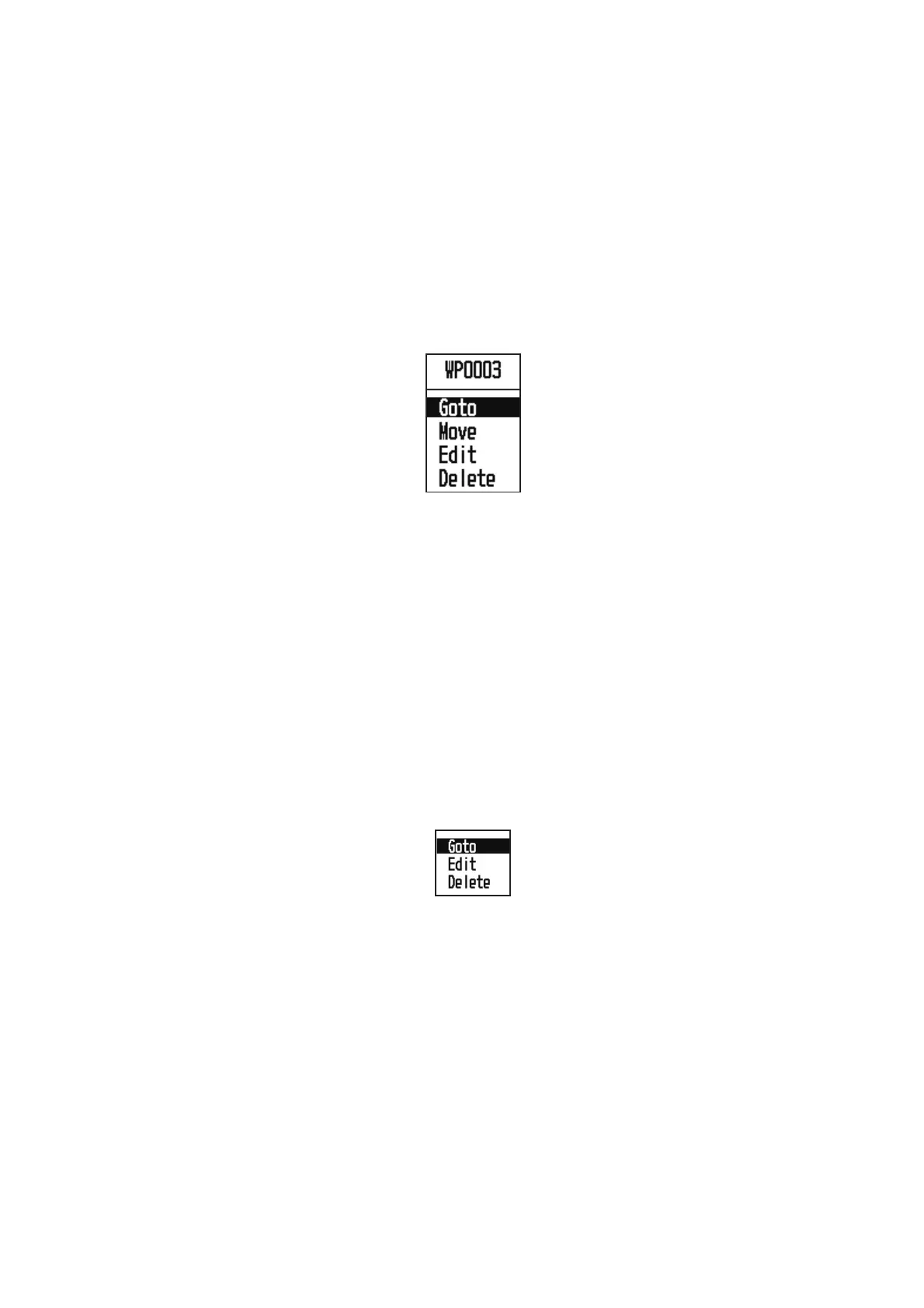
2. Press the ENT/CNTR key to show the pop-up window.
3. Select [Edit], and press the ENT/CNTR key to show the waypoint information.
4. Edit the waypoint (see the paragraph 3.1.3).
5. Press the MENU key to return to the plotter display.
3.3.2 How to edit waypoints through the list
1. Press the MENU key twice to show the main menu.
2. Select [Waypoints], and press the ENT/CNTR key.
3. Select [Alpha] or [Distance], and press the ENT/CNTR key.
Alpha: The list shows waypoints in alphabetical order.
Distance: The list shows waypoints from the nearest to the furthest.
4. Select the waypoint to edit, and press the ENT/CNTR key to show the pop-up win-
dow.
5. Select [Edit], and press the ENT/CNTR key to show the waypoint information.
6. Edit the waypoint data (see the paragraph 3.1.3).
7. Press the MENU key several times to close the menu.



 To Next Page