3. WAYPOINTS
3-7
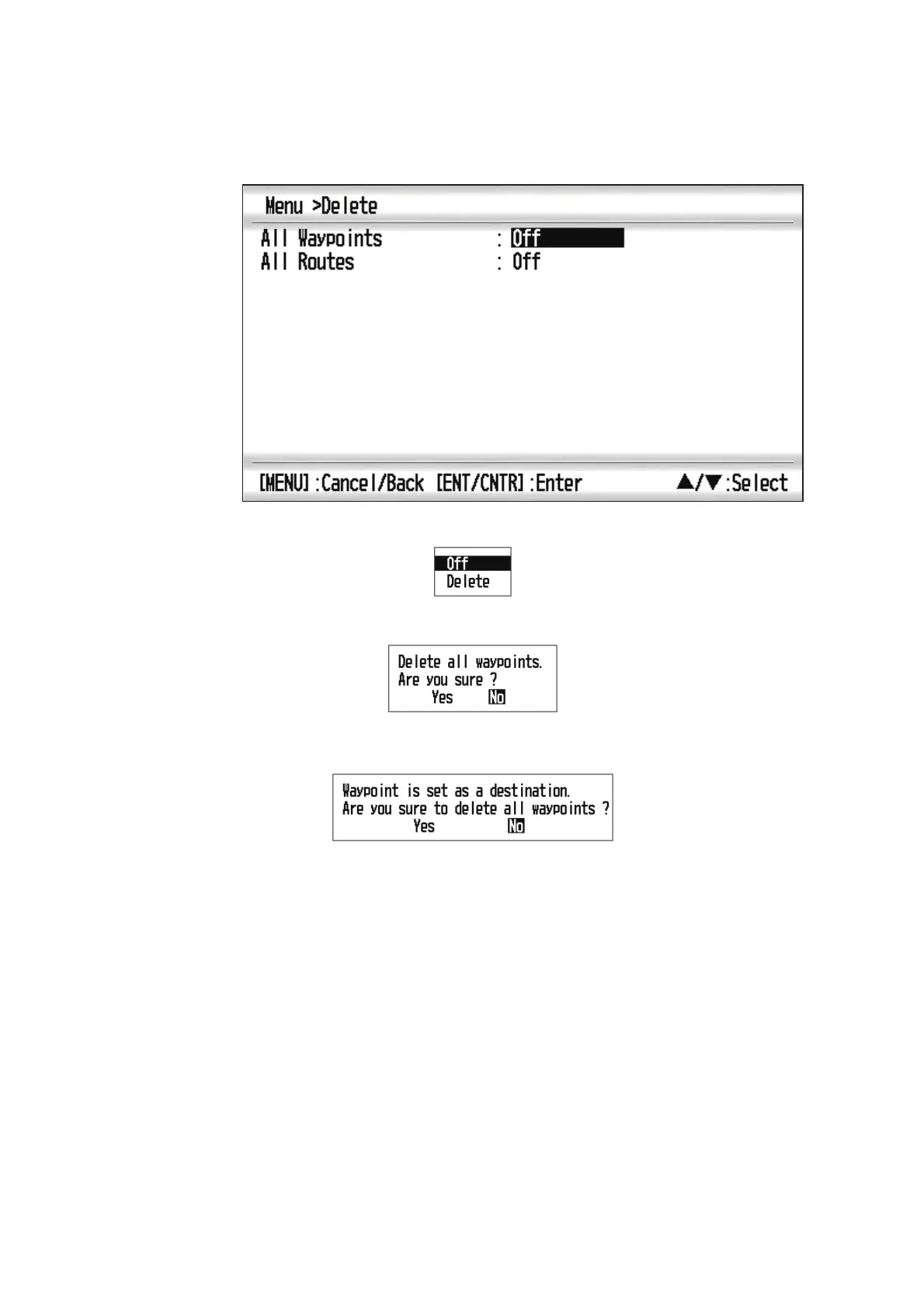
3.5.3 How to erase all waypoints
1. Press the MENU key twice to show the main menu.
2. Select [Delete], and press the ENT/CNTR key.
3. Confirm that [All Waypoints] is selected, and press the ENT/CNTR key.
4. Select [Delete], and press the ENT/CNTR key.
When no waypoint is set as destination
When a waypoint is set as destination
5. Select [Yes], and press the ENT/CNTR key to erase all waypoints.
Note: To cancel, select [No].
6. Press the MENU key twice to close the menu.



 To Next Page