8. MAINTENANCE, TROUBLESHOOTING
8-4
5. Press each key one by one.
The corresponded mark on the display turns red if the key is functioning properly.
6. Press the MENU key three times to close the test screen.
7. Select [LCD Test], and press the ENT/CNTR key.
Each press of this key changes the LCD pattern in the sequence shown below.
RedGreenBlueRed (gradation)Green (gradation)Blue (grada-
tion)WhiteBlackWhite/Black (gradation)return to System screen.
Note: To cancel the test, press the MENU key.
8. Press the MENU key twice to close the menu.
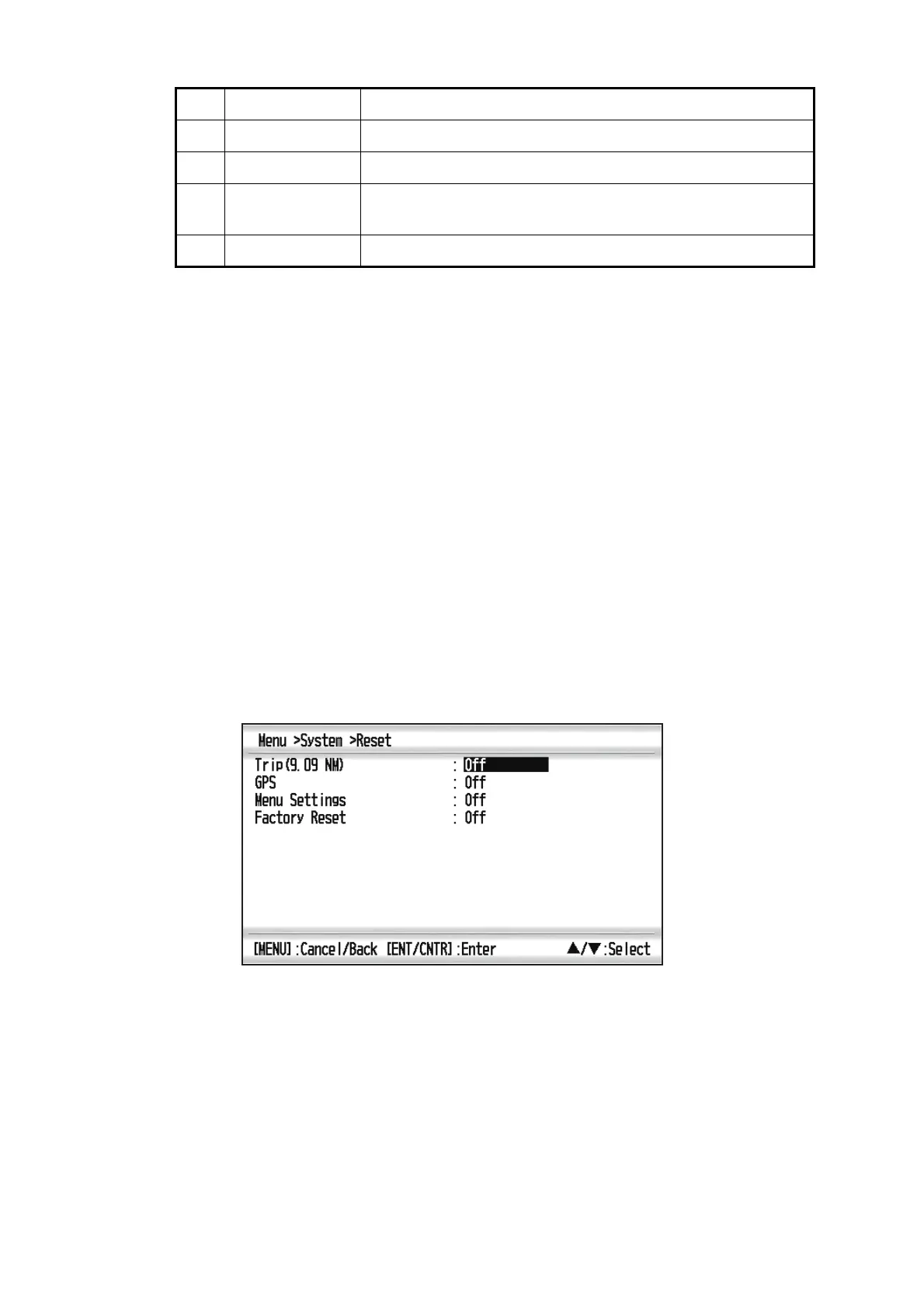
8.5 Clearing Data
You can clear GPS data, menu settings* and all backup data* to start afresh (*ex-
cludes Language, Units and TD).
1. Press the MENU key twice to show the menu.
2. Select [System], and press the ENT/CNTR key.
3. Select [Reset], and press the ENT/CNTR key.
4. Select [GPS], [Menu Settings] or [Factory Reset], and press the ENT/CNTR key.
5. Select [On], and press the ENT/CNTR key.
6. Press to select [Yes], and press the ENT/CNTR key.
[Menu Settings], [Factory Reset]: Go to Initial Setting screen. Select the language,
then press ENT/CNTR and MENU key in order.
3 USB Correct: “OK”, Wrong: “NG”
4 GPS test Correct: “OK”, Wrong: “NG”
5 Program version
No.
The program version No. which is currently used appears.
6 CNT Number of test repetition.
No. Test Items Description



 To Next Page