7. OTHER FUNCTIONS
7-2
- Manual (Speed calculated manually)
1. Press and ENT/CNTR in order.
2. Enter speed (1 to 999 knot), and press the ENT/CNTR key.
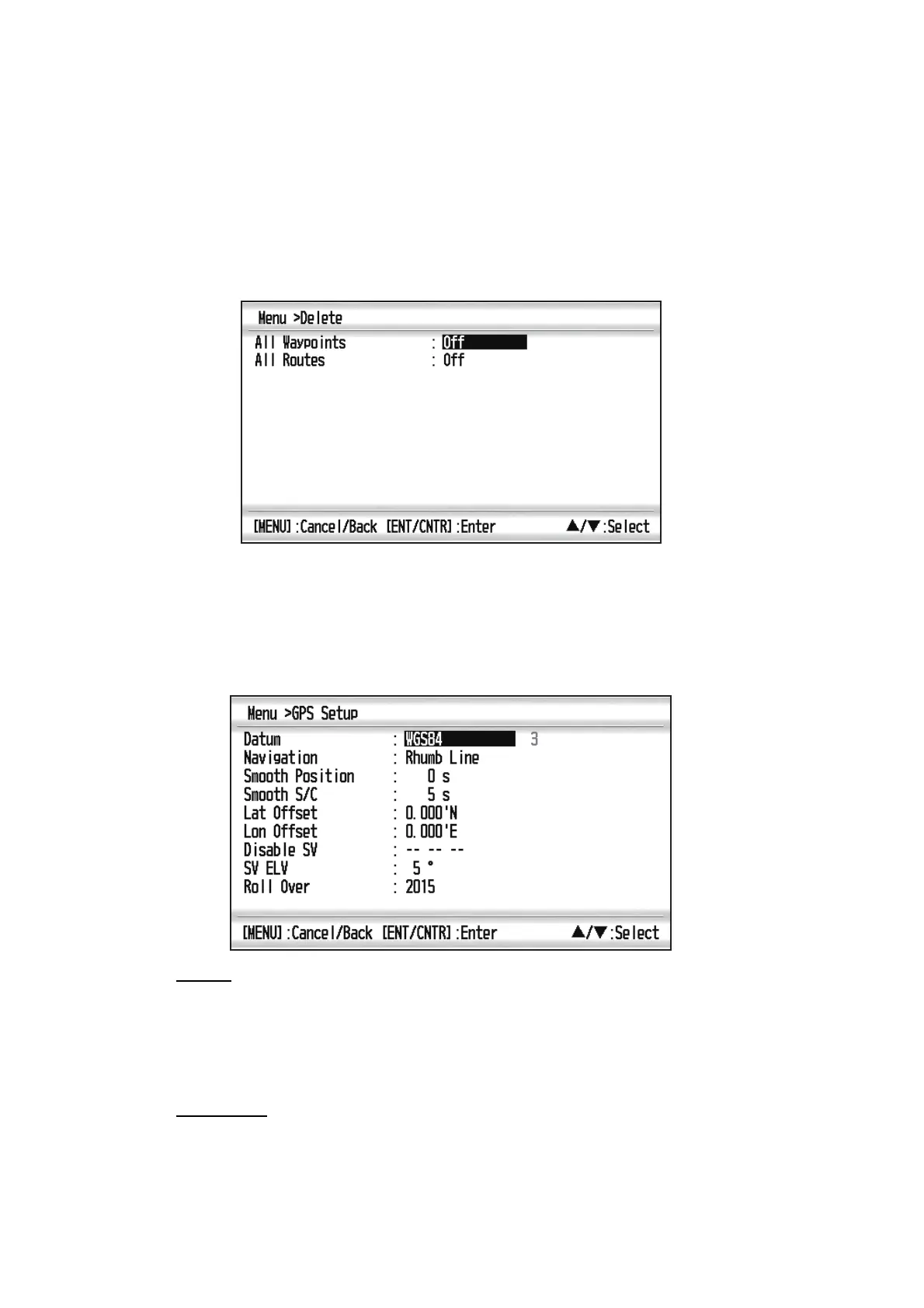
7.2 Delete Menu
You can delete all waypoints and routes listed in [Waypoint List] and [Route List].
7.3 GPS Setup Menu
The GPS Setup menu smooths position and course, averages speed, applies position
offset, and deactivates unhealthy satellites.
Datum
Your unit is programmed to recognize most of the major chart systems of the world.
Although the WGS-84 system, the GPS standard, is now widely used other categories
of charts still exist. Select the same datum which is used in your nautical charts. Select
WGS84 (default setting), WGS72 or Other (Datum entry required).
Navigation
When you set a destination, the equipment displays the range, bearing and course to
that destination. Range and bearing are calculated by the Great Circle or Rhumb Line
method. Route total distance is also calculated. Cross-track error is only calculated in
the Rhumb Line method.



 To Next Page