7-1
7. OTHER FUNCTIONS
This chapter describes menu items not covered in other chapters.
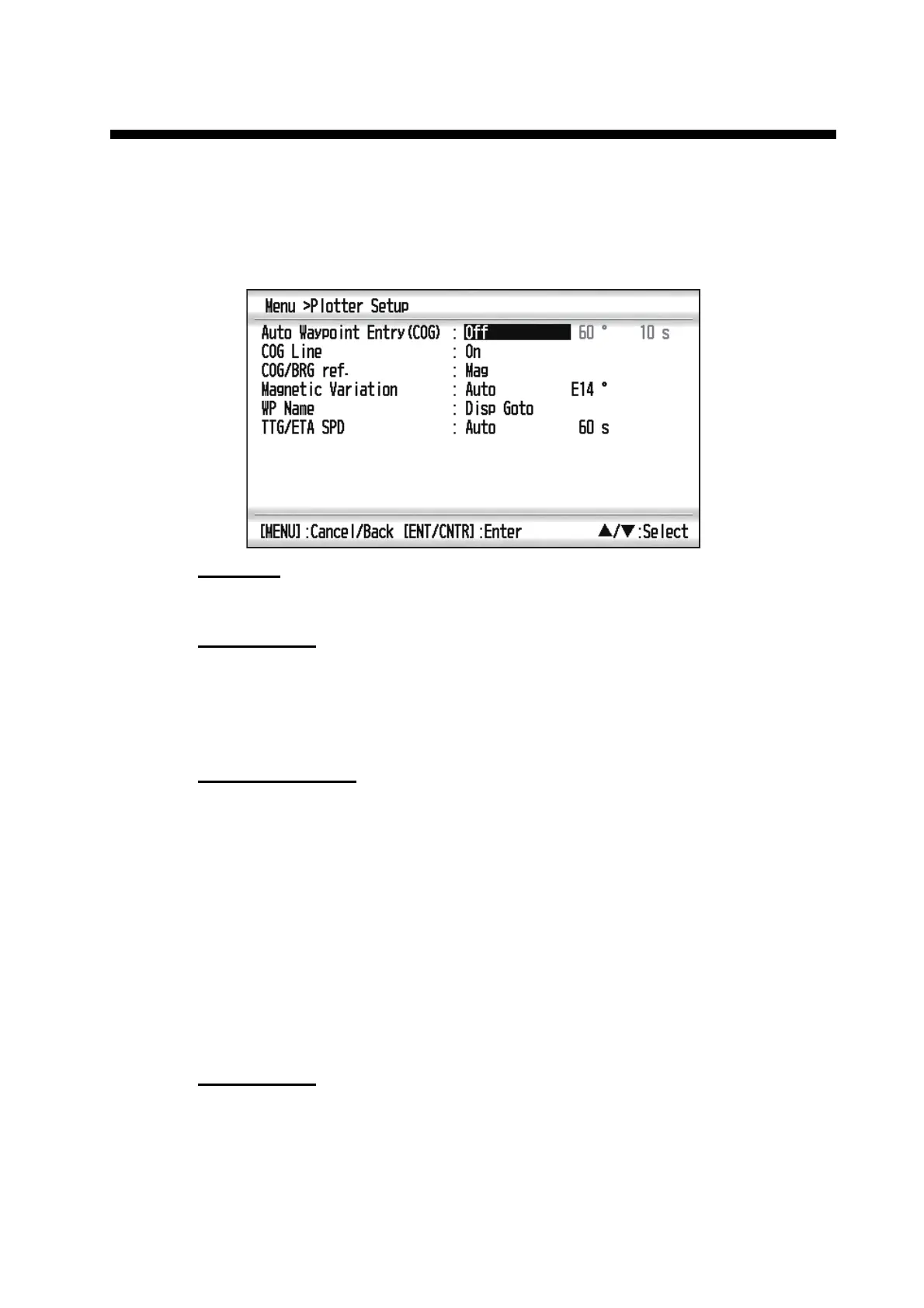
7.1 Plotter Setup Menu
COG Line
You can show or hide the COG line on the plotter display.
COG/BRG ref.
Boat’s course and bearing to a waypoint are displayed in true or magnetic bearing.
Magnetic bearing is true bearing plus (or minus) earth’s magnetic variation. Select the
bearing reference according to the installed compass: magnetic for magnetic com-
pass, true for gyrocompass or satellite compass using true bearing.
Magnetic Variation
The location of the magnetic north pole is different from the geographical north pole.
This causes a difference between the true and magnetic north direction. The differ-
ence is called magnetic variation, and varies with respect to the observation point on
earth. Your unit is pre-programmed with all the earth’s magnetic variation. However,
you may wish to enter variation manually to refine accuracy using the latest chart. Set
[COG/BRG ref.] on the Plotter Setup menu to [Mag] to use magnetic variation.
To enter magnetic variation manually, do the following:
1) If necessary, change coordinate from east to west or vice versa.
2) Enter the value referring to a recent nautical chart.
3) Press the ENT/CNTR key.
TTG/ETA SPD
To calculate time to go and estimated time of arrival, enter your speed as below.
- Auto (GPS calculated speed)
1. Press and ENT/CNTR in order.
2. Enter the speed average (1 to 999 sec.) to use, and press the ENT/CNTR key.



 To Next Page