9-1
9. INSTALLATION
9.1 Equipment Lists
Standard Supply
Optional Supply
9.2 Installation of Display Unit
9.2.1 Installation consideration
The display unit can be installed on a desktop, underside of table or in a panel. Refer
to the outline drawings at the end of this manual for installation instructions. When se-
lecting a mounting location, keep in mind the following points:
• Locate the unit away from exhaust pipes and vents.
• The mounting location should be well ventilated.
• Mount the unit where shock and vibration are minimal.
• Locate the unit away from equipment which generates electromagnetic fields such
as a motor or generator.
• Allow sufficient maintenance space at the sides and rear of the unit and leave suf-
ficient slack in cables, to facilitate maintenance and service.
• Observe compass safe distances noted on SAFETY INSTRUCTIONS to prevent in-
terference to a magnetic compass.
• Locate the unit away from direct sunlight. The LCD display may black out if it is ex-
posed to direct sunlight for a long time.
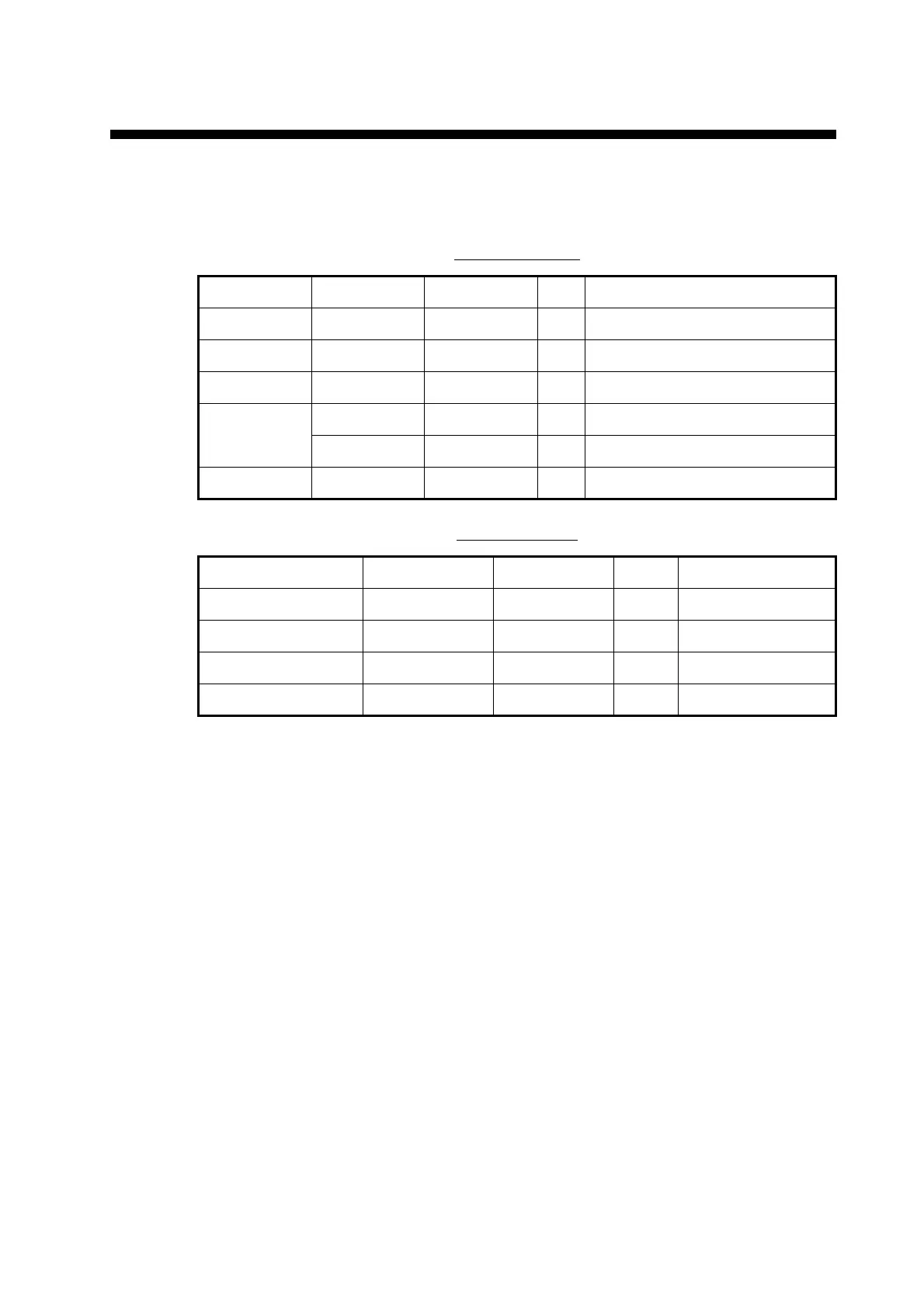
Name Type Code No. Qty Remarks
Display unit GP-39 000-029-443 1
Antenna Unit GPA-017 000-029-316 1 w/10 m cable
Spare Parts SP20-01601 001-435-700 1 Fuse FGMB 125V 1.5A PBF
Installation
Materials
CP20-03901 001-435-710 1 Self-tapping screw 5 16, 4 pcs.
CP20-03900 001-435-720 1
Accessories FP20-01300 001-435-730 1 Plastic bag
Name Type Code No. Qty Remarks
Flush Mount Kit F OP20-45 001-435-860 1
Flush Mount Kit S OP20-46 001-435-870 1
Mast Mounting Kit CP20-01111 004-365-780 1
Operator’s Manual OME-44940-* 001-435-850 1



 To Next Page