1-1
1. OPERATIONAL OVERVIEW
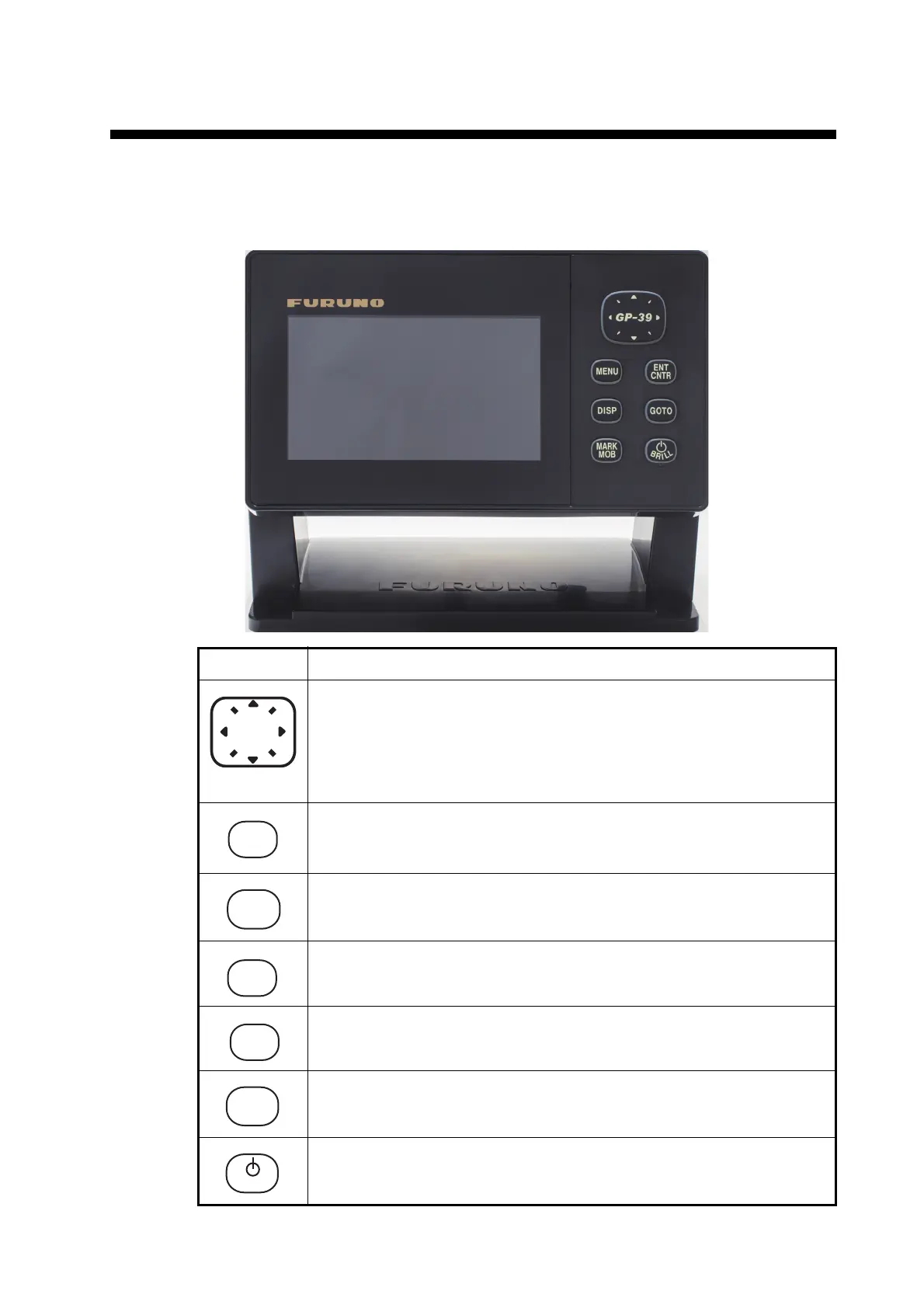
1.1 Controls
Key Description
(Cursorpad)
- Shifts the cursor.
- Selects item on menus.
- Opens the Menu. (For plotter and highway displays, press twice,
For other displays, press once)
- Shows the zoom window (plotter and highway displays only).
- Long press: Returns own ship position to center (plotter display only).
- Momentary press: Confirms selection on menus.
Selects display mode.
Sets destination.
- Long press: Inscribes MOB mark.
- Momentary press: Registers own ship position as waypoint.
- Long press: Turns power off.
- Momentary press: Turns power on./Shows Brill window.
GP-39
DISP



 To Next Page